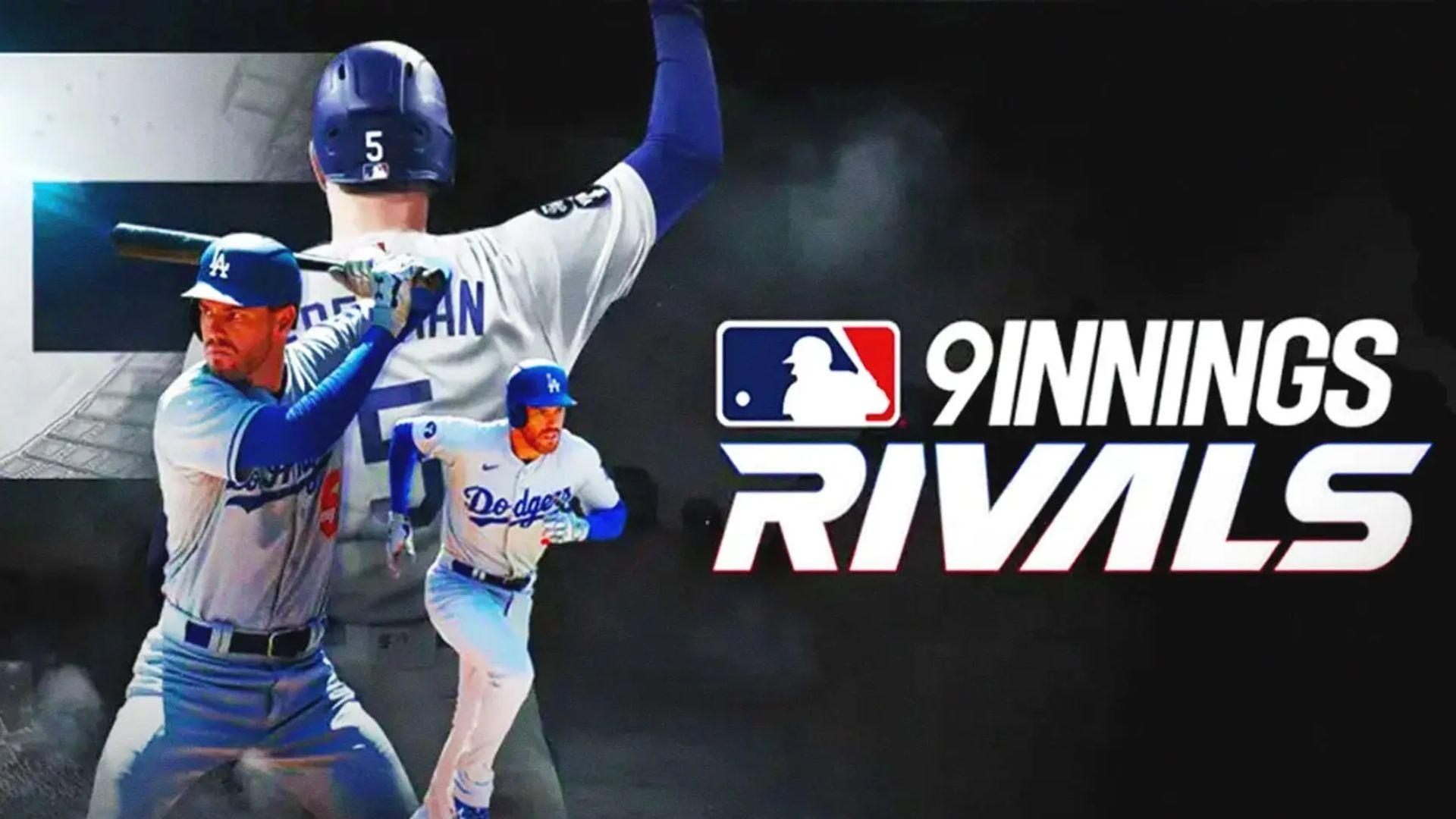
MLB 9 Innings Rivals 26 is a Sports game developed by Com2uS. LDPlayer is the best platform for playing MLB 9 Innings Rivals 26 on Windows PC, offering powerful features to enhance your immersive experience in MLB 9 Innings Rivals 26.
When playing MLB 9 Innings Rivals 26 on your computer, the larger screen and more powerful graphics performance enable you to enjoy clearer and smoother game visuals, enhancing the visual experience of the game.
The operation of peripherals such as gamepads is emulated to better mimic the feel of real sports, providing more precise control and richer operation options.
Furthermore, if you wish to execute a series of continuous key combinations, the one-click macro feature will be the functionality you've been dreaming of, allowing you to effortlessly stay one step ahead with one-touch operation. Start downloading and playing MLB 9 Innings Rivals 26 on your computer now!
Enjoy an Officially Licensed MLB Baseball Game Anytime, AnywhereExperience the fully integrated 2026 MLB schedule, and take on the World Series with 2026 Live Cards!
The game now features baseball legends from the National Baseball Hall of Fame—available as brand-new cards!
The game chosen by 2-time National League MVP Bryce Harper, MLB 9 Innings Rivals 26!
■ MLB 9 Innings Rivals 26 Game Features
[NEW]
# Set your Support Team during the regular season and earn a variety of rewards!
# A fierce battle to determine the very best. The Ranked Tournament is back!
# Clubhouse Leader System updated. Select your team's Pitching Leader!
# Expanded player growth. Transcendence expansion and Transcendence Potential update!
[REAL]
# 2026 MLB season schedule, stadiums, and uniforms fully featured!
# 2026 Live Cards that reflect real-time performance!
# Realistic player motions captured with cutting-edge technology!
# Every single call matters. Competition intensifies with the ABS Challenge System!
[PLAY]
# [Quick Play, Spotlight Batting, or Full Play]: Choose how you want to enjoy the game!
# Ranked Slugger: Become the true Home Run King!
# Live Match: Face off against rivals from around the world in real time!
# Club Battle: Join forces with your Club members to challenge the top clubs!
[EASY]
# No more complicated controls! Enjoy simple one-touch play.
# Speed through games with Quick Play and play speed settings!
# Improved tutorials to make the game easier to understand.
# Upgrade system revamp. Check success rates at a glance!
Feel the thrill of baseball action with MLB 9 Innings Rivals 26!
Major League Baseball trademarks and copyrights are used with the permission of Major League Baseball. Visit MLB.com for more information.
Officially Licensed Product of MLB Players, Inc.
MLB Players, Inc. trademarks, copyrighted works, and other intellectual property rights are owned and/or held by MLB Players, Inc. and may not be used without the written consent of MLB Players, Inc.
Visit MLBPLAYERS.com to check out “the Players Choice.”
National Baseball Hall of Fame and Museum® & Member Licensing Program used with the permission of the National Baseball Hall of Fame and Museum. Visit www.BaseballHall.org.
***
Device App Access Permission Notice
Access permissions are requested in order for us to provide you with the following service when you use the app.
[Required]
None
[Optional]
· Push Notification: The authority is required to receive push notifications from the game.
※ Please note that you can still enjoy the service excluding features related to the above without giving access permissions.
• Language support: English, 한국어, 日本語, 中文繁體 and Español!
• Items are available for purchase in this game. Some paid items may not be refundable depending on the type of item.
• For Com2uS Mobile Game Terms of Service, visit http://www.withhive.com/.
- Terms of Service : http://terms.withhive.com/terms/policy/view/M9/T1
- Privacy Policy : http://terms.withhive.com/terms/policy/view/M9/T3
• For game-related inquiries, please contact the Com2uS Customer Support (https://customer.withhive.com/com2us).