Monster Frontline is a Card application developed by HUNG WELL International, but with the best Android emulator-LDPlayer, you can download and play Monster Frontline on your computer.
Running Monster Frontline on your computer allows you to browse clearly on a large screen, and controlling the application with a mouse and keyboard is much faster than using touchscreen, all while never having to worry about device battery issues.
With multi-instance and synchronization features, you can even run multiple applications and accounts on your PC.
And file sharing makes sharing images, videos, and files incredibly easy.
Download Monster Frontline and run it on your PC. Enjoy the large screen and high-definition quality on your PC!
【Features】The summoners possess the incredible ability to control monsters, creating the ultimate team and venturing into the depths of the Magic Library for mystical powers, and employ strategic attribute advantages and tactical combos to outwit their opponents and earn victories.
◆Easily Connect in High-Speed Battles◆
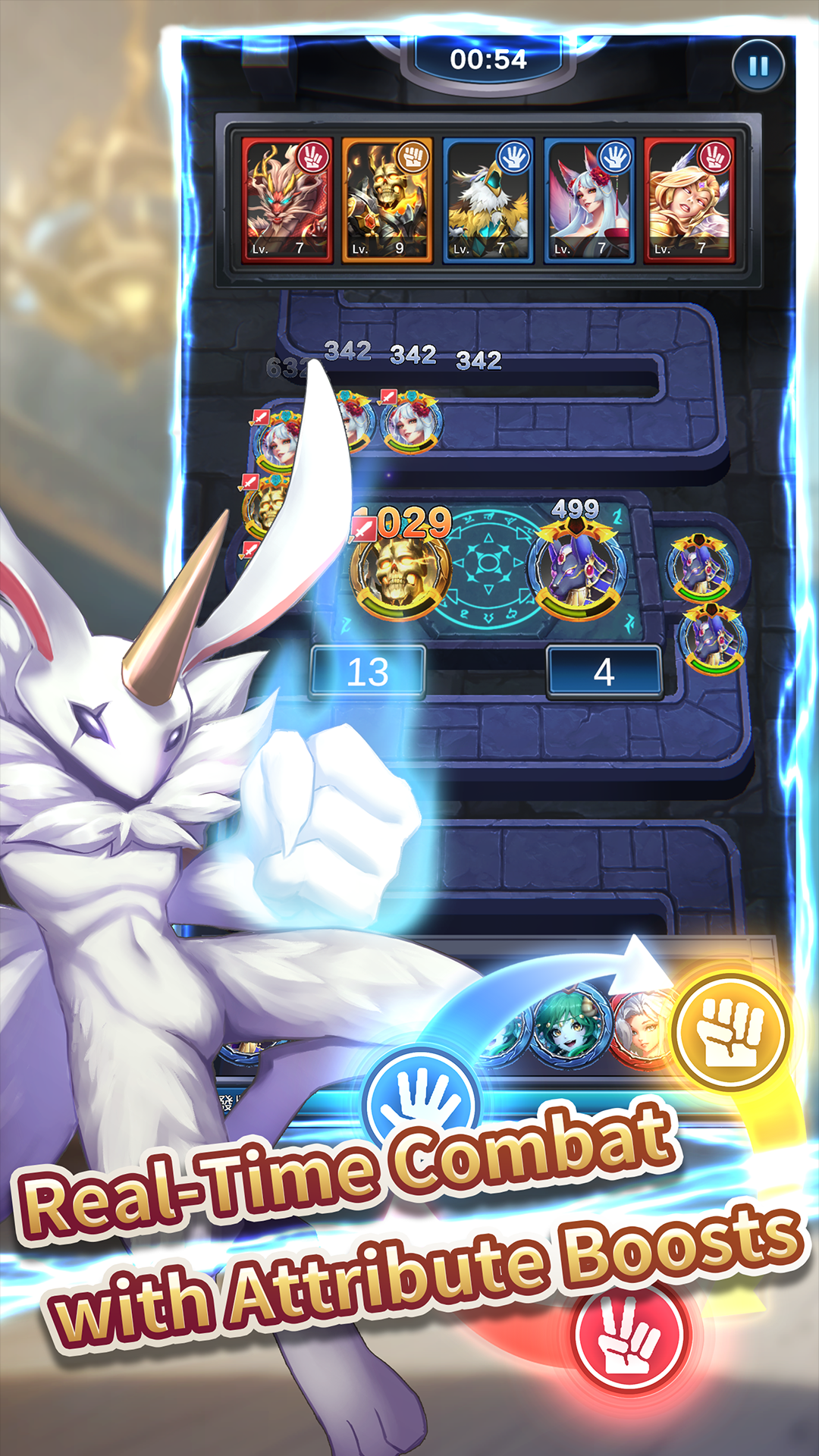
Monsters are divided into three attributes: Scissors, Rock, and Paper. Skillfully using attribute advantages can deal higher damage to opponents. Sending out three identical monsters allows them to connect, triggering exclusive combo skills during battles. Higher-tier monsters possess unique activation conditions for their special abilities. Master the timing of skill activation and embark on the path to victory.
◆Join Forces in the Boss Challenge◆
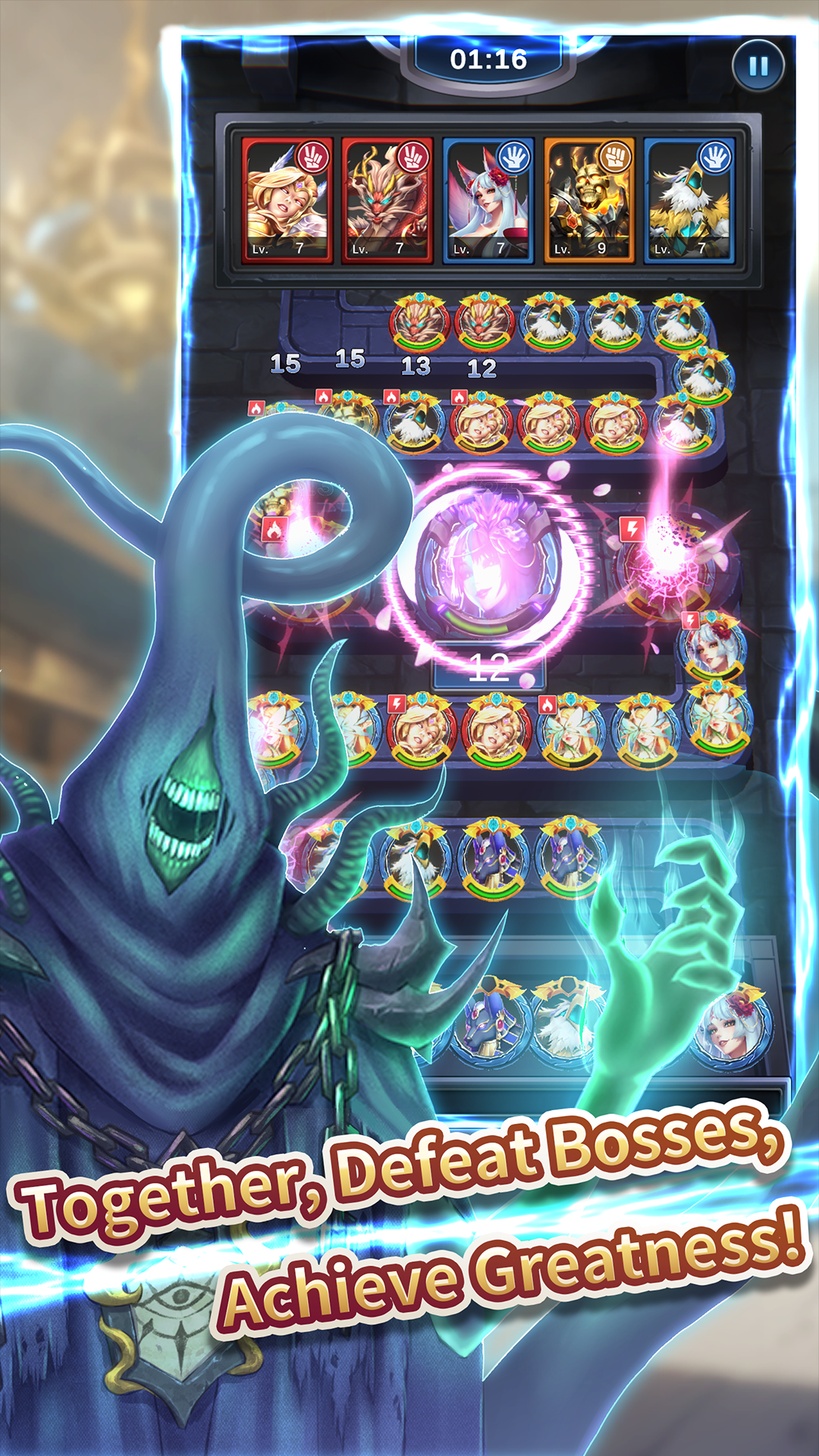
In the depths of the Magic Library, uncontrollable evil monsters exist. Summoners, who are usually at odds with each other, must unite to face these endlessly formidable creatures. Utilize strategies and teamwork, unleash the team's maximum damage output, withstand the assault of mighty monsters, and reap exclusive bountiful rewards together.
◆Build Your Strong Team◆
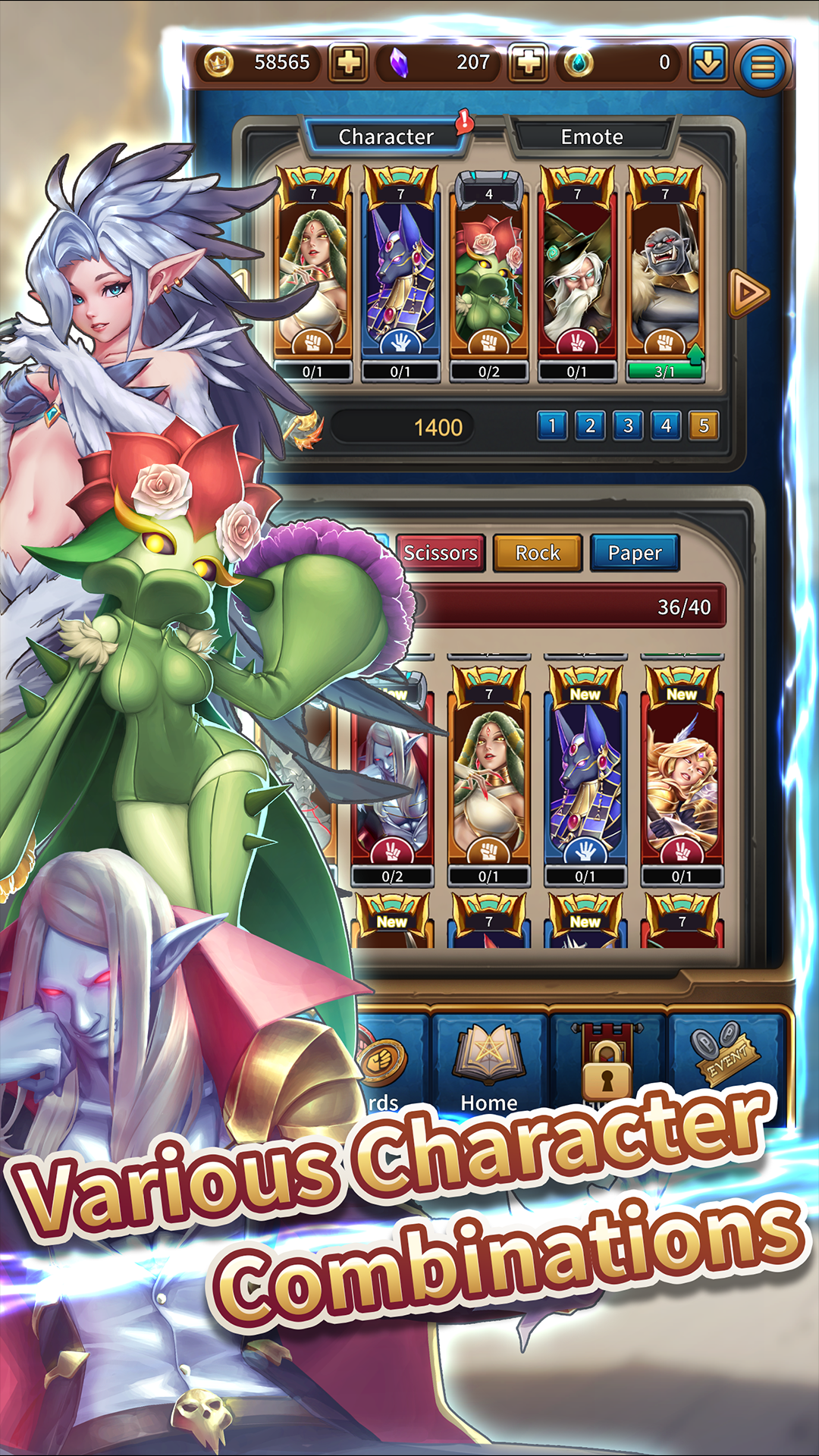
Within the Magic Library, there are dozens of different monsters. Summoners must collect more monsters to enhance their strength, allowing for a more diverse and powerful team composition. Upgrading owned monsters grants substantial improvements to their skills, enhancing the team's overall performance. Assemble a unique and formidable team, and stand out among the summoners!