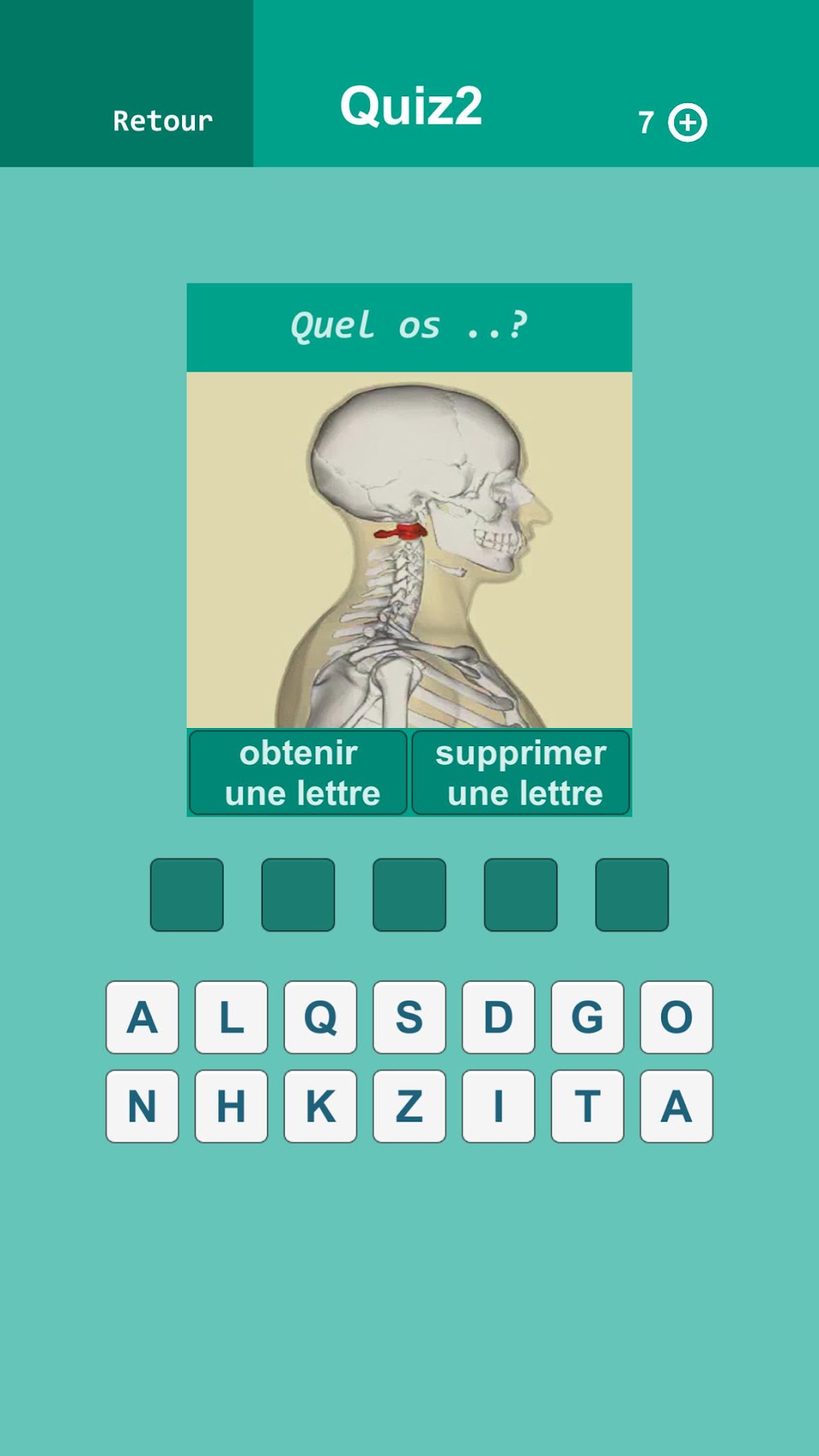
Mot Croisé Medical is a Word application developed by Zougagh Mohammed, but with the best Android emulator-LDPlayer, you can download and play Mot Croisé Medical on your computer.
Running Mot Croisé Medical on your computer allows you to browse clearly on a large screen, and controlling the application with a mouse and keyboard is much faster than using touchscreen, all while never having to worry about device battery issues.
With multi-instance and synchronization features, you can even run multiple applications and accounts on your PC.
And file sharing makes sharing images, videos, and files incredibly easy.
Download Mot Croisé Medical and run it on your PC. Enjoy the large screen and high-definition quality on your PC!
Welcome to “Medical Crossword”, an innovative mobile game that combines the fun of crosswords with the expertise of the medical field. Designed for medical enthusiasts, medical students, and healthcare professionals, this game offers full immersion in medical jargon while stimulating your mind and language skills.The game features carefully crafted crossword puzzles, where each word and clue is carefully selected to reflect the vast spectrum of modern medicine. Players can delve into fascinating questions that span various medical specialties, from rare diseases to innovative treatments.
Whether you are a seasoned medical expert or simply curious looking to expand your knowledge, “Medical Crossword” offers a fun learning experience. You can challenge your friends, colleagues or other medical enthusiasts to crossword duels, adding a competitive dimension to the experience.
The game also offers features like hints to help you if you get stuck, performance stats to track your progress, and challenging rewards to keep you motivated. With regular updates introducing new thematic grids and relevant words, “Medical Crossword” guarantees an experience that is always fresh and stimulating.
Download “Medical Crossword” now and immerse yourself in the fascinating world of medical crosswords. Whether you're on the go, on a coffee break, or just want to exercise your brain, this game offers an immersive and educational experience in the medical field.