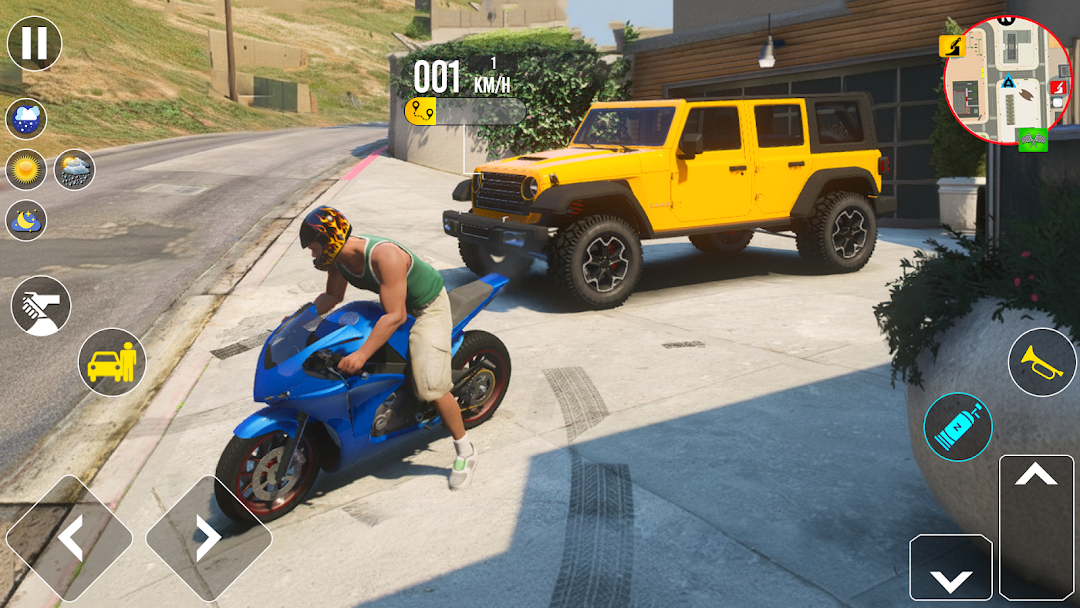
Multistory Car Street Parking is a Role Playing game developed by GamePod, and LDPlayer is the best platform for playing Multistory Car Street Parking on Windows PC, offering powerful features for an immersive experience.
When playing Multistory Car Street Parking on PC, as a new player looking to start with a fresh account, the multi-instance and sync features are extremely useful for rerolls. You can use them to run multiple instances and begin the synchronization process. Bind your account until you draw the desired heroes.
In addition, operation recorder is great for games that require you to level up and complete tasks! Run the sync and record your actions, then repeat the main instance's actions in real-time. By doing so, you can run 2 or more accounts simultaneously. You can always get the heroes you want before others by faster rerolls and more efficient summoning! Start downloading and playing Multistory Car Street Parking on your computer now!
Experience the car driving school challenge with car games 2023 as you explore various parking levels. Master your multistory car parking skills while driving through complex streets. Customize your luxury vehicles to enhance your car driving experience. Improve your Car Parking abilities and unlock new skills. Test your parking skills in difficult scenarios across multiple levels. Enjoy a realistic Prado game with exciting challenges. The car parking simulator will push your limits as you navigate tricky spots. Master sports car chasing while avoiding obstacles.Enroll in the car driving school to learn traffic rules and safe driving techniques. Earn your driving license and advance through tougher levels. Choose between manual gearbox Prado driving or other controls. Navigate multi-story city road Prado parking and conquer each challenge. Face the hardest parking tasks in Prado extreme hard parking levels. The stunning graphics make each moment feel real. Embark on a classic motorcar adventure with new parking challenges. Complete levels to earn rewards and upgrade your vehicles.
Join the offline driving school to practice at your own pace. Improve your Prado car parking skills and become an expert driver. Take on the multi-level parking game with challenging obstacles. Prove yourself in the car driver simulator and show off your abilities. Finally, experience real Prado car parking like never before.