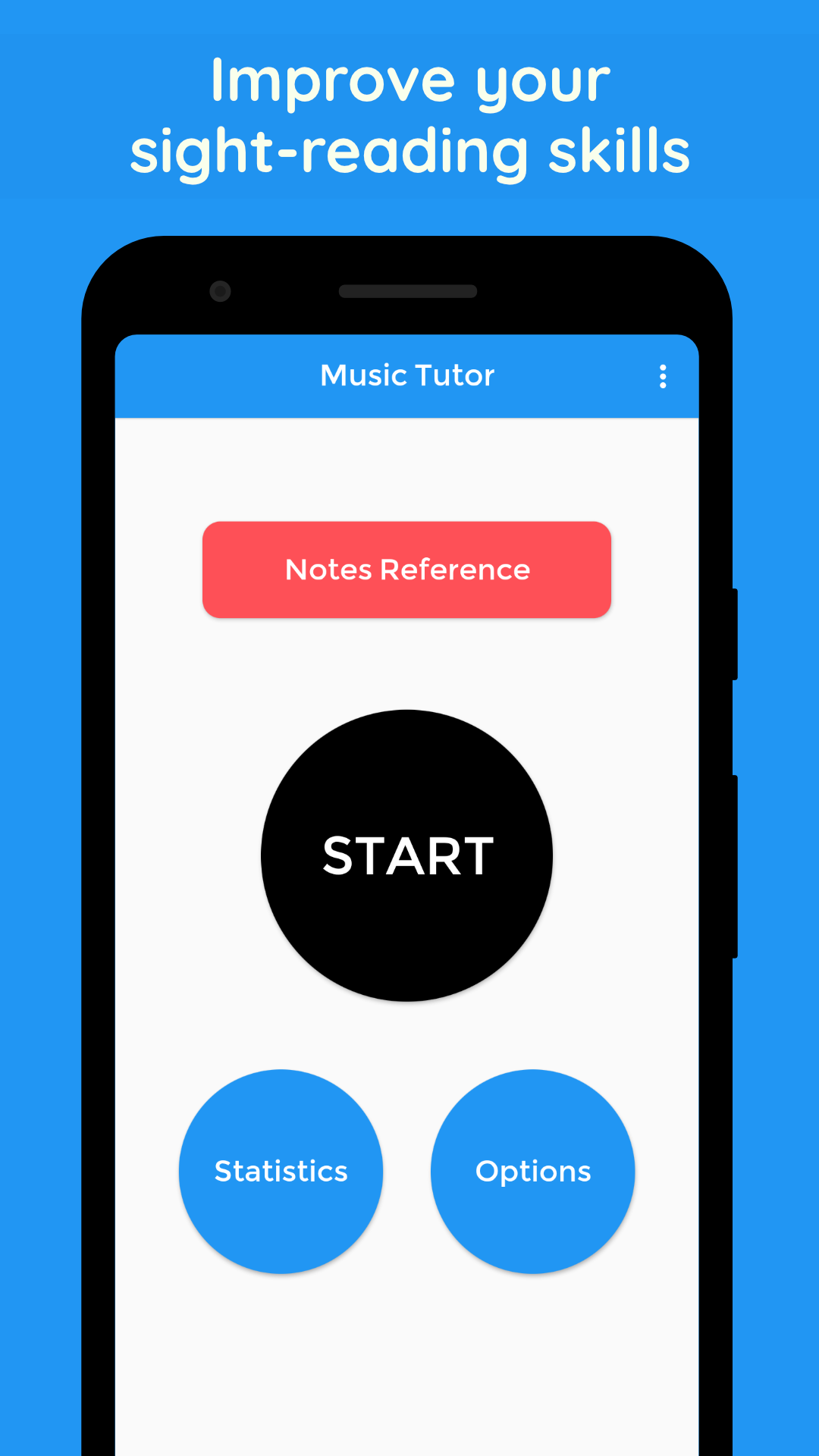
Music Tutor (Sight Reading) is a Music application developed by JSplash Apps, but with the best Android emulator-LDPlayer, you can download and play Music Tutor (Sight Reading) on your computer.
Running Music Tutor (Sight Reading) on your computer allows you to browse clearly on a large screen, and controlling the application with a mouse and keyboard is much faster than using touchscreen, all while never having to worry about device battery issues.
With multi-instance and synchronization features, you can even run multiple applications and accounts on your PC.
And file sharing makes sharing images, videos, and files incredibly easy.
Download Music Tutor (Sight Reading) and run it on your PC. Enjoy the large screen and high-definition quality on your PC!
Learn to read sheet music and improve your sight-reading skills with Music Tutor. Develop your speed and accuracy in reading sheet music by identifying music notes in timed sessions. Choose to practice between treble, bass and/or alto clefs for a duration of 1, 5 or 10-minute sessions. Music Tutor helps with ear training and practicing your listening (aural) skills. During the practice session, every note is displayed along with the sound of the note (this feature can also be turned off if not necessary).After each test, you can review your mistakes and see your progress. There is also an option to set the range for practice, making this an ideal app for both beginners and advanced students. Music Tutor also supports Solfège (Do, Re, Mi, Fa, Sol, La, Si or Ti) and German note names.
Music Tutor also comes with a sheet music reference chart for treble, bass and alto clefs that you can use to quickly grasp the names of all the notes. As you use Music Tutor, you can keep track of your progress and improvement using the Stats page.