

Musical Instruments & Toddlers is a Educational application developed by PinkyTale, but with the best Android emulator-LDPlayer, you can download and play Musical Instruments & Toddlers on your computer.
Running Musical Instruments & Toddlers on your computer allows you to browse clearly on a large screen, and controlling the application with a mouse and keyboard is much faster than using touchscreen, all while never having to worry about device battery issues.
With multi-instance and synchronization features, you can even run multiple applications and accounts on your PC.
And file sharing makes sharing images, videos, and files incredibly easy.
Download Musical Instruments & Toddlers and run it on your PC. Enjoy the large screen and high-definition quality on your PC!
Help your child to discover the world of music and musical instruments with this great app!A wonderful game and a cute collection of musical instruments for toddlers and kids.
Does your kid want to play with every kind of musical instrument ? This is the app for you!
Your child will discover music and in the meanwhile will exercise his memory!
Musical Instruments & Toddlers is an educational and entertaining game.
It is a nice, simple, fun, and colorful game for toddlers and kids! Play musical instruments !
Funny musicians pets will help your child to discover the musical instruments.
Listen and learn the sounds played by musical instruments!
Easy to learn and to control:
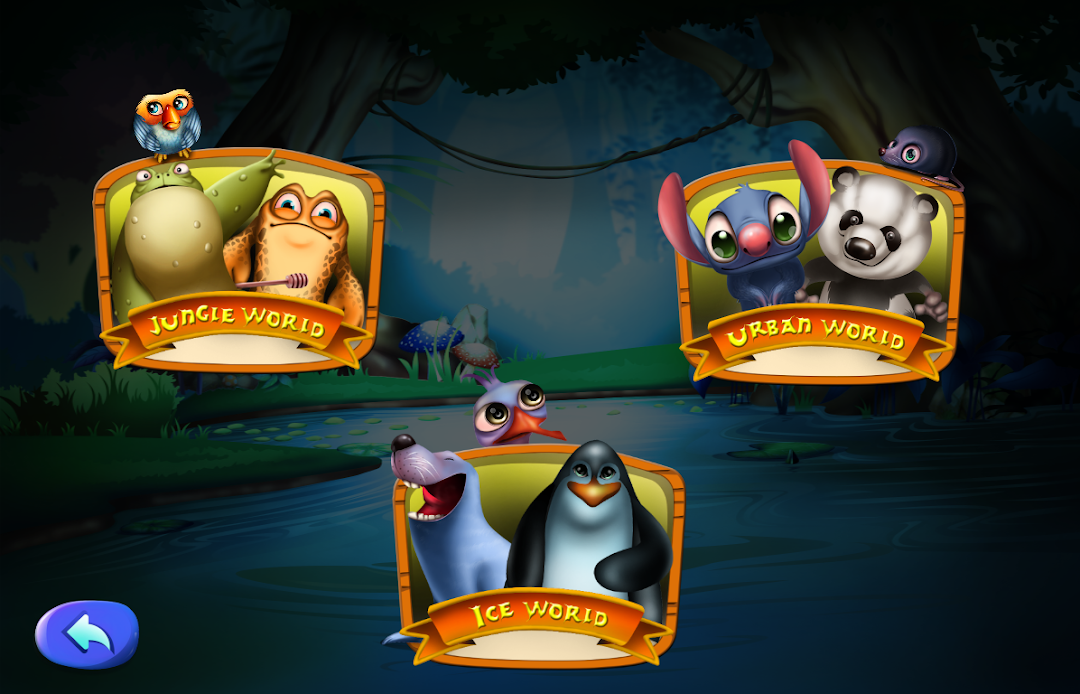
-select the level: jungle, ice and urban world
-interact with all the musical instruments on the screen
-interact with all funny animals
-change the music background with the music you prefer
Simple and intuitive, your baby will have lots of fun for hours !
The perfect game to become a little musician !
This educational game will help your toddler to improve skills in problem solving,
logical and cognitive skills, concentration and memory.
Find out all musical instruments, improving the ability to learn and listen!
Features:
- high quality game for toddlers and preschool kids from ages 0 to 7 years old with very cute musical instruments
- Easy to use and to control
- fun for children of all ages, babies, preschoolers, school children and pre-teens, designed for preschool boys and girls
- Simple for toddlers and babies
- Toddlers develop their fine motor skills and improve their memory
- Play with your child or let them play alone
- use it to keep your baby or toddler occupied
Fun and enjoyable to learn and play with great music instruments, this is a must have app!
A lot of educational music games for toddlers and young kids!!
Your child will admire every kind of musical instruments and will hear real sound effects!
Ideal for children but also fun for adults who want to play with their kids!
A lot of game for children, the best games for kids, apps for babies, games for girls, match game, puzzle for 3 year old and educational games by PinkyTale !