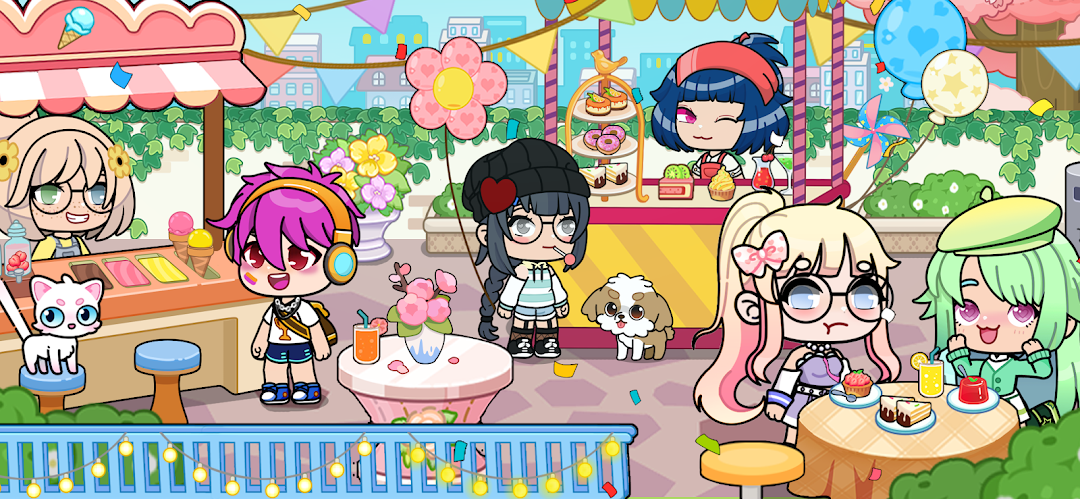
Super City2:Tut Life World is a Role Playing game developed by Hainan Hengdou Network Technology Co., Ltd., and LDPlayer is the best platform for playing Super City2:Tut Life World on Windows PC, offering powerful features for an immersive experience.
When playing Super City2:Tut Life World on PC, as a new player looking to start with a fresh account, the multi-instance and sync features are extremely useful for rerolls. You can use them to run multiple instances and begin the synchronization process. Bind your account until you draw the desired heroes.
In addition, operation recorder is great for games that require you to level up and complete tasks! Run the sync and record your actions, then repeat the main instance's actions in real-time. By doing so, you can run 2 or more accounts simultaneously. You can always get the heroes you want before others by faster rerolls and more efficient summoning! Start downloading and playing Super City2:Tut Life World on your computer now!
Deserted Island: Alice in Wonderland, FantasyA scene with the theme of Alice in Wonderland, allowing players to maintain curiosity, imagination, and a spirit of adventure.
Haunted Building: Magic, Horror, Halloween
The wonderful feeling of the interweaving of horror and magic, feeling rich magic elements and horror elements, and the scene also containing a large number of Halloween elements.
Haunted House: Eerie, Fantasy, Exploration, Courage
All kinds of small horror surprises or even scares brought by the dim and mysterious room.
Cruise Party: Leisure, Relaxation, Ship
The life on the ship. There are diverse ship areas such as the leisure area, DJ stage, living area, and the cockpit for players to experience a diverse life on the ship.
Duplex Residence: Luxury, High-level
Luxurious furniture, home appliances, and luxurious clothing. Players can simulate a high-quality life and feel the life of the rich.
Pet Store: Warm, Interaction, Love and Care, Pet Treatment
A scene specially designed for good interaction between people and pets, which can well act out the plots such as adopting pets, training pets, playing with pets, and pets being sick.
Mall: Mall Restaurant, Mall Photo Studio
On the first floor, there are scenes of customers ordering and dining, and the staff preparing and collecting meals. On the second floor, there is the photography scene in the photo studio.
Gym: Sports, Vitality, Persistence
Immersively act out various sports, allowing players to experience diverse sports items and be able to act out diverse fitness activities.
Farm: Harvest, Nature, Peace
The reward and satisfaction after the hard work of harvest and the tranquility and comfort of farm life, allowing most players living in the city to feel the pleasant farm life that is difficult to experience in daily life.
Future Technology: Robot, Science Laboratory
The robots and scientific technologies brought by future development, feeling the progress of technology and a brand-new experience.
Vacation Island: Seaview Room, Vacation Style
The wonderful life of a seaside vacation. There are relatively rich combinations such as a balcony, a rest area, and a bathroom to create a relaxed and pleasant vacation scene for players.