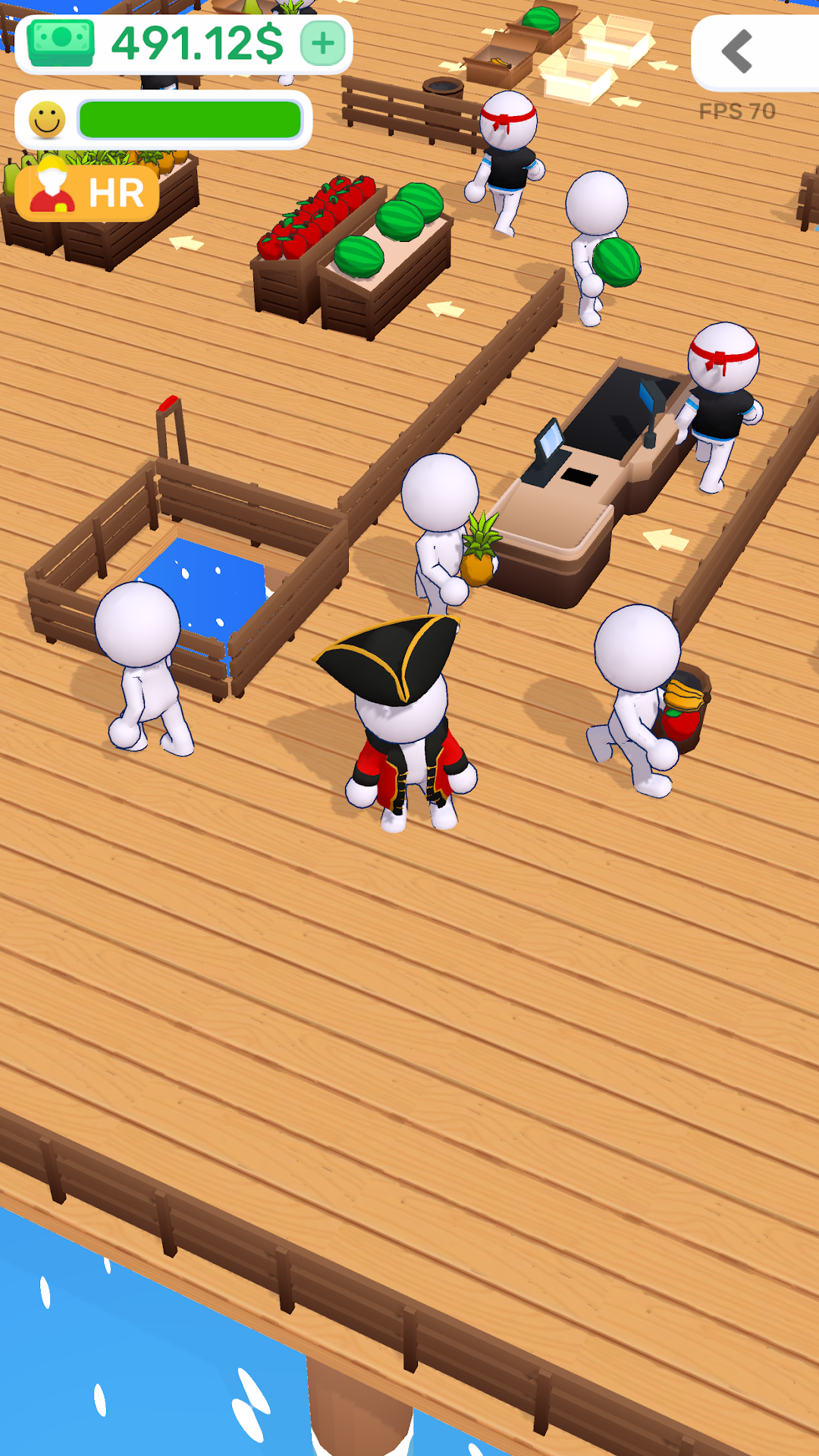


My Money Market is a Casual game developed by Anton Vorobiev. LDPlayer is the best platform for playing My Money Market on Windows PC, offering powerful features to enhance your immersive experience in My Money Market.
When playing My Money Market on your computer, if you find repetitive actions or tasks tedious and time-consuming, fret not! Macro can alleviate your concerns. Simply record your actions with a click of the screen recording feature and let macros take care of the rest. Macros automate your operations, allowing you to effortlessly conquer the game with minimal effort! Start downloading and playing My Money Market on your computer now!
Welcome to My Money Market – Your Ultimate Shop Owner Simulator!Ever dreamt of running your own business empire? Let's get down to business! Engage yourself in the thrilling world of entrepreneurship with My Money Market, where you become the mastermind behind a bustling shop.
Key Features:
Manage Inventory: Stock your shelves with a wide range of products. Keep a keen eye on what's hot and adjust your inventory to maximize profits.
Restock and Expand: Keep the shelves full and customers happy. Invest wisely in restocking and expanding your business to unlock new opportunities.
Serve Your Customers: Interact with a diverse range of customers, each one with unique needs and preferences. Provide excellent service to boost customer satisfaction.
Beware of Thieves: Keep a watchful eye on your shop! Thieves might try to swipe your valuable products. Invest in security measures and protect your hard-earned profits.
Level Up Your Shop: Progress through the ranks, unlock new features, and take your shop to new heights. The business owner journey awaits!
Easy to Learn, Challenging to Master: Dive into an intuitive gameplay experience with a perfect blend of challenge and fun. Will you become the ultimate shop tycoon?
Optimized for Mobile: Enjoy the game anytime, anywhere. My Money Market is designed for mobile, providing a seamless and engaging experience on the go.
Ready to embark on your entrepreneurial adventure? Download My Money Market now and turn your shop into a retail empire!