Mystic Charm Potion Shop is a Simulation application developed by Bisma Edu, but with the best Android emulator-LDPlayer, you can download and play Mystic Charm Potion Shop on your computer.
Running Mystic Charm Potion Shop on your computer allows you to browse clearly on a large screen, and controlling the application with a mouse and keyboard is much faster than using touchscreen, all while never having to worry about device battery issues.
With multi-instance and synchronization features, you can even run multiple applications and accounts on your PC.
And file sharing makes sharing images, videos, and files incredibly easy.
Download Mystic Charm Potion Shop and run it on your PC. Enjoy the large screen and high-definition quality on your PC!
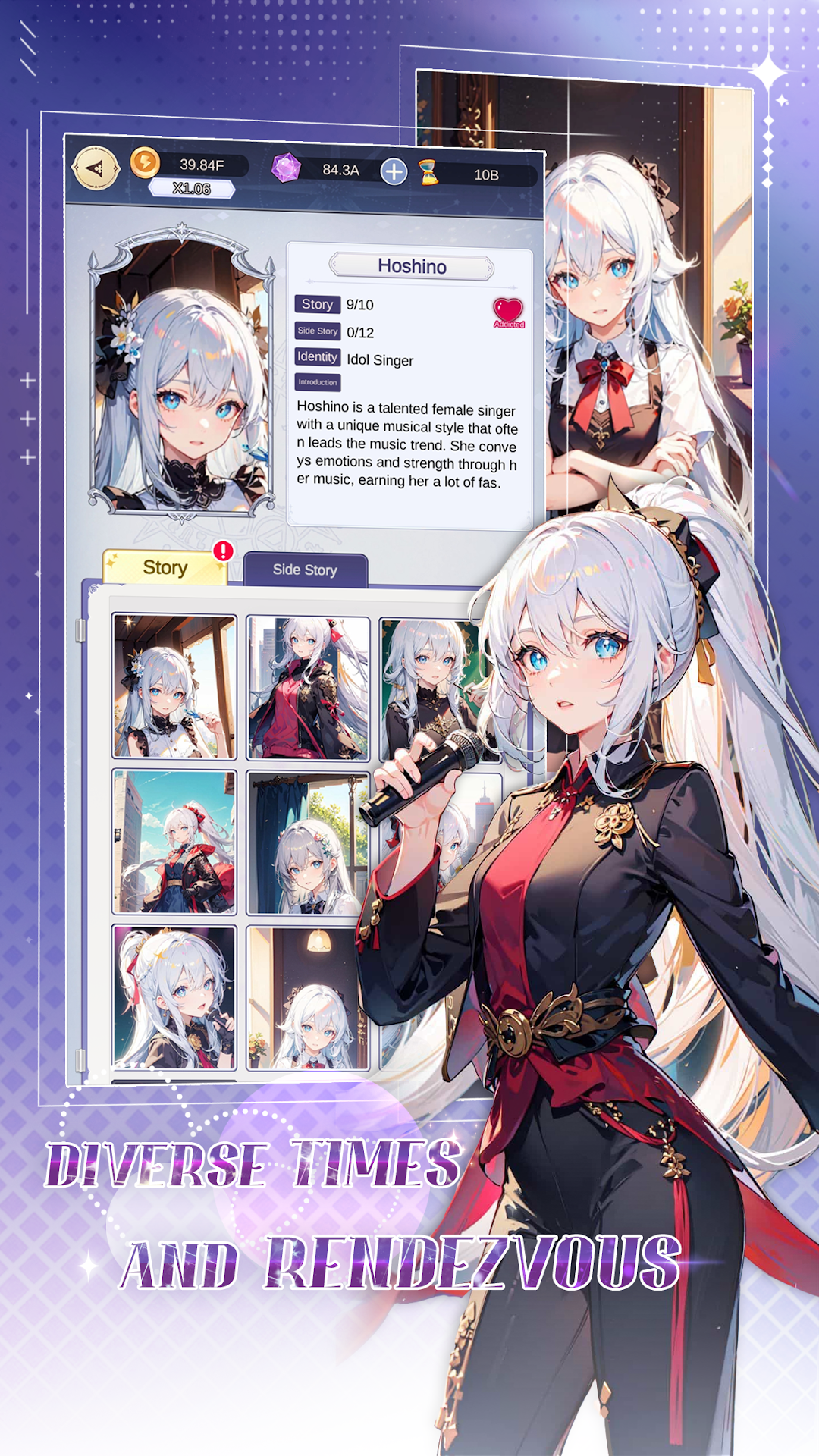
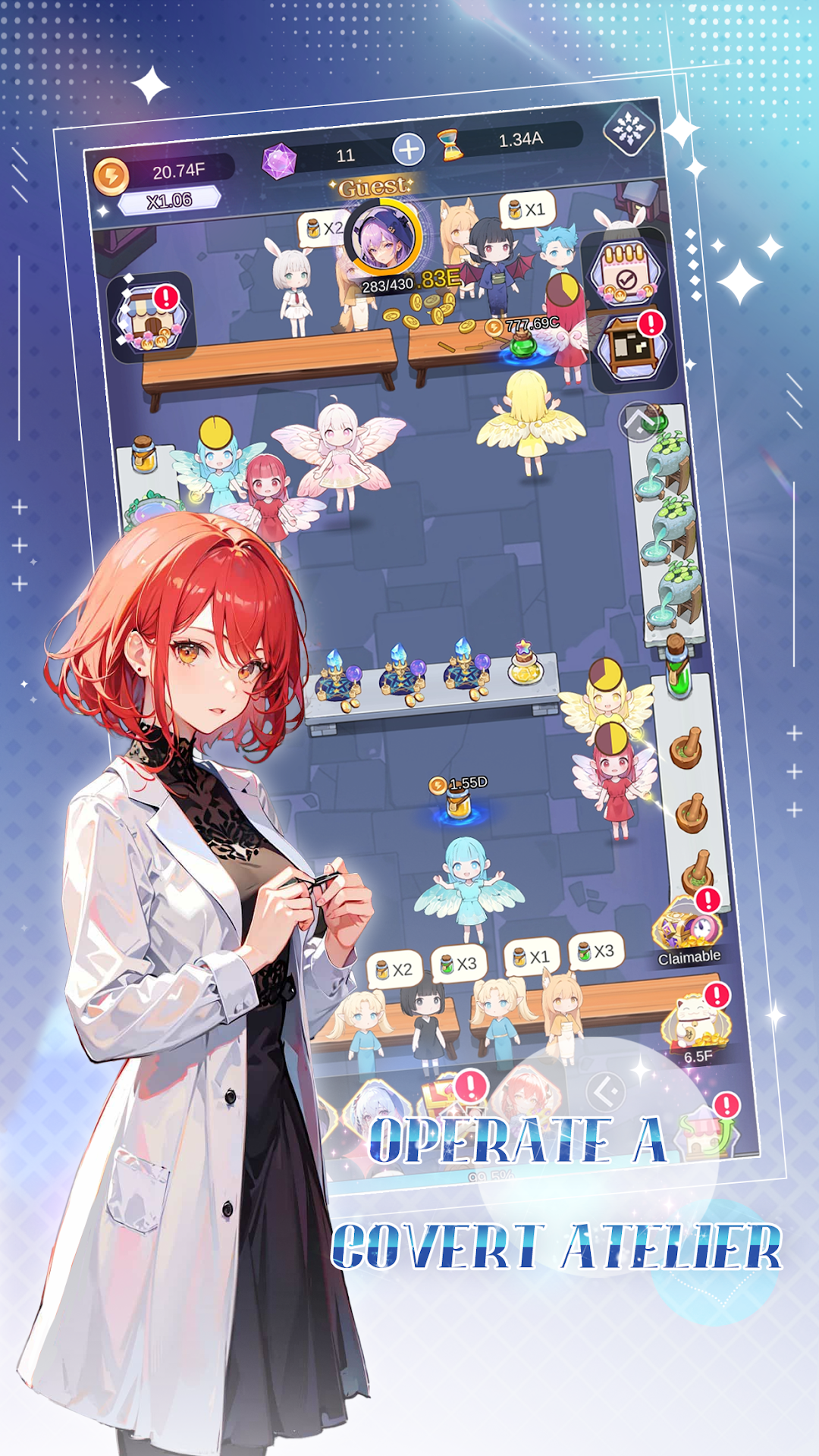
Welcome to Mystic Charm Potion Shop! In this enchanting game, you take on the role of the owner of a mystical potion shop, meticulously crafting and selling a variety of magical elixirs to meet the unique desires of your clientele.Each potion you create carries a unique magical effect, capable of transforming your customers and revealing fascinating details about their lives. As your patrons indulge in your enchanting brews, hidden aspects of their personalities may emerge, bringing delightful surprises. As the story unfolds, you'll uncover the unique narratives of each character and build meaningful connections with them.
Mystic Charm Potion Shop is more than just a simulation—it's a journey of storytelling and discovery. Every potion brewed can open a new chapter, and every customer is a gateway to an intriguing world of mystery. Are you ready to step into the world of magic, craft extraordinary potions, and weave unforgettable tales with your customers? Begin your enchanting adventure today!
Please read our privacy: https://9inning.com/privacy.html