Home/

Games/

Adventure/

Mythic Girls

Mythic Girls
4.1100+

Mythic Girls

Summon animate valkyries girls, defeat demons and defend the world of light !

Download apkrecommend

Mythic Girls is developed and provided by Abjuice. LDPlayer offers the download service only.

Abjuice
How to Download&Play Mythic Girls on PC?
Last Updated: 2026-02-27
com.abjuice.android.mythicgirls
Download apk
Share:
  • Overview

  • FAQ

  • Game Guides

Use LDPlayer to Play Mythic Girls on PC

Play Mythic Girls on PC

Mythic Girls is Abjuice’s new RPG game which is currently under pre-registration, and the Darkness Legion now takes the world you see right here. It has been invaded, and that is where the girls from this game start the story by enchanting the inheritance of the God’s Heart shards. So that they can have the best chance to fight against the Darkness Legion, and LDplayer 9 is the best emulator to play Mythic Girls on PC.

Fight Against the Dark Force, Team Up for Strategic Battles for Multiple Gameplays

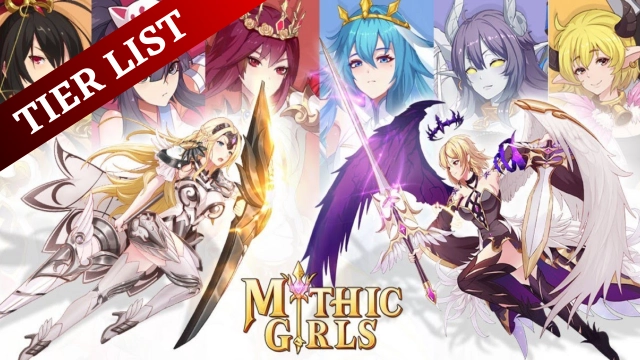
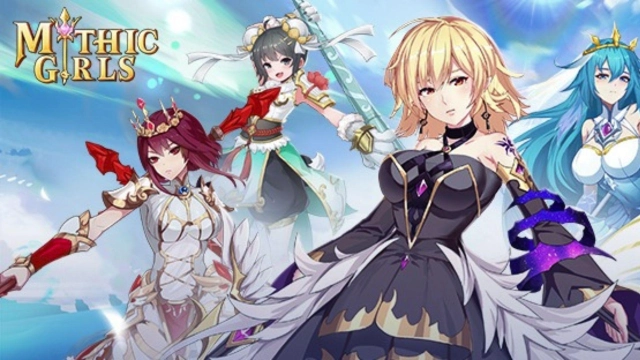
You have to find your mythic girls here as you have to fight against the dark force, and these girls come from different personalities as well as from many races. They also got some special skills that can be used in battles. Together with them, you have to create a team of 3+3, and the way you position them and how you match their skills are very important here as they can enhance the power of your team.

There is a reborn system where you have to engage in this game for hero cultivation, and all the resources must be used without waste. There will be several PVE gameplays to be taken here, and you even have the chance to join a guild so that you can take help from each other.

The Best Gameplay from a Bigger Screen

For having much more detailed gameplay with the best graphics, it is recommended to play this game through a PC, and now this chance will be provided to you by LDPlayer 9. And that is where you will be having one of the best gameplay taken from Mythic Girls.

Open up

Screenshots and Videos of Mythic Girls PC

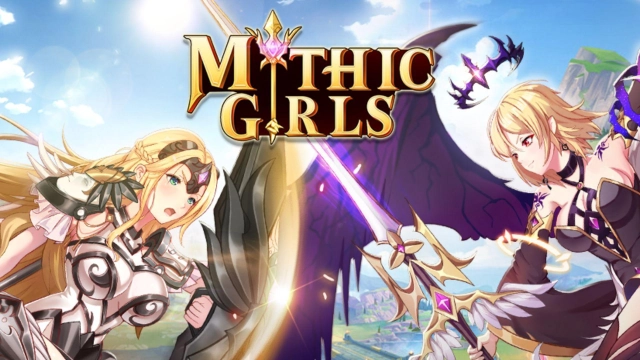
Experience a wider field of view, exquisite game graphics, and cooler combat skills and effects by downloading and playing Mythic Girls on PC with LDPlayer. Enjoy the ultimate gaming experience with LDPlayer.

Why Play Mythic Girls on PC with LDPlayer?

LDPlayer offers unique emulator features including multi-instance support, macros, operation recorder, and other functions not available on mobile devices.

Multi-Instance & Sync

Remote Control

Custom Controls

Multi-Instance & SyncRemote ControlCustom Controls

Effortlessly clone multiple instances and initiate synchronization until you draw the desired hero before binding your account, enhancing efficiency in rerolls in Mythic Girls.

  • High FPS

    With support for high FPS, Mythic Girls's game graphics are smoother, and actions are more seamless, enhancing the visual experience and immersion of playing Mythic Girls.
  • Video Recorder

    Easily capture your performance and gameplay process in Mythic Girls, aiding in learning and improving driving techniques, or sharing gaming experiences and achievements with other players.

How to Download&Play Mythic Girls on PC?

  • 1

    Download and install LDPlayer on your computer

  • 2

    Locate the Play Store in LDPlayer's system apps, launch it, and sign in to your Google account

  • 3

    Enter "Mythic Girls" into the search bar and search for it

  • 4

    Choose and install Mythic Girls from the search results

  • 5

    Once the download and installation are complete, return to the LDPlayer home screen

  • 6

    Click on the game icon on the LDPlayer home screen to start enjoying the exciting game