

Nether Wallop is a Role Playing game developed by Widget Press Inc, and LDPlayer is the best platform for playing Nether Wallop on Windows PC, offering powerful features for an immersive experience.
When playing Nether Wallop on PC, as a new player looking to start with a fresh account, the multi-instance and sync features are extremely useful for rerolls. You can use them to run multiple instances and begin the synchronization process. Bind your account until you draw the desired heroes.
In addition, operation recorder is great for games that require you to level up and complete tasks! Run the sync and record your actions, then repeat the main instance's actions in real-time. By doing so, you can run 2 or more accounts simultaneously. You can always get the heroes you want before others by faster rerolls and more efficient summoning! Start downloading and playing Nether Wallop on your computer now!
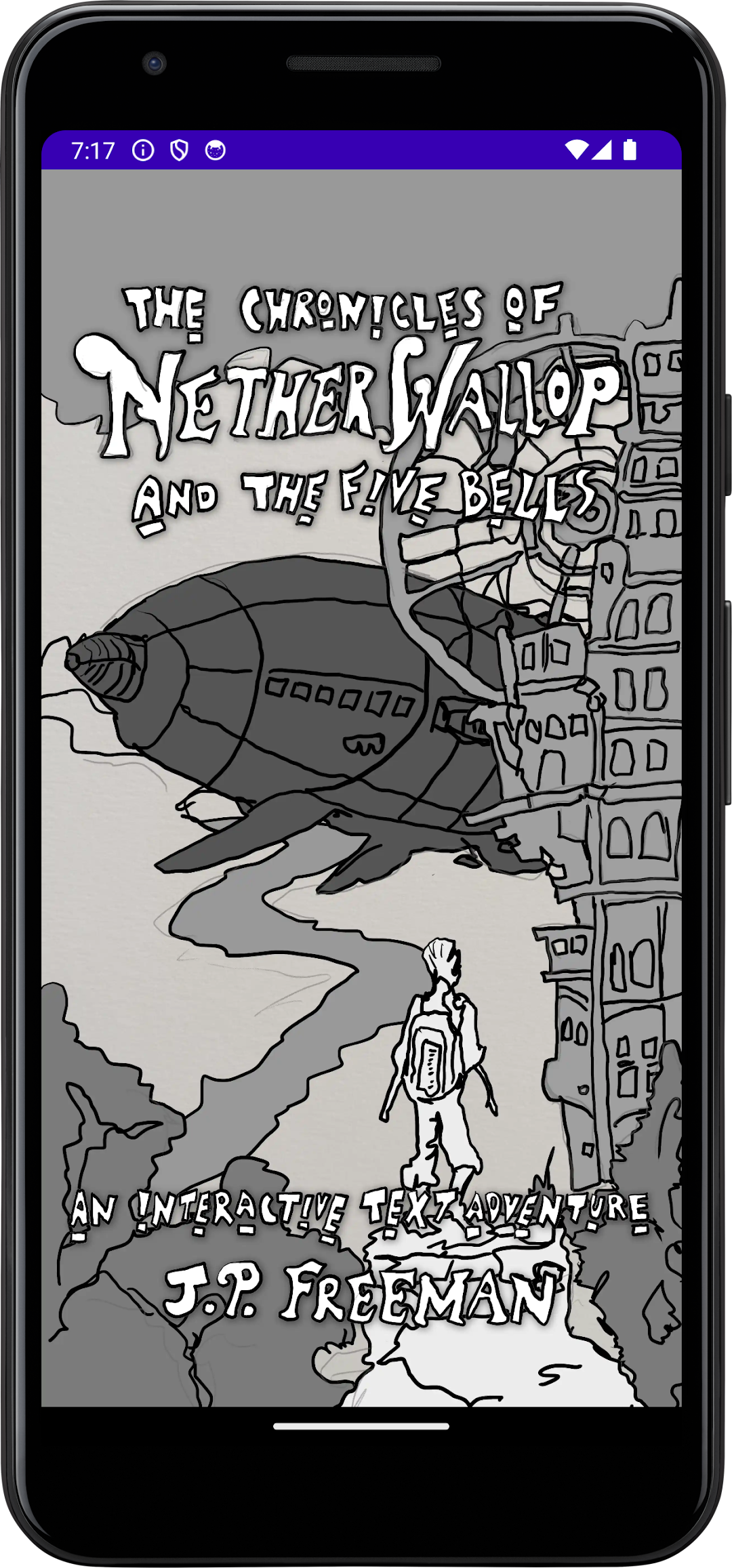
In this fairytale text-adventure, a wandering traveler holds the keys to rebuilding a forgotten society lost to a dystopian overlord. What the overlord doesn't know is this traveler is the story's READER.Welcome to The Chronicles of Nether Wallop. This first series volume, Nether Wallop and the Five Bells is a storybook game where you take on the hero’s role.
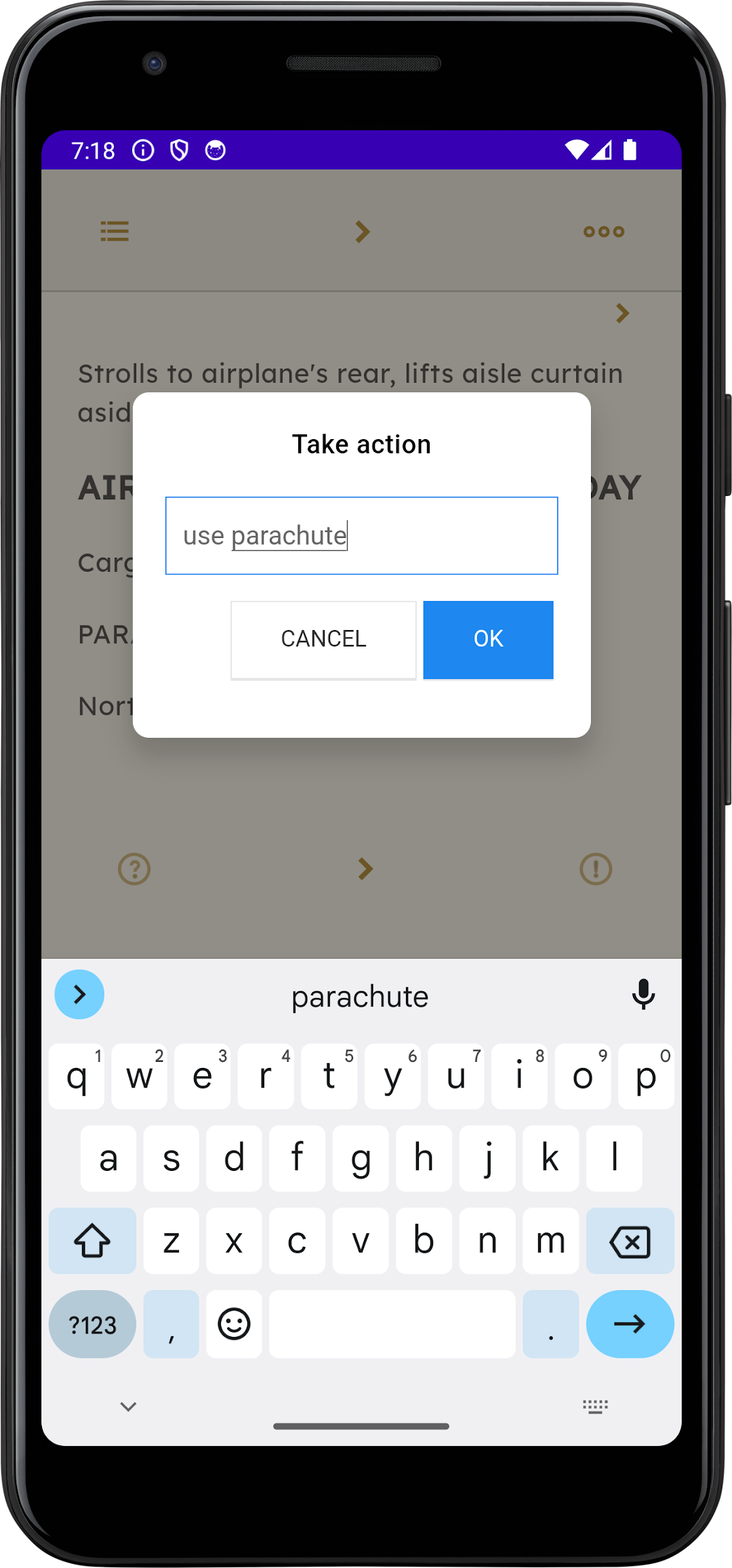
As the hero, you will explore, take action, give orders, solve puzzles, and hopefully reach the climax of the story. To input your actions, double-tap anywhere on the screen or tap the command prompt (>) icon located at the top navigation bar and below the storyline.
Actions are in the form of “subject + linking verb + complement” or “action + noun” For example, want Oscar to follow you down a path, you would type “Oscar, follow me.” To add a flashlight to your inventory, you would type “Take flashlight”.
To start the story, type “play story”
Good luck!