Nightclub Bouncer Simulator is a Simulation application developed by Garden of Dreams Games, but with the best Android emulator-LDPlayer, you can download and play Nightclub Bouncer Simulator on your computer.
Running Nightclub Bouncer Simulator on your computer allows you to browse clearly on a large screen, and controlling the application with a mouse and keyboard is much faster than using touchscreen, all while never having to worry about device battery issues.
With multi-instance and synchronization features, you can even run multiple applications and accounts on your PC.
And file sharing makes sharing images, videos, and files incredibly easy.
Download Nightclub Bouncer Simulator and run it on your PC. Enjoy the large screen and high-definition quality on your PC!
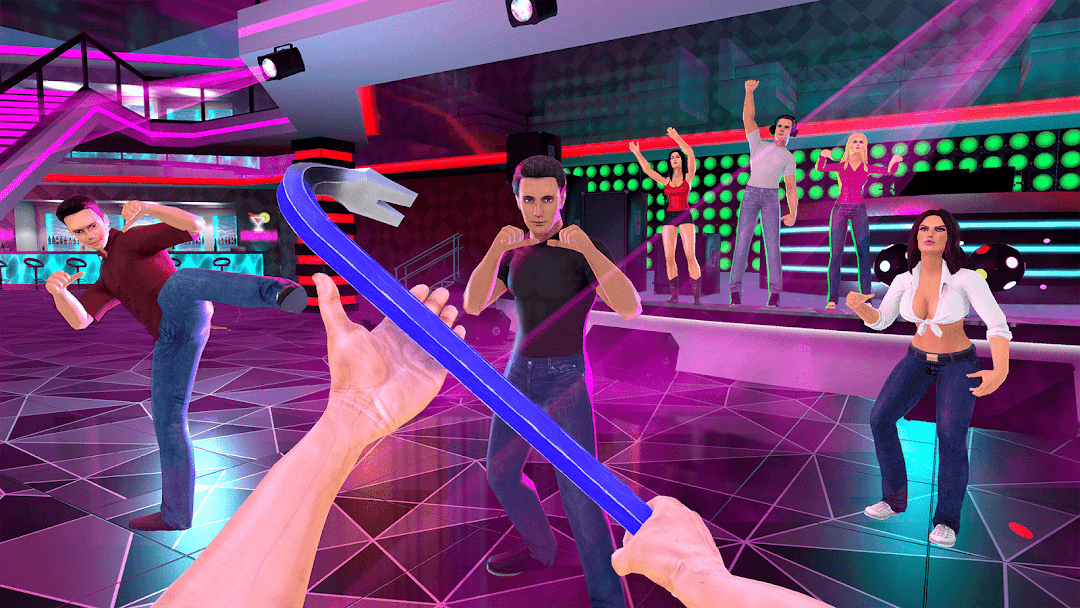
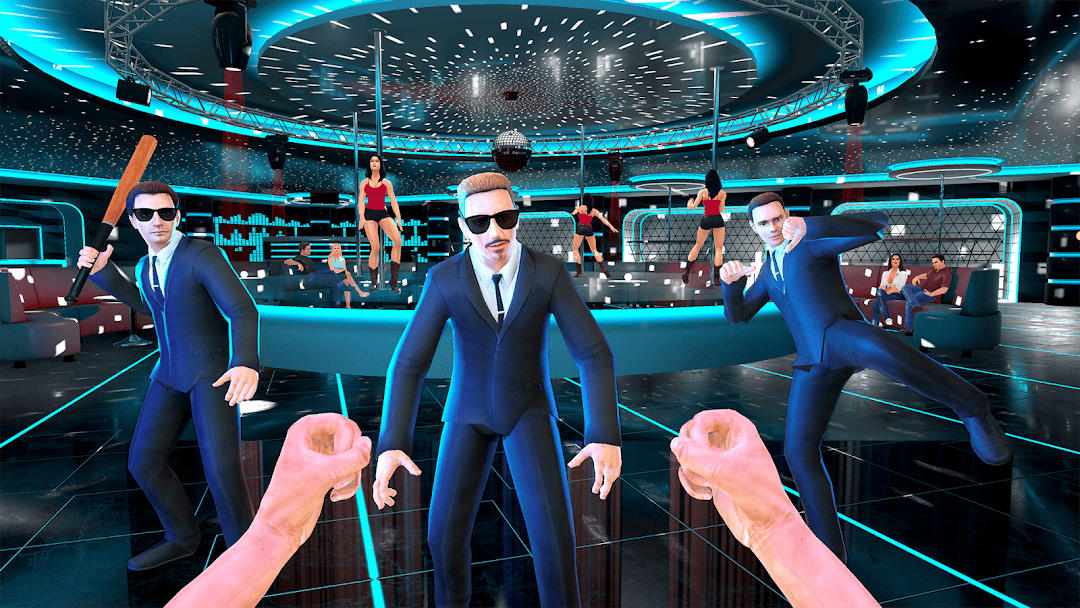
Become the ultimate nightclub fighter and customer in Nightclub POV Simulator 3D!Step into the real 3D disco club where you can choose your role — be a professional security guard, a powerful bouncer, or start pure chaos as a fearless customer!
Punch your way through the crowd, take on security guards, VIPs, and club bosses in this intense fight night. Prove your strength and dominate the ultimate nightclub battle!
In Nightclub POV Simulator 3D, you can dance all night on the dance floor, enjoy cocktails, or turn the club into a wild boxing night. Become a real punch master or the king of the party — the choice is yours.
Experience real 3D fights, realistic POV gameplay, and feel the VR atmosphere right on your mobile!
Key Features:
🎉 Real Nightclub Simulator: Explore the 3D disco club, party hard or start epic boxing fights.
🥊 Fight Night Action: Use your fists or weapons. Punch VIPs, security guards, and other clubbers in thrilling 3D fight battles.
🎮 POV and VR Feeling: Enjoy first-person VR-style combat and club experience on mobile!
🛡 Be the Bouncer or the Fighter: Choose to defend the club as a security guard or break all rules as a wild customer.
🌟 Realistic Club Atmosphere: Dynamic crowd, authentic disco club vibe, and non-stop action.
🏆 Become the Champion: Win money, unlock new fighting skills, defeat bosses and VIPs in the ultimate nightclub fight!
Say proudly — "I am the customer" or "I am the guard" and dominate the most intense nightclub you've ever seen!
Download Nightclub POV Simulator 3D now and show everyone who really owns the dance floor and the boxing ring!