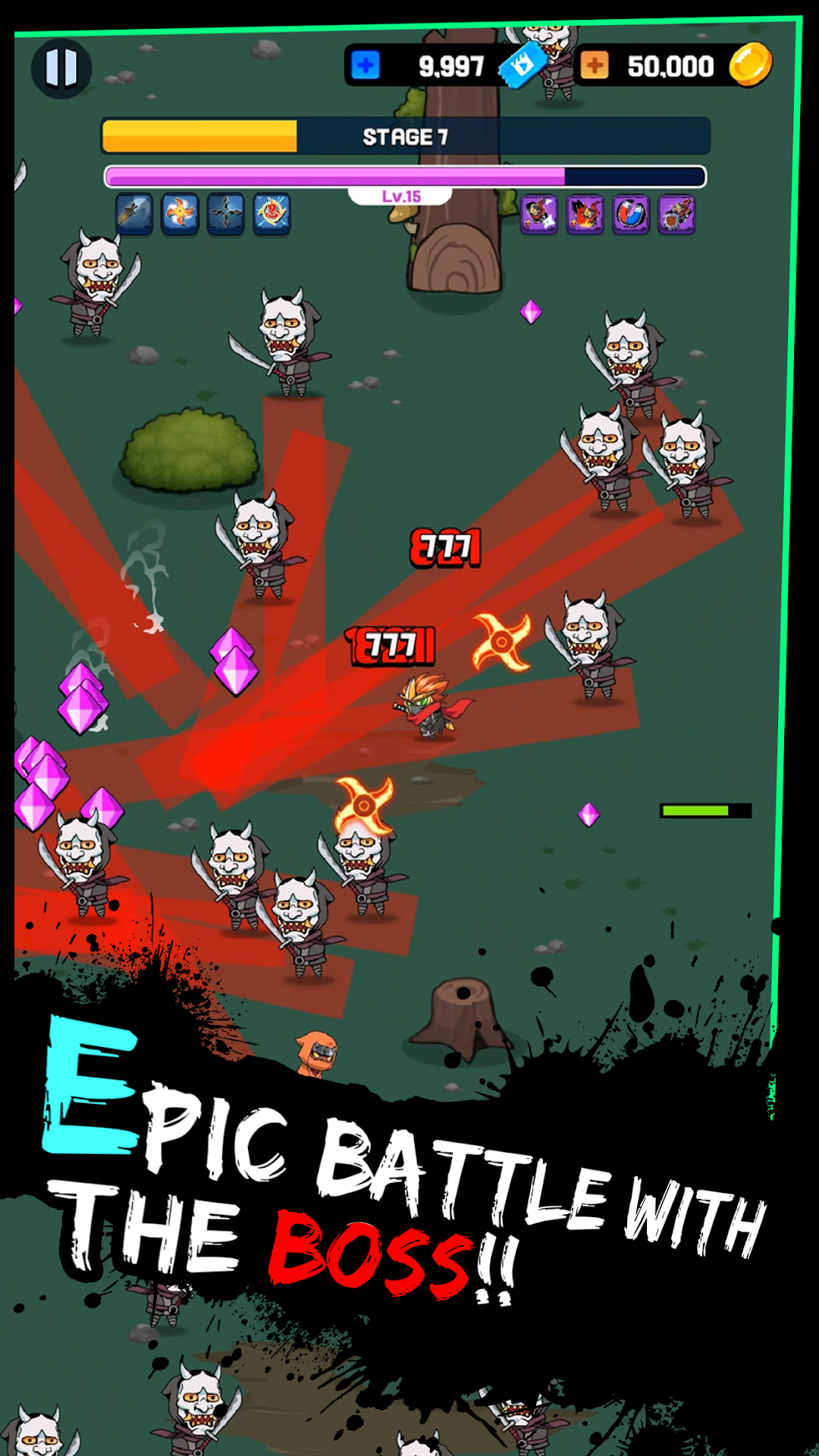


Ninja Last War Survival is a Action game developed by TO THE MOON inc., and LDPlayer is the best platform for playing Ninja Last War Survival on PC, offering powerful features to immerse you in the game.
When playing Ninja Last War Survival on computer, you can adjust frame rate settings for smooth gameplay and stunning visuals.
LDPlayer also provides pre-configured keyboard mapping for convenient control of the entire game. Continuous optimization of keyboard mapping enhances key sensitivity and skill accuracy. Additionally, LDPlayer offers special buttons like shoot, hide mouse, and continuous key press for an enhanced gaming experience.
If you prefer using a gamepad, the automatic gamepad detection allows you to customize controls with just a few clicks, enabling you to freely maneuver your hero. Start downloading and playing Ninja Last War Survival on your computer now!
NINJA! Survive on the Battlefield!Grow your ninja into a powerful warrior, defeat enemies, and survive.
[Recruit and Grow Various Ninjas]
Recruit new ninjas using coins earned after battles.
Level up your ninjas to increase their stats.
[Single and Ranking Battles]
Enjoy two modes: Single mode to earn coins or gold by completing stages, and Ranking mode to earn WEB3 currency called MOON by competing in rankings.
[NINJA MASK NFT]
Get NINJA MASK ITEMS through LINE NEXT's NFT platform, DOSI.
These items boost your ninja's stats just by owning them. NINJA MASK ITEMS can be sealed as NFTs and resold on DOSI.
[WEB3 MOON COIN]
Exchange gold earned in the game for WEB3 currency, MOON COIN.
MOON COIN is also rewarded based on your ranking in battles.
Use MOON COIN to buy NINJA MASK ITEMS in the game.
In the future, MOON COIN can be used in various TO THE MOON games.
Join our official community to get news and participate.
We support unlimited community expansion and strive to deliver quick updates.
Discord: https://discord.gg/dGUrwqbN
Twitter: https://x.com/MOON_Token_KAIA
DOSI: https://www.dosi.world/brands/178
※ Additional charges apply for in-game purchases and subscription products.
TO THE MOON inc.
FLYING TO THE MOON, TOGETHER.
Contact us: ct@2tm.io