

O-Maze 3D is a Simulation application developed by EliasSchafer, but with the best Android emulator-LDPlayer, you can download and play O-Maze 3D on your computer.
Running O-Maze 3D on your computer allows you to browse clearly on a large screen, and controlling the application with a mouse and keyboard is much faster than using touchscreen, all while never having to worry about device battery issues.
With multi-instance and synchronization features, you can even run multiple applications and accounts on your PC.
And file sharing makes sharing images, videos, and files incredibly easy.
Download O-Maze 3D and run it on your PC. Enjoy the large screen and high-definition quality on your PC!
Are you an orienteer who wants to improve your skills?Or are you someone who likes the challenge of navigating in a maze?
Then you will like O-Maze 3D!
Find your way through the maze to all the controls with the help of a map and use your compass to not get lost. Try to reach the finish as fast as possible!
GET STARTED
Play on preloaded maps with interesting courses of different difficulties.
Go through the in-game tutorial if you are new to orienteering.
MAP CREATOR
Create your own maps and set challenging courses. Share them with your friends for more fun!
DIFFERENT ENVIRONMENTS
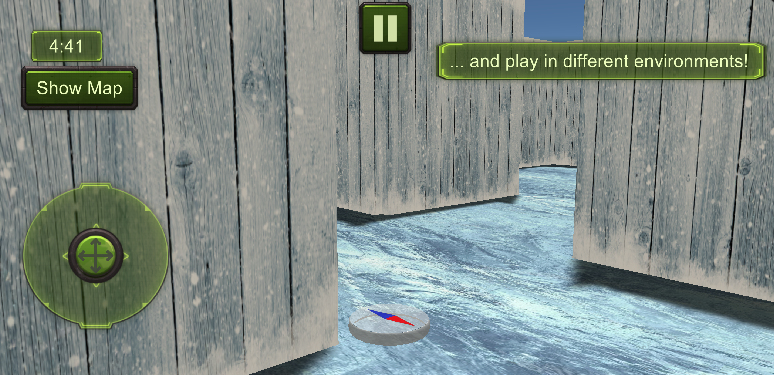
Select from a variety of environments to play in!
You can choose one of the following:
- Town
- Urban District
- Garden
- Iceland
- China
- Orient
- Gallery
HARD MODE
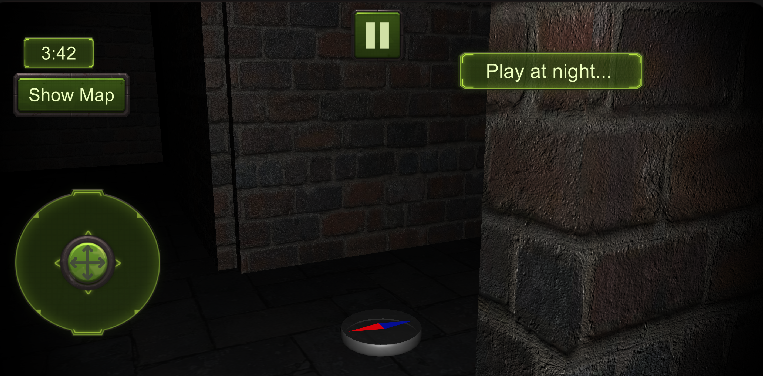
You can make it even more challenging by playing in night mode!
COURSE ANALYSIS
Analyze your routes after finishing a course and compare them with others. Who was fastest on which routechoice?