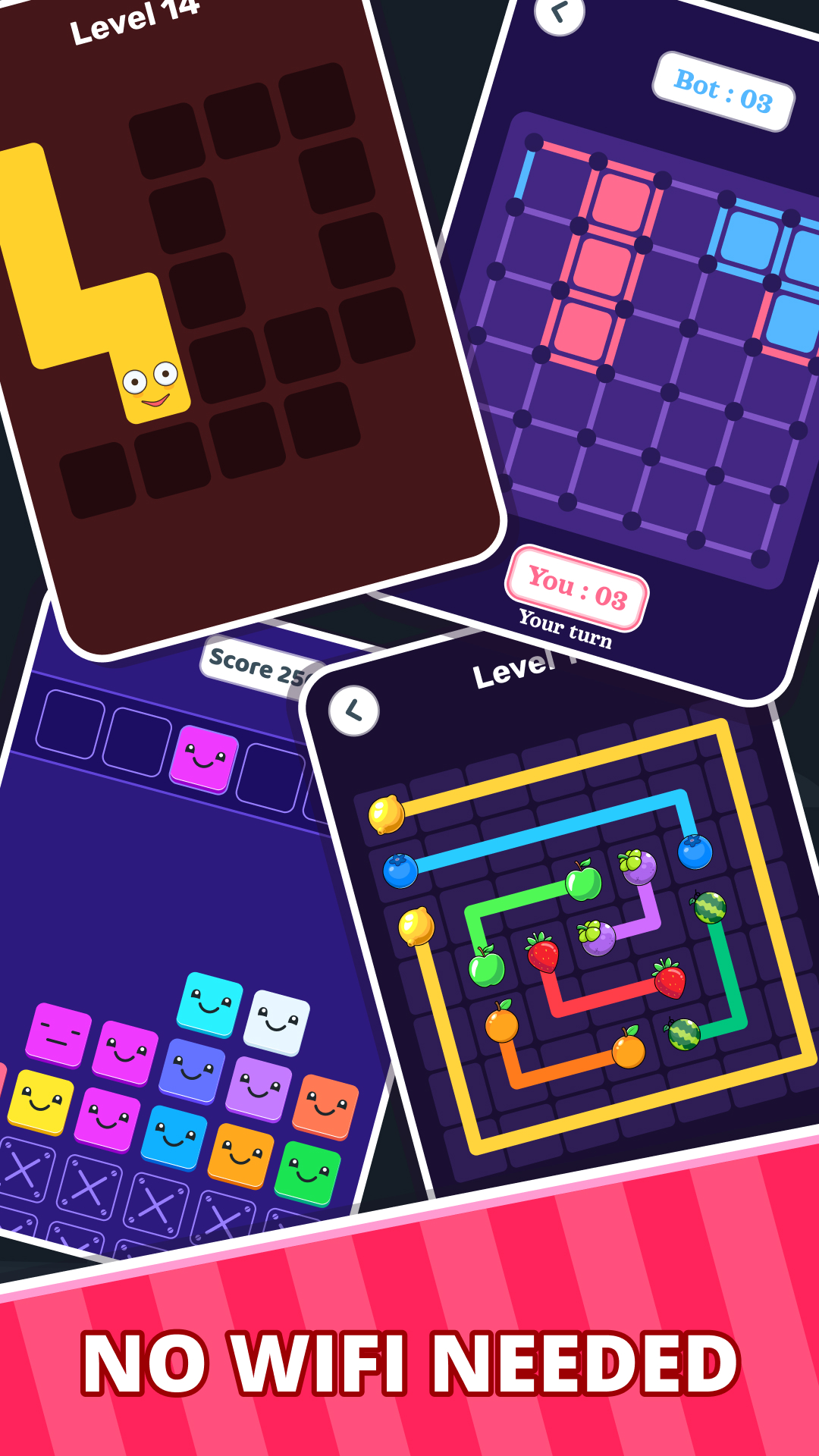
Offline Games Hub: No Wi-Fi 2P is a Casual game developed by SNK IT Solutions®. LDPlayer is the best platform for playing Offline Games Hub: No Wi-Fi 2P on Windows PC, offering powerful features to enhance your immersive experience in Offline Games Hub: No Wi-Fi 2P.
When playing Offline Games Hub: No Wi-Fi 2P on your computer, if you find repetitive actions or tasks tedious and time-consuming, fret not! Macro can alleviate your concerns. Simply record your actions with a click of the screen recording feature and let macros take care of the rest. Macros automate your operations, allowing you to effortlessly conquer the game with minimal effort! Start downloading and playing Offline Games Hub: No Wi-Fi 2P on your computer now!
🎮 Offline Games Hub: The Ultimate Mini-Game Collection for Endless Offline Fun!Do you wish there was an all-in-one game solution that allowed you to play without an internet connection? With the Offline Games Hub, you can enjoy joy-filled mini-games from anywhere. Whether you are on a break, traveling, or at home, this collection of mini-games has something exciting for everyone.
Offline Games Hub offers various brain games, puzzles, action and arcade games all packed into one simple, easy-to-use application. Even the casual gamers to more hardcore competitive players will find something enjoyable with the constantly updated content along with the intuitive controls and beautifully designed graphics.
🌟 Why Choose Offline Games Hub?
No Internet Needed: Enjoy uninterrupted gameplay, anywhere and anytime.
Family-Friendly: Fun for all ages, perfect for kids, teens, and adults.
Challenge Yourself or Friends: Compete for high scores or enjoy cooperative play.
🎯 What’s Inside? Tons of Fun-Packed Mini-Games!
🧠 Puzzle & Brain Games:
• Infinity 2048 - A never-ending twist on the classic number-merging game
• Quick Sum - Race against the clock in this fast-paced math challenge
• Sudoku - Exercise your mind with countless variations of the beloved logic puzzle
• Puzzle 2048 - Another addictive variation on the classic 2048 game
🎲 Strategy & Classic Games:
• Tic Tac Toe - Relive the timeless game against friends or a smart AI
• Dot and Box - Outmaneuver your opponent and create the most boxes
• Slide Puzzle - Rearrange pieces to reveal hidden images
F
🧩 Logic & Matching Games:
• Merge Box - Combine boxes with matching numbers to clear the board
• Connect Box - Use your logic to link matching tiles and complete puzzles
• Draw Lines - Strategically connect dots to create pathways
• Connect Fruits - Match and connect juicy fruits in a sweet puzzle bonanza
✈️ Arcade & Action:
• Plane Race - Take off and speed past your opponent to the finish line
• Shape Shooter - Blast your way through waves of geometric enemies
• Quiz Mania - Test your knowledge across categories in this fun-filled trivia game
🧠 Memory & Classic Challenges:
Reignite your memory skills and enjoy timeless gameplay with Classic Memory Games included in the collection, perfect for relaxing and stimulating your brain
🎉 Top Features at a Glance:
✅ Fully Offline - No internet? No problem
✅ Multiplayer Modes - Play with friends or family on the same device
✅ Simple Controls - Intuitive for kids and adults alike
✅ Vibrant Graphics - Bright, clean visuals make every game a joy to play
✅ Achievements & High Scores - Compete with yourself or others
👪 Fun for Everyone!
Offline Games Hub is built for casual fun and serious challenges alike. It's the perfect companion for:
🎮 Casual Gamers - Looking for light-hearted, quick-play fun
👨👩👧 Families - Enjoy quality screen time with games everyone can play
🧠 Puzzle Lovers - Get your daily dose of brain games and mental stimulation
🎉 Social Settings - Great for parties, game nights, or any friendly gathering
Whether you're a puzzle enthusiast, trivia lover, or arcade fan, Offline Games has something for everyone. Download today and start exploring the world of offline gaming fun!