Online Chess 2024 is a Board application developed by hihuc.com, but with the best Android emulator-LDPlayer, you can download and play Online Chess 2024 on your computer.
Running Online Chess 2024 on your computer allows you to browse clearly on a large screen, and controlling the application with a mouse and keyboard is much faster than using touchscreen, all while never having to worry about device battery issues.
With multi-instance and synchronization features, you can even run multiple applications and accounts on your PC.
And file sharing makes sharing images, videos, and files incredibly easy.
Download Online Chess 2024 and run it on your PC. Enjoy the large screen and high-definition quality on your PC!
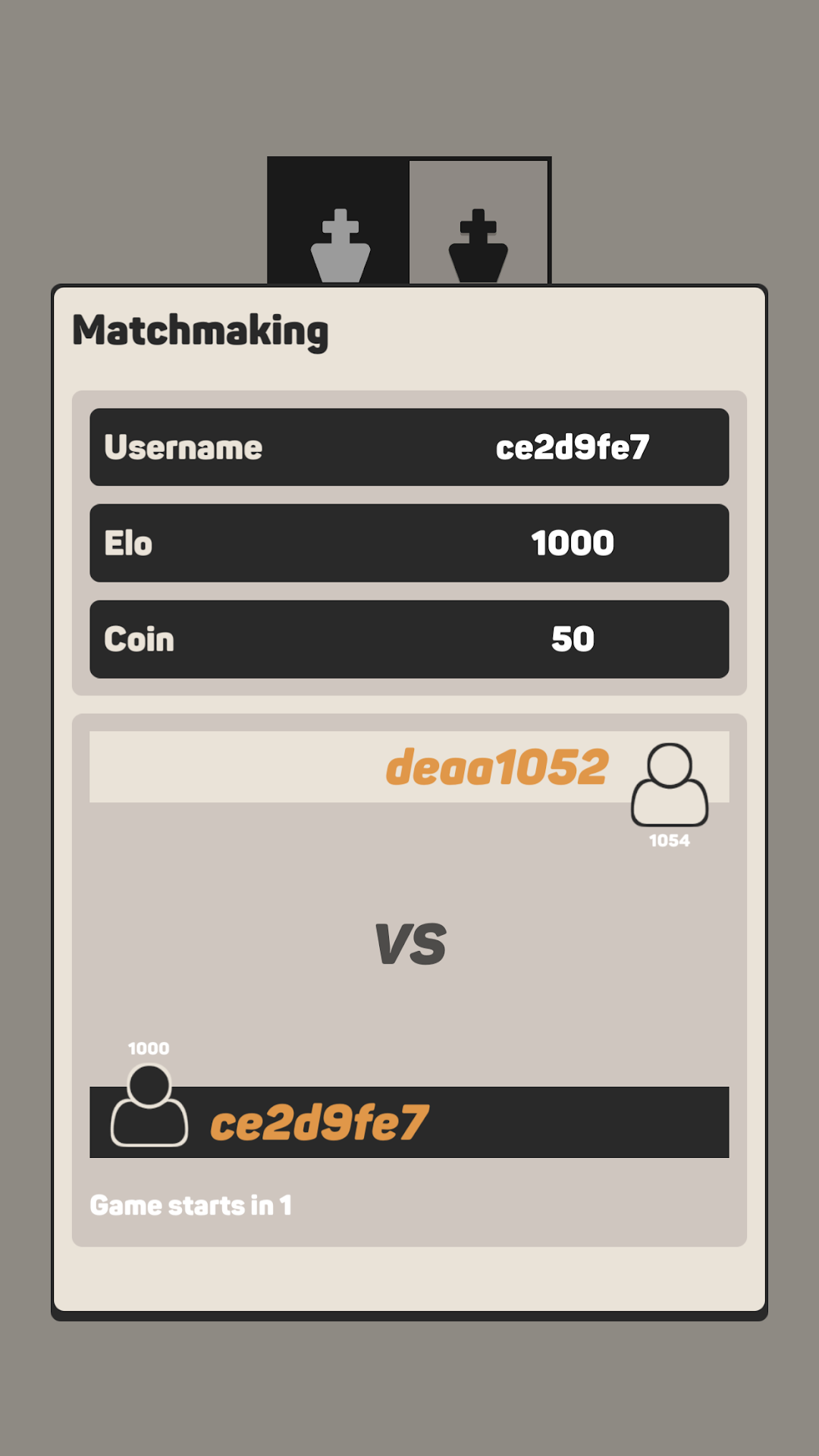
This game is made by the Chess players so they understand the players very well.Regardless your level, we understand that the most important thing is to find the appropriate opponent. So the matching system is well implemented.
The game rule is important as well to avoid the stuck matches. We're proud to have the best rule in game now.
This game just show ad, never ask for purchase. So you don't need to worry anything about payment or purchase like in other games.
Game is very safe because it doesn't ask any permission. Oh well, of course you need Internet connection.
As of now, there're millions of players, ten millions of matches, millions of played hours. Matching system is very smart and will find the perfect opponent for you and you will not wait so long.
Online Chess is completely free, unique, different from others.
Online Chess uses very little of internet bandwidth so it can run smoothly on every network including 2G, 3G, 4G, Wifi.
🌟 FEATURES 🌟
- Free
- No register or login required
- Play with same level
- Simple interface
- Beautiful graphic
- Detail stats
- Nice effects
- Only online, not offline
- Play with friends
- Rematch
Chess is one of the oldest and popular board game, played by millions of people worldwide. You can play Chess offline with engine on mobile device, or play online with other chess masters around the world. Chess first appeared in India about the 6th century AD and had spread from Asia to the Middle East, North Africa, and Europe.
Chess is played on a square board of eight rows (denoted with numbers 1 to 8) and eight columns (denoted with letters a to h). The colors of the 64 squares alternate between light and dark colors. The chessboard is placed with a light square at the right-hand end of the rank nearest to each player.
Each player begins the game with 16 pieces of the specified color, which consist of 8 Pawns, 2 Knights, 2 Bishops, 2 Rooks, 1 Queen, and 1 King. The player with the white pieces always moves first. After the first move, players alternately move one piece per turn.
There are more than 2000 chess variants such as Bughouse Chess, Chess960, 3-Check Chess, and Four-Player chess.
Hope you enjoy the Online Chess. Remember to rate us. Your feedback will motivate us to develop more features.
Contact support@hihuc.com for more support. We will respond in 24 hours.
❤️💛💚💙💜