Onmyoji Chess is a Board application developed by NetEase Games, but with the best Android emulator-LDPlayer, you can download and play Onmyoji Chess on your computer.
Running Onmyoji Chess on your computer allows you to browse clearly on a large screen, and controlling the application with a mouse and keyboard is much faster than using touchscreen, all while never having to worry about device battery issues.
With multi-instance and synchronization features, you can even run multiple applications and accounts on your PC.
And file sharing makes sharing images, videos, and files incredibly easy.
Download Onmyoji Chess and run it on your PC. Enjoy the large screen and high-definition quality on your PC!
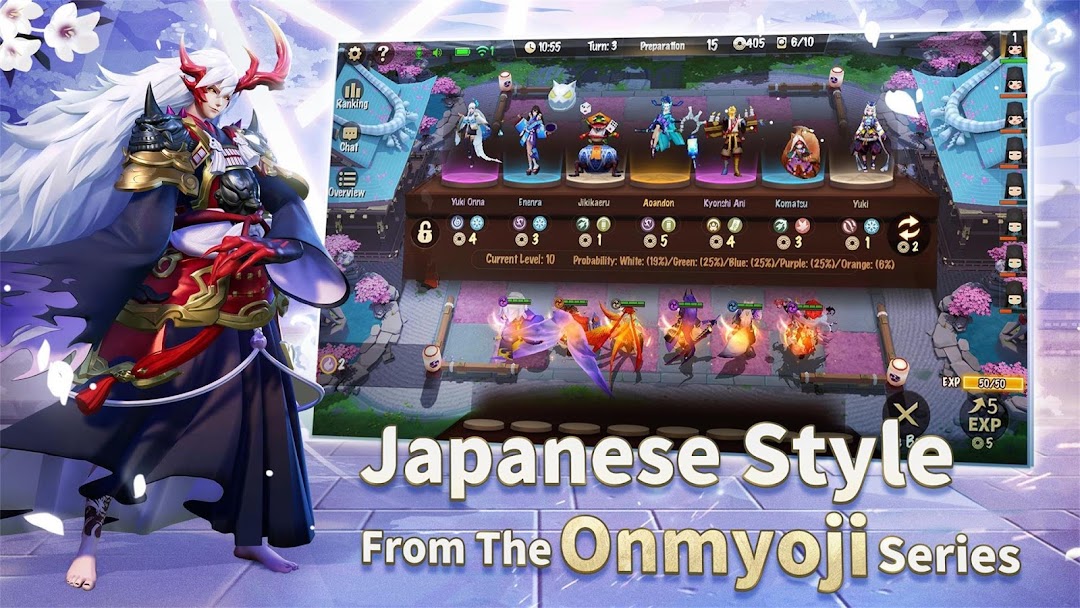
Onmyoji Chess is a turn-based strategy chess game based on the Onmyoji IP developed by NetEase Games. Shikigami are transformed into tiles as they battle at your fingertips. 8 players will battle it out together, combining strategy with a lineup of Shikigami. The one who survives till the end will be the winner. The game follows the beautiful Japanese art style of the Onmyoji series, and offers various chess boards for selection while maintaining the authentic style of the Heian era. Players around the world gather here to find out who will be the victor in this game of chess.Japanese Style from the Acclaimed Onmyoji Series
As part of the Onmyoji series of games, the game has a beautiful Japanese art style. Each Shikigami is designed with unique abilities. In this dream-like world, Shikigami have been transformed into tiles that will battle under the command of the players.
Arrange Freely on Changeable Chessboard
There are many chess boards and accessories available for selection in the game, from the romantic Sakura chessboard, to the summer-themed Beach chessboard, and the Japanese-style chessboard. Combine them as you like to create a chessboard of your own. There are also many cute mascots who will cheer you on to make your matches more interesting!
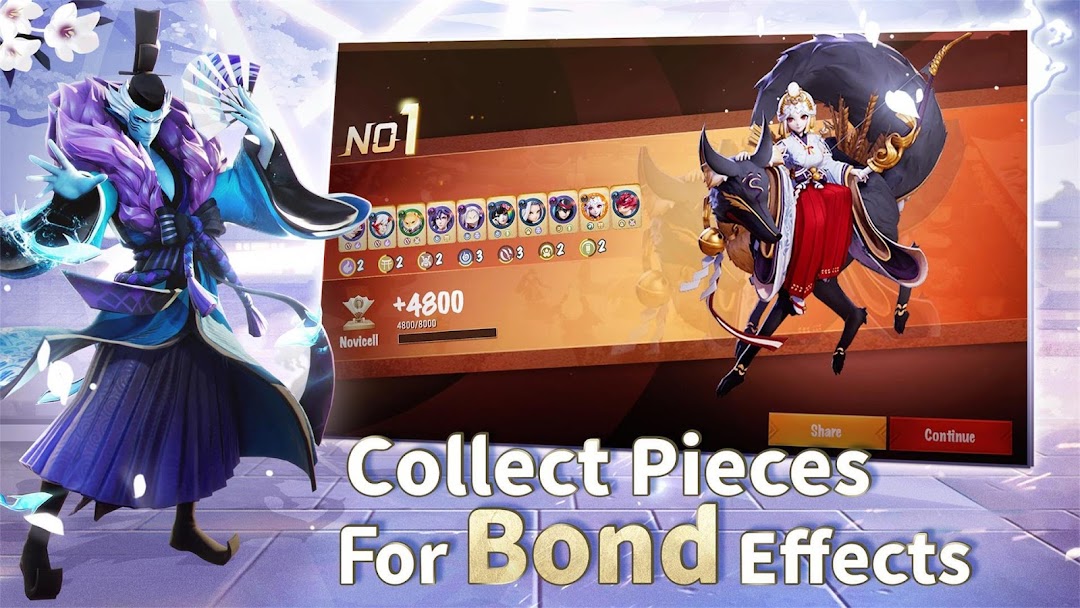
Collect Pieces for Bond Effects
Activate bonds to receive buffs. When you have a certain number of tiles with the same position or type, the bond effect will be activated. There are different levels for each type of bond. By activating bond effects, you can acquire powerful buffs. The omnipotent bond tile Froglet can be counted as one for all position bonds! Flexible strategies will give rise to unpredictable matches!
Use Wisdom and Win with Strategies
Adjust your formations and use wisdom in battle. Combine your tiles to promote them and increase their power. Purchase, deploy, and promote your tiles. Build your team with about 50 Shikigami. Increase your power with randomly dropped items. Go head-to-head with other players around the world in a battle of wisdom and strategy.
Battle the whole world at your fingertips! Go download the game to play this game of chess with other Onmyoji players from all around the world!
Official website: www.onmyojichess.com
Official fanpage: https://www.facebook.com/Onmyojiarena/