

Orchard by HABA is a Board application developed by Fox & Sheep, but with the best Android emulator-LDPlayer, you can download and play Orchard by HABA on your computer.
Running Orchard by HABA on your computer allows you to browse clearly on a large screen, and controlling the application with a mouse and keyboard is much faster than using touchscreen, all while never having to worry about device battery issues.
With multi-instance and synchronization features, you can even run multiple applications and accounts on your PC.
And file sharing makes sharing images, videos, and files incredibly easy.
Download Orchard by HABA and run it on your PC. Enjoy the large screen and high-definition quality on your PC!
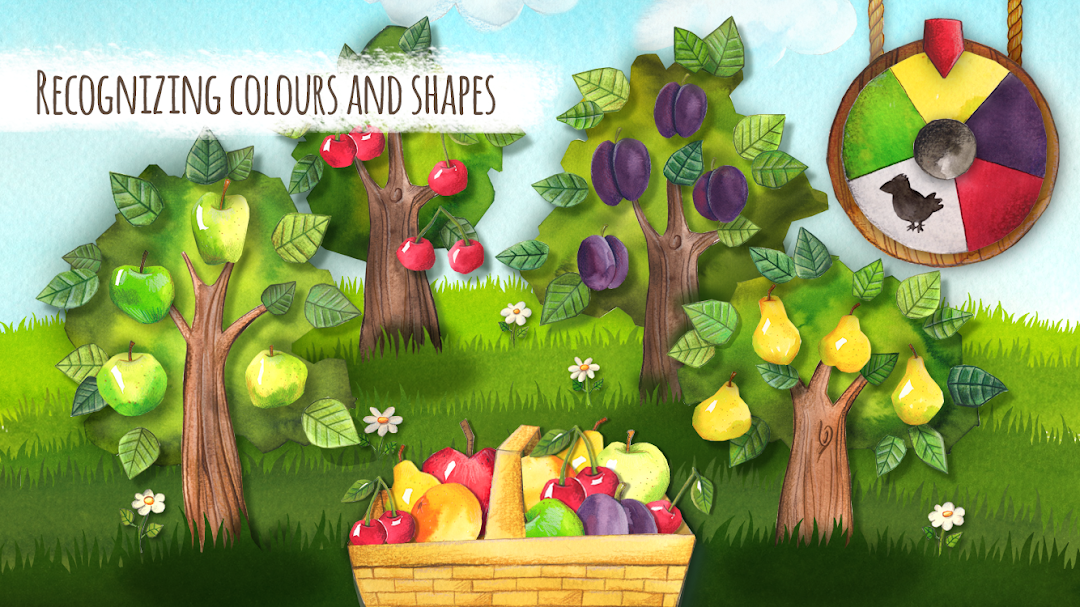
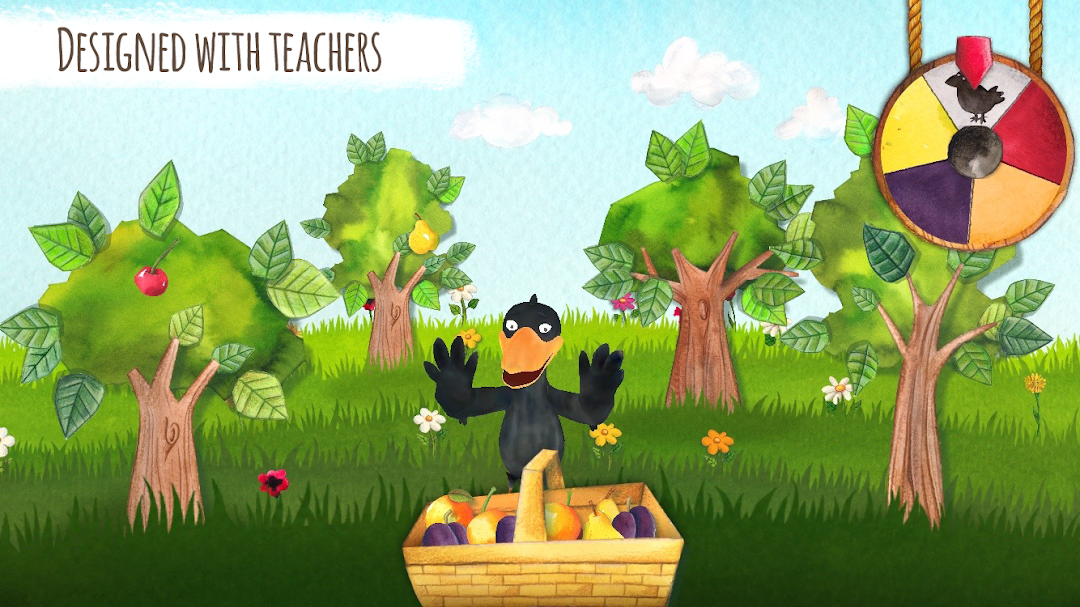
Shiny cherries, juicy apples, sweet pears, and glorious plums hang ripe from the trees.But cheeky Theo the Raven knows it too!
Before he gets busy with the fruits, they all need to be harvested.
Theo likes to take what suits him, and just like all real ravens, he does it without asking. This time, he has his eye on the juicy, yummy fruits in your garden.
Can you collect all of the tasty treats in time? And watch out, he has lots of sneaky and funny tricks up his sleeve.
ORCHARD is based on the 1986 HABA board-game classic of the same name, and is the second App from HABA, following on from ‘Unicorn Glitterluck’.
ORCHARD is:
1. diverse : realms for playing, learning, discovering and creating
2. exciting : interactive, playful fun with Theo the Raven
3. age appropriate : various challenges for children from the age of 3 upwards
4. uncomplicated : all games are intuitive
5. safe : no advertising or unwanted in-app purchases
Unlike the the board game, the App does not function as a multi-player game. Instead, the aim is for the child to reach his or her best single-player result, without losing the most important aspects of the original board-game.
ORCHARD is mainly orientated towards enhancing the child’s awareness of colours, forms, and of course fruit and vegetables from all over the world.
The child plays directly against Theo the Raven.
When it’s the ravens turn, he creeps a little closer, or starts one of many mini-games. This loosens up the course of the game, and creates moments of surprise.