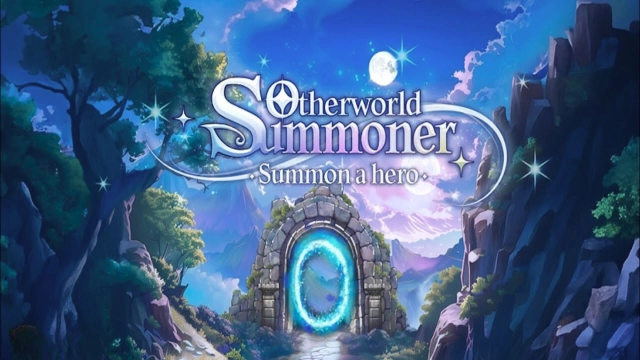
Otherworld Summoner is a Casual game developed by Blue Seed Games Co., Ltd.. LDPlayer is the best platform for playing Otherworld Summoner on Windows PC, offering powerful features to enhance your immersive experience in Otherworld Summoner.
When playing Otherworld Summoner on your computer, if you find repetitive actions or tasks tedious and time-consuming, fret not! Macro can alleviate your concerns. Simply record your actions with a click of the screen recording feature and let macros take care of the rest. Macros automate your operations, allowing you to effortlessly conquer the game with minimal effort! Start downloading and playing Otherworld Summoner on your computer now!
Embark on an adventure in a mysterious otherworld! You have been summoned as the manager of the Summon Gate. Summon heroes and form a powerful party in this world of infinite possibilities, and take on fierce battles against monsters.Are you still paying to summon heroes? In Otherworld Summoner, you can summon heroes infinitely!
* Infinite Summon System: Summon heroes with unique abilities infinitely and create your ultimate party!
Do you think once you create the ultimate party, there's no need to change it? In Otherworld Summoner, over 200 heroes are waiting for you, the Summon Manager!
* Strategic Party Building: Combine the unique skills and abilities of heroes with diverse skills and classes to claim victory in battles!
Tired of games that require constant control in your busy daily life? Experience infinite summoning with just a simple setup!
* Auto Summon: An idle summoning system you can enjoy even during your busy days! Summon heroes endlessly through automated summoning.
You can summon and grow heroes infinitely, creating countless combinations. So, what’s next? Compete with other Summon Managers to prove who’s the strongest!
* Arena System: Battle against the hero parties of other Summon Managers and earn rewards based on victory or defeat. Strategic hero party building makes the game even more enjoyable.
Link: https://www.facebook.com/OtherworldSummoner
Link: https://game.naver.com/lounge/Otherworld_Summoner/home