

Out of the Dark is a Simulation application developed by Genkei Games, but with the best Android emulator-LDPlayer, you can download and play Out of the Dark on your computer.
Running Out of the Dark on your computer allows you to browse clearly on a large screen, and controlling the application with a mouse and keyboard is much faster than using touchscreen, all while never having to worry about device battery issues.
With multi-instance and synchronization features, you can even run multiple applications and accounts on your PC.
And file sharing makes sharing images, videos, and files incredibly easy.
Download Out of the Dark and run it on your PC. Enjoy the large screen and high-definition quality on your PC!
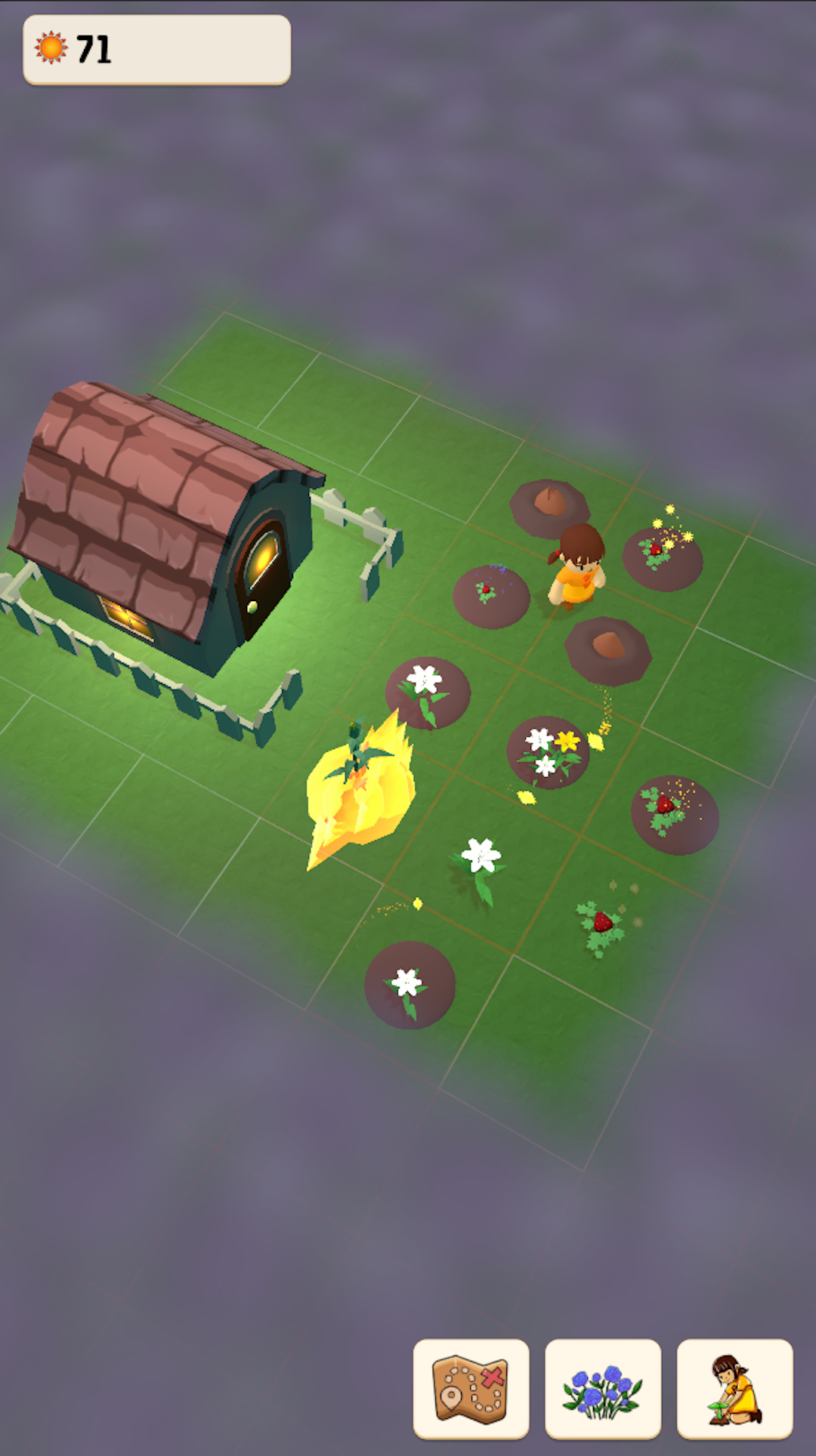
I created "Out of the Dark" to be a game about finding light in the small things... like flowers. Discover flowers, merge, collect resources and illuminate the world to push back the darkness as you explore the world and expand your garden!This is a simple casual merge and puzzle game about flowers. It's designed with idle components meant to be played at a slow, relaxing pace. Even play offline without wifi! There are NO forced ads! It's a little bit different than you're used to... I'm curious to know what you think!
About:
Immerse yourself in a cozy and soothing game anytime, anywhere with "Out of the Dark." In this zen game, you'll merge flowers on your way to expanding your world in your very own cute garden. Designed as an idle merge puzzle game, "Out of the Dark" offers a break from the anxiety and stress of everyday life. Unwind and merge among the lush flowers, trees and shrubs of your digital garden. Play online or offline! Relax and escape into a world of calm with "Out of the Dark."
Enjoy cultivating your own garden! Grow flowers, merge and decorate a garden that reflects your inner peace and creativity. Whether you prefer vibrant flowers, calming trees, or prickly shrubs, the possibilities are endless. With a calming atmosphere and satisfying gameplay mechanics, creating your peaceful and zen garden has never been easier.
Merge and Puzzle:
• Merge flowers, research new plants, and unlock new levels to expand your tranquil garden
• Enjoy the satisfying challenge of solving quests, puzzles and merges as you design your own calming zen space
• Deceptively simple and engaging gameplay bundled in a cute and cozy game
Relaxing Features & Calming Sounds:
• Unwind and lose yourself in the zen and soothing visuals with absolutely no forced ads
• Play anytime, anywhere with offline, no wifi gameplay
• Find peace and relaxation in the simplicity of nurturing your garden
• Drift away to the gentle sounds of nature and let go of any anxiety
Design Your Zen Garden:
• Plant more than 90 different flowers to create a unique, cute and beautiful garden
• Customize your space with potted plants and decorations
• Express your creativity and bring your vision to life in your virtual sanctuary
Enjoy a cozy ambience, satisfying gameplay and calming sounds. Play online or offline. Make your own zen escape from the chaos of everyday life. Merge, relax, and unwind!
I invite you to try "Out of the Dark" today (and remember to take lots of breaks)!