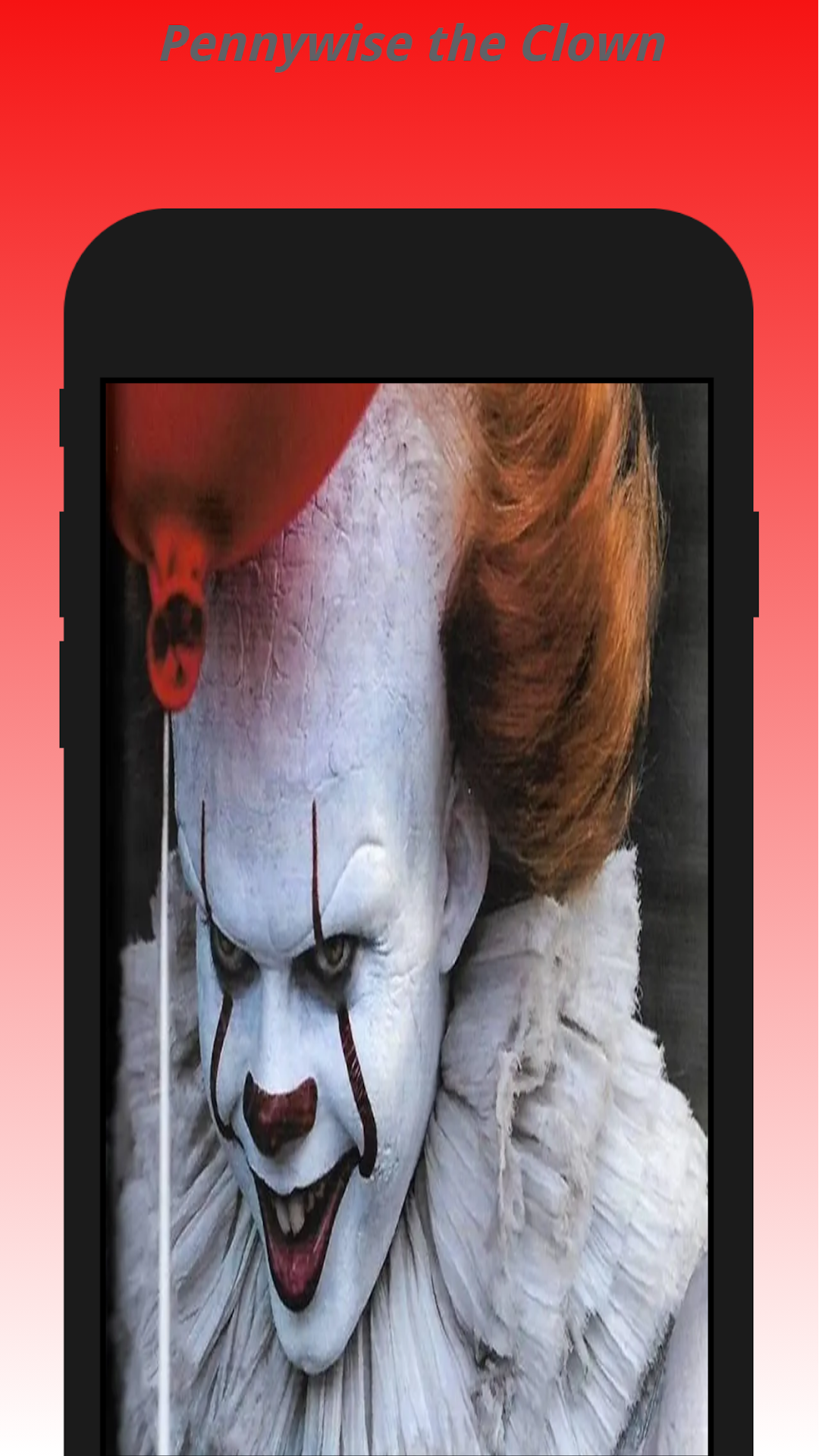


Pennywise the Clown Video Call is a Action game developed by Faadi AlHaidar, and LDPlayer is the best platform for playing Pennywise the Clown Video Call on PC, offering powerful features to immerse you in the game.
When playing Pennywise the Clown Video Call on computer, you can adjust frame rate settings for smooth gameplay and stunning visuals.
LDPlayer also provides pre-configured keyboard mapping for convenient control of the entire game. Continuous optimization of keyboard mapping enhances key sensitivity and skill accuracy. Additionally, LDPlayer offers special buttons like shoot, hide mouse, and continuous key press for an enhanced gaming experience.
If you prefer using a gamepad, the automatic gamepad detection allows you to customize controls with just a few clicks, enabling you to freely maneuver your hero. Start downloading and playing Pennywise the Clown Video Call on your computer now!
Welcome Pennywise the ClownOur app gives you incredible experiences with a call from Pennywise the Clown! Get ready to play pranks on your friends with this prank video fake chat with Pennywise the Clown. Through this App, you and your friends can enjoy funny and lighthearted games, chatting, and simulated video calls - where the all popular Pennywise the Clown comes alive from the screen, promising absolute fun!
Brace yourself for the ultimate prank call experience! We bring you the Pennywise the Clown Prank Call App. Immerse yourself in hours of laughter and fun with our prank simulate video call. Are you ready to step into a world of laughter and hilarious jokes with our call simulate Pennywise the Clown?
Featuring the most fun ways to play a prank, you can review your pranks with the Pennywise the Clown prank video call. The realistic interface will make you feel as if you're actually on a video friend with our favorite character himself! Be it the funny pranks chat or a realistic video call with Pennywise the Clown's prank call, fun-filled moments are guaranteed!
From a Pennywise the Clown prank fake video voice call to a simulated chat with Pennywise the Clown - the options are endless. You can prank your friends with a Pennywise the Clown prank fake call, or engage in hilarious conversation in the Pennywise the Clown chat room simulator.
The user-friendly interface ensures that even kids can use it with ease. Translate your creativity into laughter and bring a humorous twist to your chats by incorporating Pennywise the Clown's into your conversation.
Imagine the surprise on your friends' faces when they see Pennywise the Clown face video call with them or chat with him via the Pennywise the Clown call and chat. What's more, you can capture their reactions and immortalize those moments of unadulterated fun!
So why wait? Download the Pennywise the Clown Prank Call App now and take pranks to the next level. Let the world of Pennywise the Clown games call you into an adventure of uncontrollable laughter and endless fun!
NOTE:
This is a prank app and does not have real calling features. It will not connect you to the real Pennywise the Clown.
This app is only for entertainment purposes only and does not provide a true calling functionality.