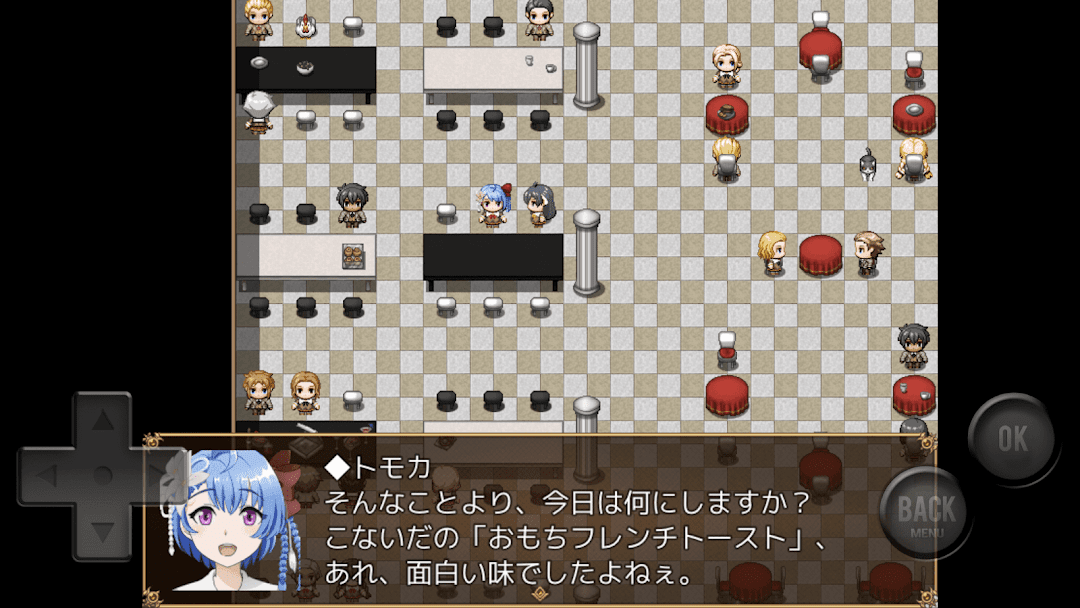
Perfect gift perfect friend is a Adventure application developed by Realize Factory, but with the best Android emulator-LDPlayer, you can download and play Perfect gift perfect friend on your computer.
Running Perfect gift perfect friend on your computer allows you to browse clearly on a large screen, and controlling the application with a mouse and keyboard is much faster than using touchscreen, all while never having to worry about device battery issues.
With multi-instance and synchronization features, you can even run multiple applications and accounts on your PC.
And file sharing makes sharing images, videos, and files incredibly easy.
Download Perfect gift perfect friend and run it on your PC. Enjoy the large screen and high-definition quality on your PC!
*This app is a collaborative application of the games crafted by Munchbo. Please note that the creators of the game are Mr. Impossible.◆ Game content
In this leisurely school exploration ADV, the main character forgets all of his friends' birthday and tries to prepare his birthday present during lunch break.
◆ ED Count
Six
◆ Production Tools
RPG TUCK MV
◆ about the live-action and secondary creations
Basically, no prior notice is required.
However, the following activities are forbidden:
-Acts of external material providers will take a disadvantage
-Damage to specific personal or social attributes related to the game content and characters
-Acts that the creator or the material provider judge as inappropriate
For the situation, please include the "Game Name" in the video title.
◆ Refuse
Everything in this game is fiction.
It has no relation to real people, groups, or cases.
◆ Other
Some of the extra elements include inner circles, but please be patient.
◆ Credit notation
[Produce and plan] Insane workshop
[Graphic production] sgru3 (Ananas Grasper), Imposter (More)
[Character Design] sgru3 (Tomoka), Impossible (and more)
[BGM] Sweet Tea Music Studio 【https://amachamusic.chagasi.com/】
[SE] Sound Effects Lab [https://soundeffect-lab.info/]
[Window skin material] Fancy curves [https://kopacurve.blog.fc2.com/]
[Picture Material (for Ending Screens)] Photo Material Ashinari 【http://www.ashinari.com/】
[Tiles Set Material] Shopping Mall Tile Set (C) Yeaka
[Friendship Appearance] Summer Might (by sgru3)
[Debug & sub scenario scenarios] sgru3
[How to operate]
Tap: Select/Inspect/Move to a given location
2-Finger Tap: Cancel/Open/Close Menu Screen
Swipe: Scroll of Page
• This game is created with Yanfly Engine.
-Production Tools: RPG Tuk MV
© Gotcha Gotcha Games Inc./YOJI OJIMA 2015
-Additional Plugin:
ru_shalm
uchuzine
Kien
Mr. kuro
Mr. Yanfly
Shirogane
Produced by: Imposter
PUBLISHED BY PUZZLE PUPPYMAN