PG Escape : 100 Mark Escape is a Adventure application developed by PG Escape, but with the best Android emulator-LDPlayer, you can download and play PG Escape : 100 Mark Escape on your computer.
Running PG Escape : 100 Mark Escape on your computer allows you to browse clearly on a large screen, and controlling the application with a mouse and keyboard is much faster than using touchscreen, all while never having to worry about device battery issues.
With multi-instance and synchronization features, you can even run multiple applications and accounts on your PC.
And file sharing makes sharing images, videos, and files incredibly easy.
Download PG Escape : 100 Mark Escape and run it on your PC. Enjoy the large screen and high-definition quality on your PC!
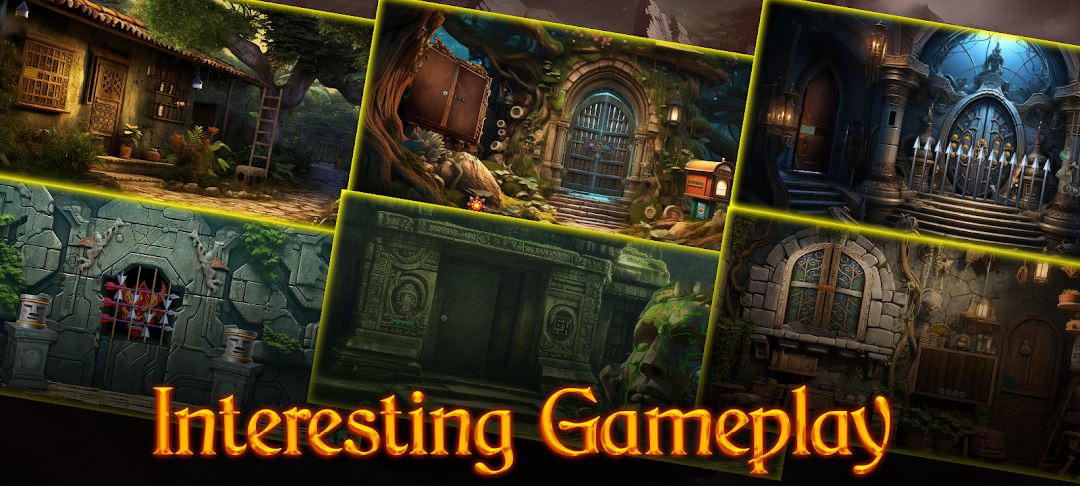
"PG Escape: 100 Mask Escape" invites players into a mesmerizing realm of mystery and puzzles. The game revolves around the quest to recover 100 lost masks scattered throughout an intricately designed fantasy world. As the protagonist, you'll delve into an immersive experience, tackling mind-bending puzzles that will push your cognitive abilities to the limit.The game boasts a diverse collection of 100 unique escape scenarios, each presenting a distinctive challenge and requiring a strategic approach. Whether it's deciphering codes, solving riddles, or navigating through complex mazes, players will find themselves captivated by the variety of puzzles that await them.
The fantasy gameplay adds an extra layer of intrigue, transporting players to a world filled with enchanting landscapes, mysterious creatures, and hidden secrets. The visually stunning environments serve as the backdrop to your quest, enhancing the overall gaming experience.
Your journey is not just about finding masks; it's about unraveling the mysteries surrounding their disappearance. As you progress through the levels, a compelling narrative unfolds, guiding you through the rich lore of the game world. Discover the stories behind each mask and the challenges that lie ahead.
"PG Escape: 100 Mask Escape" is not just a game; it's an immersive adventure that challenges your problem-solving skills, creativity, and perseverance. With its combination of fantasy elements, intricate puzzles, and a vast collection of escape scenarios, this game promises an unparalleled gaming experience that will keep you hooked from start to finish. Are you ready to embark on a journey where every escape brings you closer to the truth behind the lost masks?