Phone Escape: Hopeless is a Puzzle application developed by ENIGMATICON, but with the best Android emulator-LDPlayer, you can download and play Phone Escape: Hopeless on your computer.
Running Phone Escape: Hopeless on your computer allows you to browse clearly on a large screen, and controlling the application with a mouse and keyboard is much faster than using touchscreen, all while never having to worry about device battery issues.
With multi-instance and synchronization features, you can even run multiple applications and accounts on your PC.
And file sharing makes sharing images, videos, and files incredibly easy.
Download Phone Escape: Hopeless and run it on your PC. Enjoy the large screen and high-definition quality on your PC!
Phone Escape is a unique and immersive story-driven escape room game. Explore and interact with the 3D environment, use the enigmatic phone to solve a variety of puzzles and unravel the mystery.Can you escape?
CAPTIVATING STORY
You wake up within a dark basement, holding an unfamiliar mobile device which is your only source of light. A message from an unknown sender arrives, seemingly responsible for your captivity. Your only hope to escape is to follow this individual’s directives, tasked with solving challenging puzzles using all the available tools from the operating system of the mobile device along with the clues of the 3D environment to uncover the truth.
INTUITIVE CONTROLS
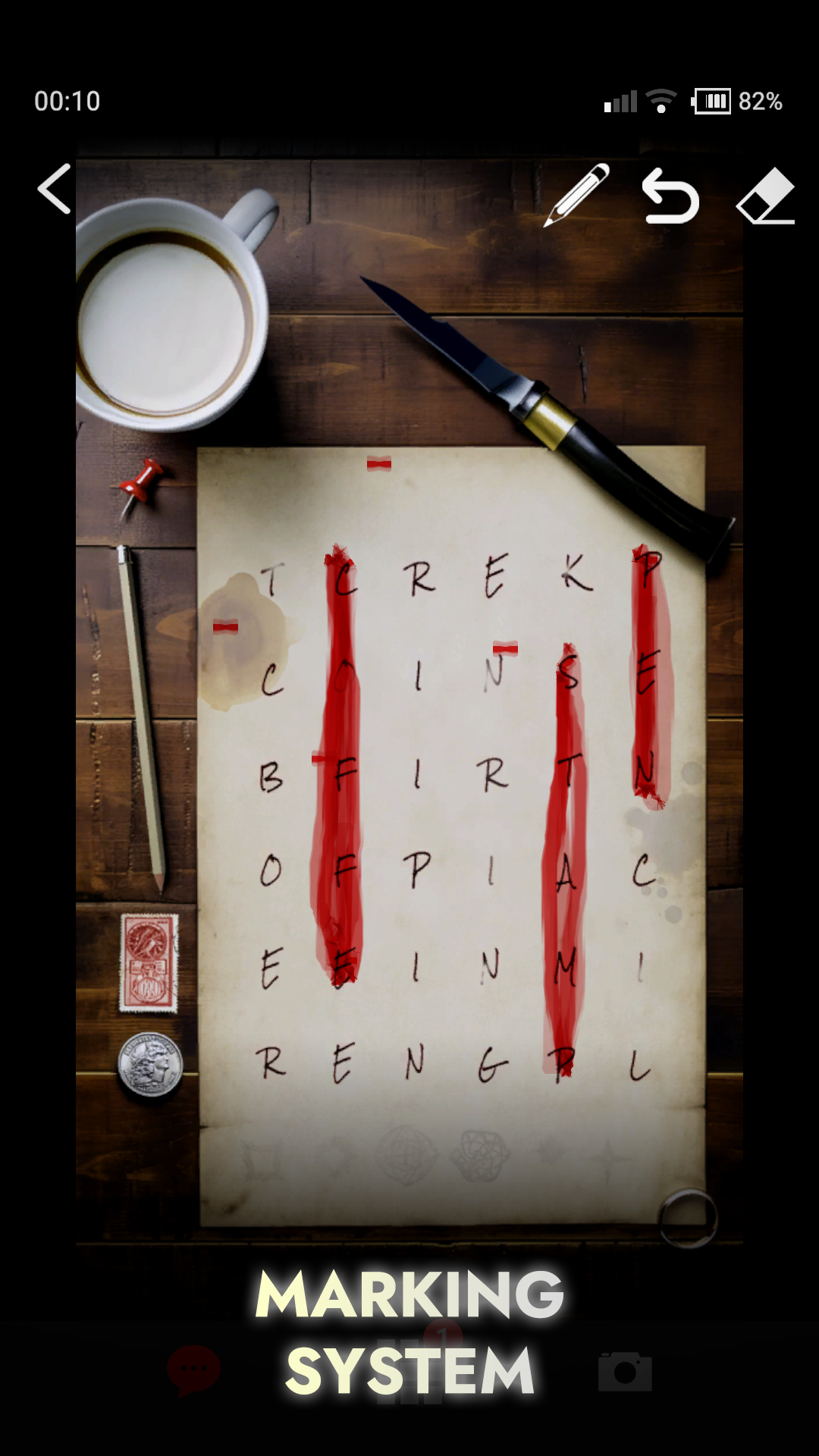
Using the in-game Camera App, drag to look around so as to explore and interact with the environment. Tap on hotspots to move to, or interact with places of interest. Access the available applications from the home screen of the enigmatic device.
FEATURES
★ Custom in-game is aimed at offering an experience similar to a real device.
★ “Aha Moment” puzzles that will challenge your senses and quicken your heartbeat.
★ A hint system with several levels of assistance is available to help players who encounter difficulty solving certain puzzles.
★ Realistic visuals optimized to perform on any device.
★ Original music and sounds.
★ Single-hand touch controls, easy to interact with.
★ A compelling narrative.
★ Approximately 3 hours of gameplay.
💡 Recommendation:
The game is best experienced with headphones in a dimly lit or dark room.
Website:
https://enigmaticon.com