Pixel Overlord: 4096 Draws is a Role Playing game developed by Happyfun, and LDPlayer is the best platform for playing Pixel Overlord: 4096 Draws on Windows PC, offering powerful features for an immersive experience.
When playing Pixel Overlord: 4096 Draws on PC, as a new player looking to start with a fresh account, the multi-instance and sync features are extremely useful for rerolls. You can use them to run multiple instances and begin the synchronization process. Bind your account until you draw the desired heroes.
In addition, operation recorder is great for games that require you to level up and complete tasks! Run the sync and record your actions, then repeat the main instance's actions in real-time. By doing so, you can run 2 or more accounts simultaneously. You can always get the heroes you want before others by faster rerolls and more efficient summoning! Start downloading and playing Pixel Overlord: 4096 Draws on your computer now!
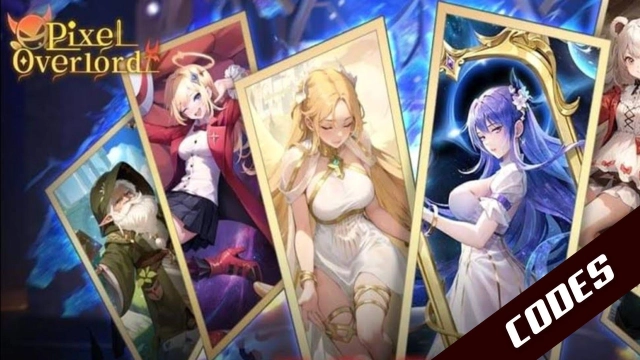
Pixel Overlord: 4096 Draws is a chill, idle RPG adventure set in another world.What happens when an overlord gives up their title to freely explore every corner of the world? Obviously, they meet a bunch of cute girls! From Lucina, the adorable little priestess he first meets, to Alice, the goddess who guided him to this new world, a Warrior would have to choose just one—but an overlord says, "I'll take 'em all!"
Clear the fog from your map, meet all kinds of companions, and jump into a fun, breezy, pixel adventure!
[AFK for Easy Gains]
Just chill at your camp and grow stronger while you sleep. The bonfire is surrounded by loot, so getting powerful is a breeze!
[A Seriously Fun Adventure]
Meet beautiful companions and travel with elves. Every character has a story to tell, so trade secrets with them and get to know them better!
[Seriously Satisfying Combat]
Master the divine runes of your signature weapons to dominate the battlefield. A good team and cool skills mean you're guaranteed to win! This is where your gacha adventure truly begins.
[Connect and Get Surprises]
With so many companions, you'll get gifts every day! Check your terminal messages often—you never know what your friends have sent you!
[Endless Fun and Variety]
Say goodbye to boring, repetitive levels and try out tons of mini-games! There are all kinds of little games built in and waiting for you to challenge!
Contact us: PixelSaga.en.service@hotmail.com