Pixels of Fortnite is a Casual game developed by GD Games & Apps. LDPlayer is the best platform for playing Pixels of Fortnite on Windows PC, offering powerful features to enhance your immersive experience in Pixels of Fortnite.
When playing Pixels of Fortnite on your computer, if you find repetitive actions or tasks tedious and time-consuming, fret not! Macro can alleviate your concerns. Simply record your actions with a click of the screen recording feature and let macros take care of the rest. Macros automate your operations, allowing you to effortlessly conquer the game with minimal effort! Start downloading and playing Pixels of Fortnite on your computer now!
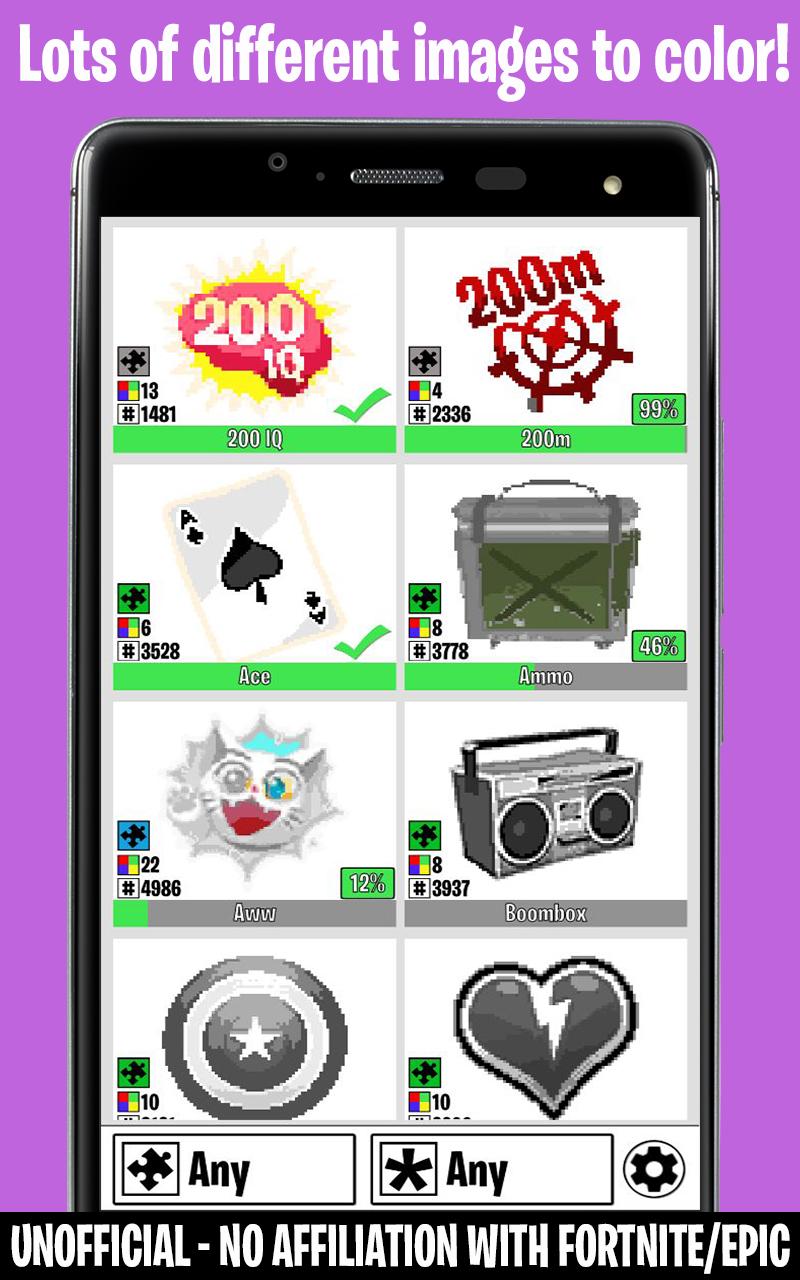
🔥Coloring by numbers Game with Fortnite themed images🔥Want to enjoy some pixel coloring with images from your favorite game, Fortnite? Look no futher!
Plenty of images to color, all manually pixelated to improve your coloring experience.
Can you finish all the pictures?
Features:
★Lots of images to color, all themed to the Fortnite game
★Color in your own pace, no timers, just relax!
★Save and continue your progress at any time
★Power Ups available to speed up coloring
★Easy to play game, simple controls, tap to color, or hold to color multiple in a row
Content Creator Tag: Gnejs
Use the tag in Fortnite or the Epic Games Store to support us.
We are an Epic Games partner, part of the revenue is shared with us if you use the code.
Thanks for your support!
This is an Unofficial Fortnite App and has NO affiliation with Epic Games™
This App is adhering to the Fan Content Policy created by Epic
Portions of the materials used are trademarks and/or copyrighted works of Epic Games, Inc. All rights reserved by Epic. This material is not official and is not endorsed by Epic.
Policy URL: https://www.epicgames.com/site/en-US/fan-art-policy
This App does NOT contain any purchases of any kind, as required by the policies.
Legal Notice
Epic Games, Inc. Epic, Epic Games, the Epic Games logo, Fortnite and the Fortnite logo are trademarks or registered trademarks of Epic Games, Inc. in the United States of America and elsewhere. All rights reserved.