Poket Jumper - pet Doodle Jump is a Arcade application developed by vinokurov1721, but with the best Android emulator-LDPlayer, you can download and play Poket Jumper - pet Doodle Jump on your computer.
Running Poket Jumper - pet Doodle Jump on your computer allows you to browse clearly on a large screen, and controlling the application with a mouse and keyboard is much faster than using touchscreen, all while never having to worry about device battery issues.
With multi-instance and synchronization features, you can even run multiple applications and accounts on your PC.
And file sharing makes sharing images, videos, and files incredibly easy.
Download Poket Jumper - pet Doodle Jump and run it on your PC. Enjoy the large screen and high-definition quality on your PC!
"Poket Jumper is an addictive and exciting mobile game that takes you on a jumping adventure like no other. Embark on a doodle-filled journey through a vibrant and ever-changing world where your goal is to guide a lovable character as high as possible.Using simple and intuitive controls, your goal is to navigate the bouncing hero from one platform to the next, avoiding obstacles and collecting power-ups along the way. Be prepared for a challenge as the platforms become increasingly sparse and difficult to reach.
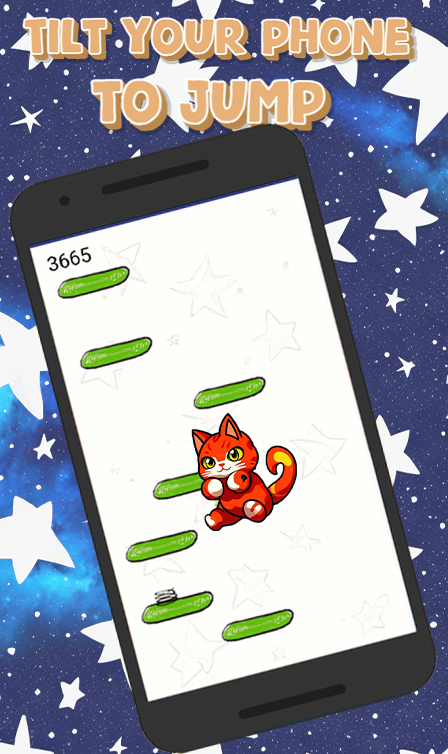
But it's not just about reaching new heights - the game features dynamic gameplay that will keep you on your toes. You will encounter different types of platforms, including moving platforms, crumbling platforms, and spring-loaded platforms, each of which presents unique challenges and opportunities.
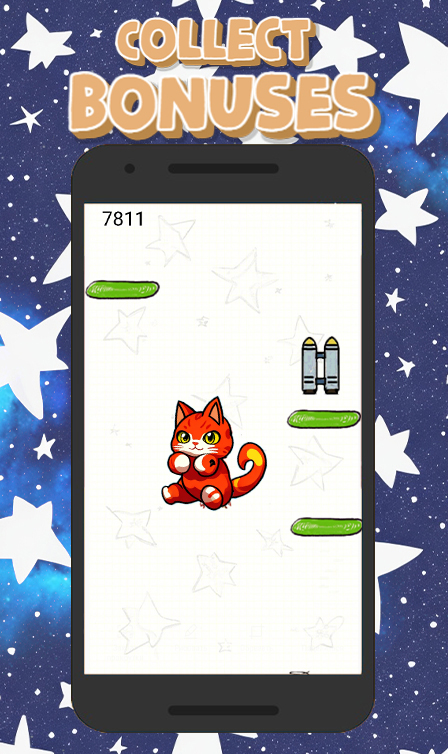
As you climb, you'll encounter quirky enemies and hazards that will test your reflexes and timing. Strategically use power-ups like jetpacks, springs, and shields to boost your jumps and overcome obstacles. Discover hidden treasures and secret paths to increase your score and unlock special bonuses.
Charming hand-drawn doodle graphics give the game a whimsical and playful feel. The vibrant sound effects and catchy background music further immerse you in the captivating world of fantastic game.
Challenge yourself to beat your own records and set new personal bests. Challenge your friends to beat your scores!
Pocket Jumper is the ultimate test of precision, timing, and agility. Are you up for the challenge? Enter the world of Jumpers and embark on an exhilarating adventure in Poket Jumper!