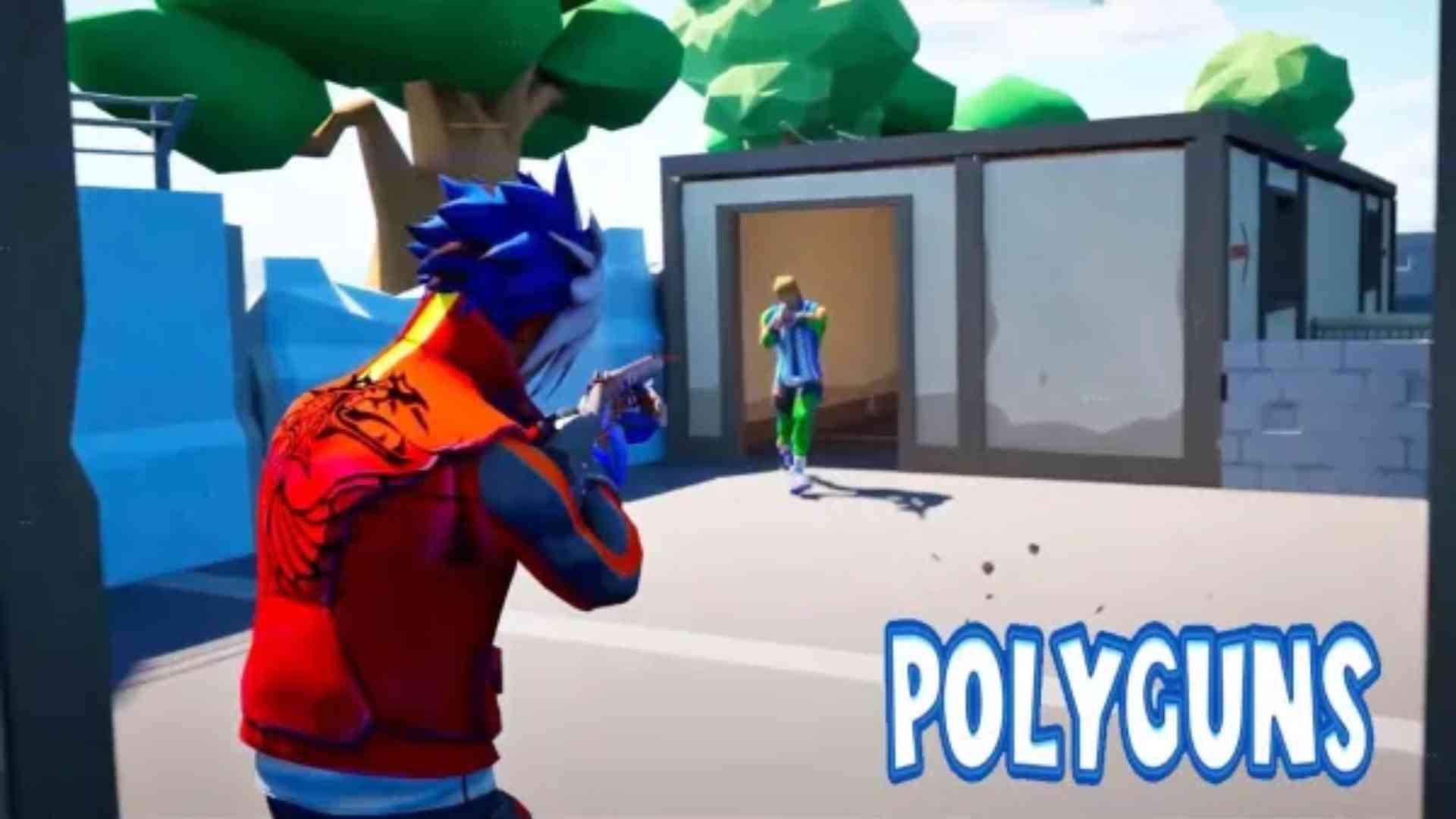
PolyGuns FPS - Shooter Strike is a Action game developed by Bravoo Rays LLC, and LDPlayer is the best platform for playing PolyGuns FPS - Shooter Strike on PC, offering powerful features to immerse you in the game.
When playing PolyGuns FPS - Shooter Strike on computer, you can adjust frame rate settings for smooth gameplay and stunning visuals.
LDPlayer also provides pre-configured keyboard mapping for convenient control of the entire game. Continuous optimization of keyboard mapping enhances key sensitivity and skill accuracy. Additionally, LDPlayer offers special buttons like shoot, hide mouse, and continuous key press for an enhanced gaming experience.
If you prefer using a gamepad, the automatic gamepad detection allows you to customize controls with just a few clicks, enabling you to freely maneuver your hero. Start downloading and playing PolyGuns FPS - Shooter Strike on your computer now!
PolyGuns Fps - Shooter StrikeAre you driven by the thrill of action-packed PvP FPS games? Eager to put your fps shooter skills in stylized games to the ultimate test? Get ready to dive into the heart-pounding action of PolyGuns Fps - Shooter Strike. Polygon shooting games is first-person shooter experience where every shot counts.
Step into the war zone and be prepared to make your mark in polyguns world war 3d. From diverse maps to a polygon characters, weapon customization options, and a variety of gun game modes, PolyGuns has everything you need for the ultimate battle.
⭐Exclusive Features of POLYGUNS ⭐
🔫 Vast range of weapons and upgrades
🗝️🔓 Premium battle pass to unlock online multiplayer mode
🏆 Daily gun shooting missions and different achievements rewards
🏞️🎮️ Various first-person shooter games modes & beautiful environment
📊 Leaderboard - worldwide ranking of polygon players
⚔️ Campaign battles and team death match arena
🌐📶 Offline and online epic wars of first person shooters
🏕️ Advance polygon graphics & easy fps shooting games controls
⭐Team Death Match⭐
Join forces with your teammates and prepare for TDM mode in fps polyguns arena. Engage in relentless combat as you work together to eliminate enemy players. Communication, coordination, and teamwork are essential to compete the polygon shooters on the battlefield of polyguns world war 3d.
⭐Gun Race⭐
Get ready for a intense race to arm yourself with the most powerful arsenal. In Gun Race mode of PolyGuns Fps - Shooter Strike, players compete to be the first to reach a series of weapon pickups. With each pickup, your firepower increases, but do not forget, the intensity of battle is also increasing.
⭐Free for All⭐
No teams, no allies as you fight to be the last one standing. Engage in intense firefights, showcase your sniper shooting skills, and assert your dominance in this polygon shooting game where only the strongest will survive.
⭐Capture the Flag⭐
Teamwork and strategy play vital role in Capture the Flag mode. Divide into teams and embark on a mission to seize the enemy's flag while defending your own. Protect your flag and claim victory for your team in fps polyguns arena.
⭐Domination⭐
Work with your team to capture occupied points while facing enemy attacks. Control the battlefield, dominate the competition, and lead your team to victory in this online multiplayer PvP of Polyguns shooter strike.
Download now for Free, this PolyGuns - Multiplayer Shooting Game is for you.
Feedback:
Your honest feedback is valuable to help us improve the quality of game.