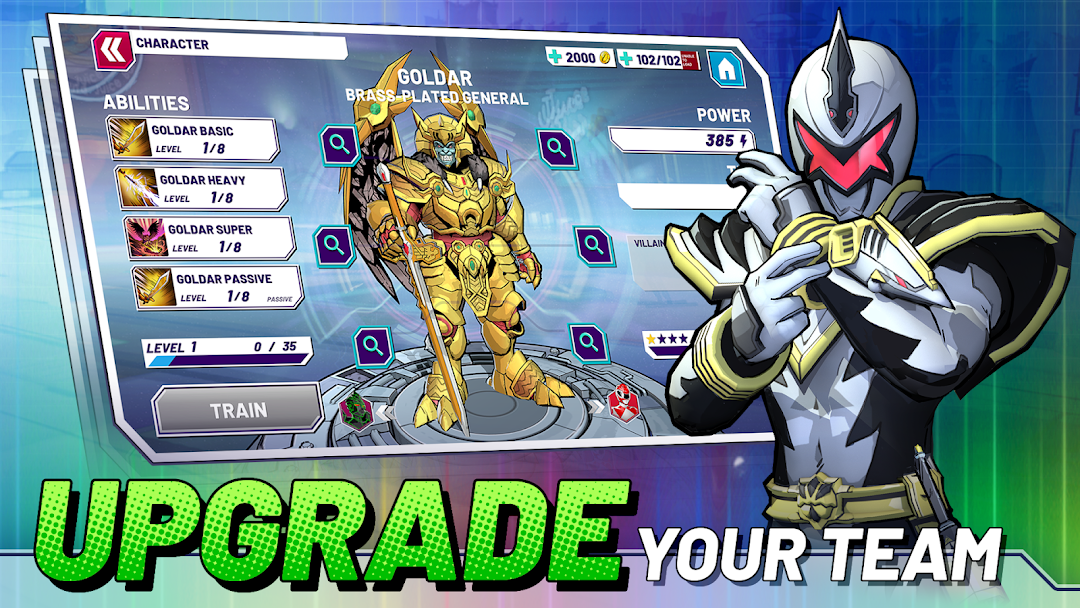
Power Rangers: Morphin Legends is a Role Playing game developed by nWay Inc., and LDPlayer is the best platform for playing Power Rangers: Morphin Legends on Windows PC, offering powerful features for an immersive experience.
When playing Power Rangers: Morphin Legends on PC, as a new player looking to start with a fresh account, the multi-instance and sync features are extremely useful for rerolls. You can use them to run multiple instances and begin the synchronization process. Bind your account until you draw the desired heroes.
In addition, operation recorder is great for games that require you to level up and complete tasks! Run the sync and record your actions, then repeat the main instance's actions in real-time. By doing so, you can run 2 or more accounts simultaneously. You can always get the heroes you want before others by faster rerolls and more efficient summoning! Start downloading and playing Power Rangers: Morphin Legends on your computer now!
Ready for battle and assemble your ultimate dream team in a new mobile turn based RPG strategy game. Power Rangers: Morphin Legends is the all-new character-collect RPG made for Power Rangers fans. Collect, strategize, battle and level up legends across the Morphin Grid, including franchise favorites from Mighty Morphin Power Rangers, Power Rangers Time Force, Power Rangers Dino Thunder, and more. Engage in turn-based action, live events, and a narrative experience never before seen on mobile, as you collect, team up, and save the world.COLLECT YOUR DREAM TEAM
Enlist iconic Rangers and villains across the seasons to form the ultimate team. Build your roster and play franchise favorites in an all-new character-collect RPG.
FIGHT ACROSS ICONIC ENVIRONMENTS
Battle your way through locations throughout franchise history, from the Juice Bar to Dai Shi’s Temple. Mix and match your favorite Power Rangers environments and characters.
IMMERSE IN THE LORE
Play an all-new, original story campaign with cutscenes and characters across the Power Rangers universe. Unite Rangers and villains across the Morphin Grid together to fight and save the world.
POWER UP AS ONE
Each team member has unique abilities and playstyles for an epic RPG experience. Set up team actions to generate fierce special attacks, designed with inspiration from the show!
A LIVING MORPHIN GRID
Compete with teams of Morphin Legends in PvE action across the Grid. Special limited time events reward new characters and items to advance campaigns and power up teams.
************************************************************************
Like us on Facebook: https://facebook.com/MorphinLegends
Like us on Twitter: https://twitter.com/PRMorphinLegends
Visit us on Instagram: https://Instagram.com/MorphinLegends
www.MorphinLegends.com
By downloading this game, you agree to the Terms of Service and Privacy Policy Agreement.
https://nway.com/terms-of-service/
https://nway.com/privacy-policy/
Hasbro and Power Rangers and all related trademarks and logos are trademarks of SCG Power Rangers LLC and /or Hasbro. © 2022 SCG Power Rangers LLC and Hasbro. Licensed by Hasbro.