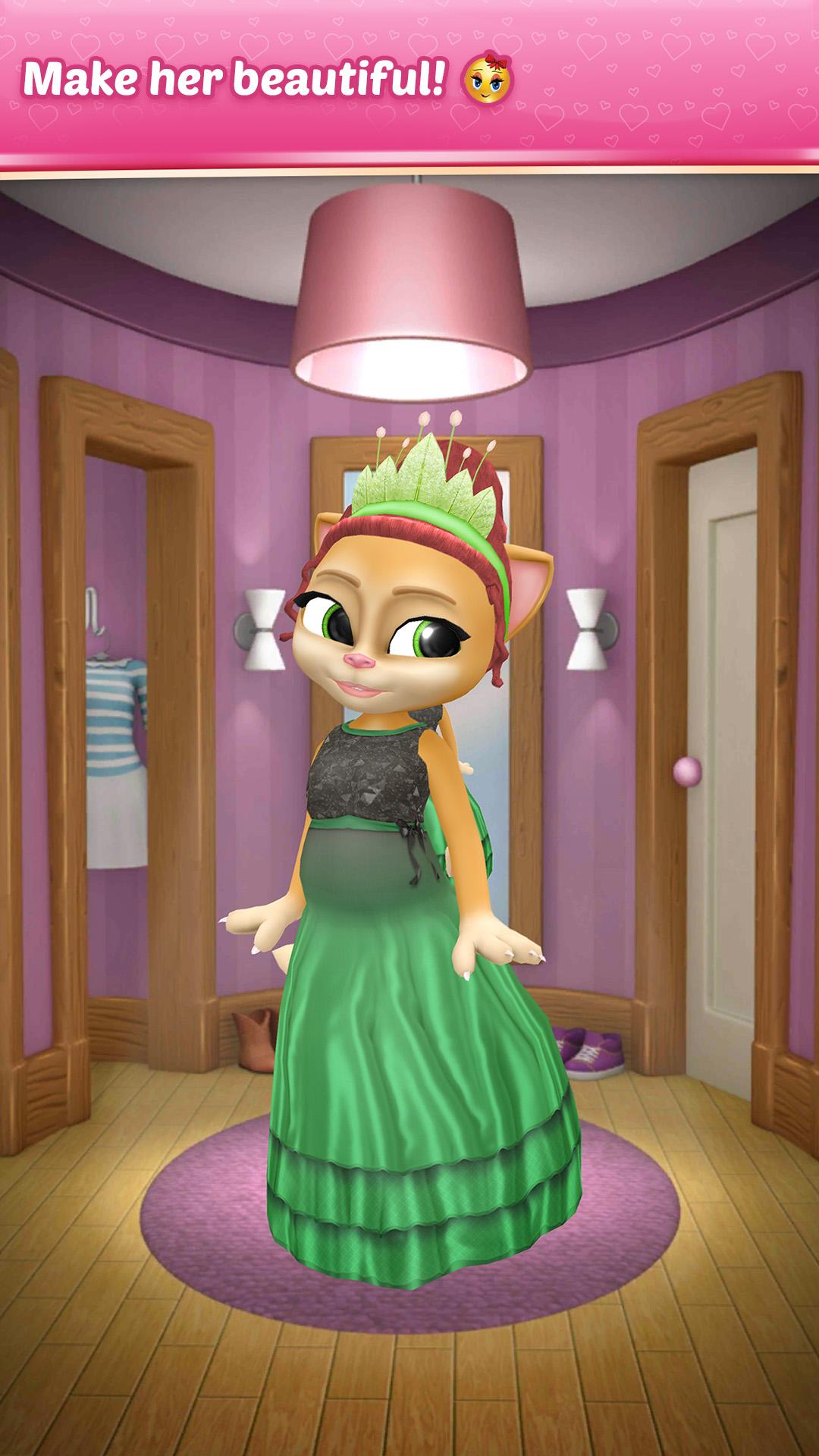
Pregnant Talking Cat Emma is a Casual game developed by Peaksel Games. LDPlayer is the best platform for playing Pregnant Talking Cat Emma on Windows PC, offering powerful features to enhance your immersive experience in Pregnant Talking Cat Emma.
When playing Pregnant Talking Cat Emma on your computer, if you find repetitive actions or tasks tedious and time-consuming, fret not! Macro can alleviate your concerns. Simply record your actions with a click of the screen recording feature and let macros take care of the rest. Macros automate your operations, allowing you to effortlessly conquer the game with minimal effort! Start downloading and playing Pregnant Talking Cat Emma on your computer now!
GREAT NEWS! Your favorite talking pets, Emma the Cat and Oscar are expecting little kittens! Wonderful, right? Too bad Oscar had to go so far away to hunt, so pregnant talking cat Emma is all alone now. Thankfully, she has you! You’ll help your virtual kitty cat Emma go through her pregnancy, right? We all know that’s not easy and Pregnant Talking Cat Emma misses Oscar so much! She is so lonely without him, and she can really use some company and support. Be there for your pregnant virtual cat Emma, and help her prepare to be a mom! Play this virtual pet pregnant game and be the biggest support for your pregnant Emma!PREGNANT TALKING CAT EMMA REALLY NEEDS A HELPFUL FRIEND DURING HER VIRTUAL PET PREGNANCY
As talking cat Emma is about to have three little talking kitties, she's going to need all the care a pregnant cat can get. Play talking cat pregnant games in order to take this pregnant mommy cat to her doctor so that the kitty cat virtual pet can do an ultrasound and other check-ups. Make sure her talking kitties are safe and sound. But that is not all! Take a look at the features list of this talking cat virtual pet game and make sure you check out every item on there!
PREGNANT TALKING CAT EMMA – PREGNANT GAME FEATURES:
🐱 Listen to my talking cat Emma repeating your words
🐱 Take her to regular check-ups
🎁 Organize a baby shower and collect all the items to win awards
🐱 Deliver the kittens on level 31
🐱 Play music to help pregnant talking pet Emma raise healthy talking kittens
👗 Dress up my virtual pet Emma into lovely pregnancy clothes
🐱 Advance through the levels and change room decor to make it more cozy
💎💰 Win coins and diamonds, unlock levels and get awesome awards
💅 Have pregnant Emma's nails done to help her feel beautiful during the pregnancy
🐱 Change pregnant Emma's name
🐱 Share your talking cat on social networks
WITH THE NEWBORN TALKING KITTENS, THE WORLD OF VIRTUAL PETS AND TALKING PETS WILL JUST REACH ANOTHER LEVEL.
We are all thrilled to have three little talking kitties on the way! Are you? Join pregnant Emma the cat in this exciting virtual pet game to help them go through her pregnancy and bring the talking kitties to the world. Virtual pregnant cat Emma is not a regular talking cat, this time she needs special care and attention from you. Progress through the levels by making sure your talking cat virtual pet has whatever she needs. Try this virtual kitty pregnant game and be there for your pregnant Emma!
Pregnant Talking Cat Emma virtual pet game has been developed and published by Peaksel - all rights reserved.