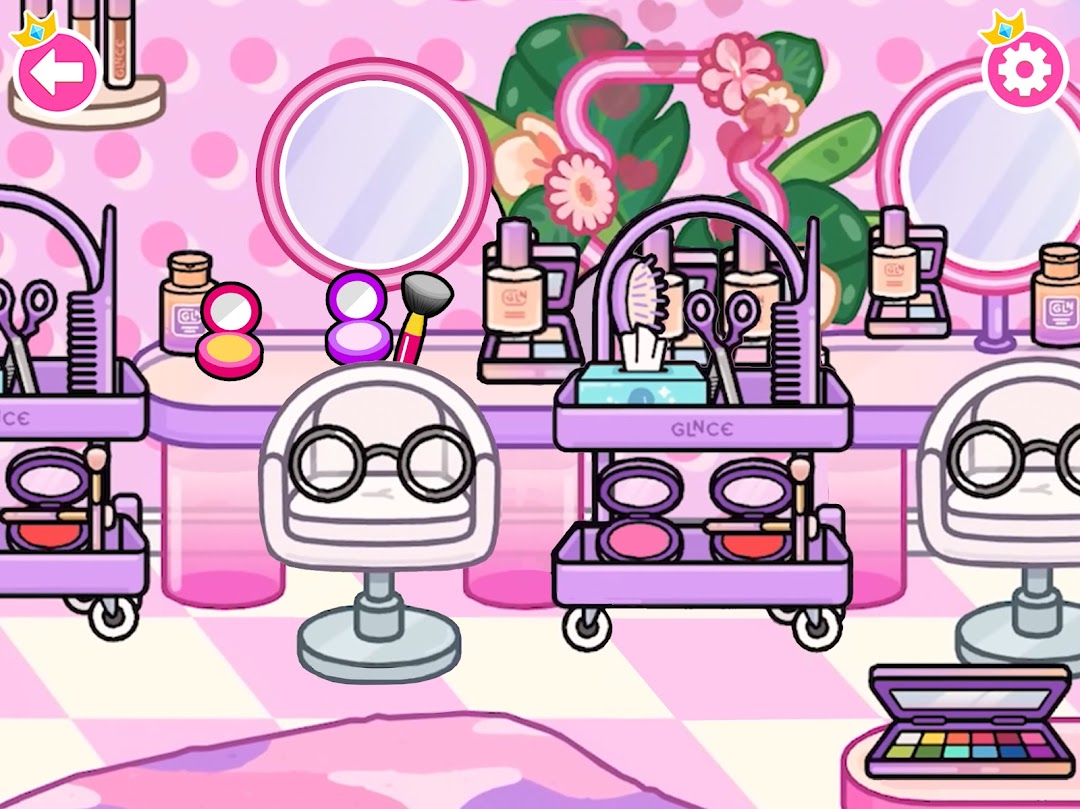
Princess Town: Wedding Games is a Simulation application developed by Princess Town, but with the best Android emulator-LDPlayer, you can download and play Princess Town: Wedding Games on your computer.
Running Princess Town: Wedding Games on your computer allows you to browse clearly on a large screen, and controlling the application with a mouse and keyboard is much faster than using touchscreen, all while never having to worry about device battery issues.
With multi-instance and synchronization features, you can even run multiple applications and accounts on your PC.
And file sharing makes sharing images, videos, and files incredibly easy.
Download Princess Town: Wedding Games and run it on your PC. Enjoy the large screen and high-definition quality on your PC!
Welcome to join our wedding game - Princess Life World! Here, you will have the opportunity to become a real princess and enjoy all the beauty of royal life. Customize your character and create your dream wedding in the exquisite castle. Amazing customization options allow you to create unique clothing, hairstyles, and accessories. Interact with characters in the Princess Town, simulating a real luxury wedding party! Work with the royal tailor to design the best wedding dress, and go to the kitchen to see if the chefs have prepared food and wedding cakes.Explore all the locations, each filled with hundreds of interesting and humorous elements. Manipulate various items to discover hidden plots and exciting animations; discover new characters and interesting events, and enjoy this attractive experience constantly!
Is meeting the prince in the garden a sign of love at first sight? But why does the prince keep his eyes on the florist in the flower shop? In the game, you can play various character roles and experience different lives! Because there are no restrictions on interactive items, characters, and scenes, you can do anything you want!
Main features:
- 12 scenes, over 500 interactive items!
- Breathe in the forest, immerse yourself in the sea, and the five major theme salons carefully care for all aspects of the princesses.
- Try to interact with every item, create new character stories, and express your ideas.
- Choose from hundreds of faces, clothes, makeup, and accessories to create your own customizable character! Will they be gorgeous, cute, or very strange? Play dress-up games in your own way!
- Give your character various expressions, let them move and dance, the only limit is your imagination.
If you want to be a real princess, come and join our wedding game! Let's enjoy this wonderful royal life together and feel the elegance and grace of princesses.
Important Message for Purchases:
- By downloading this App you agree to our Privacy Policy
- Please consider that this App may include third parties services for limited legally permissible purposes.
Important Message to Parents
This app is free to play and all content is FREE with ads. There are certain in-game features that may require purchase using real money.
About us
We produce high quality fun, safe and exciting digital games to help users discover the most fantastic collection of recipes.
Learn more about us:
- https://www.kidsfoodinc.com/
- https://www.youtube.com/channel/UCIBxt5W2xpgofE9jOS6fXqQ/featured