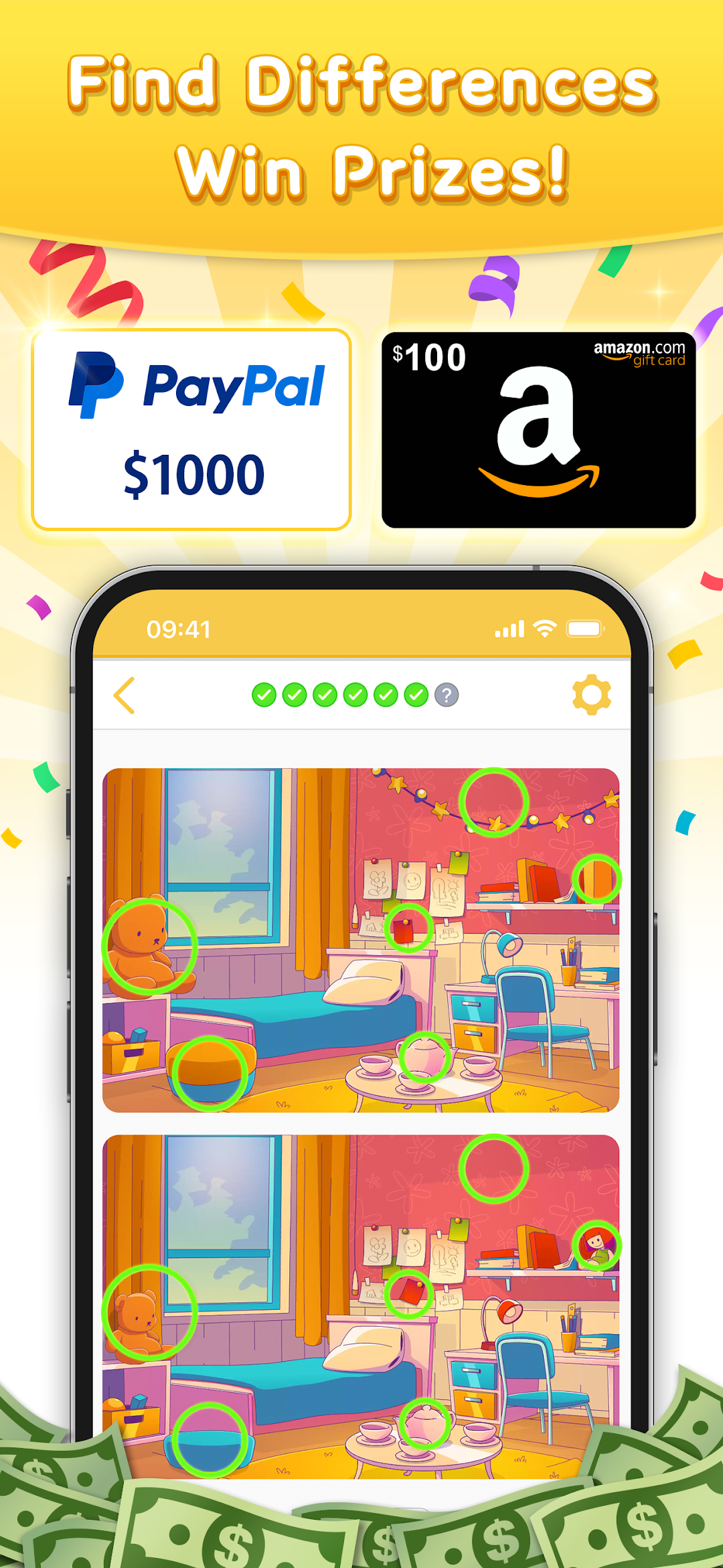
Prize Puzzle - Find Difference is a Puzzle application developed by giveawaygame-tokyo, but with the best Android emulator-LDPlayer, you can download and play Prize Puzzle - Find Difference on your computer.
Running Prize Puzzle - Find Difference on your computer allows you to browse clearly on a large screen, and controlling the application with a mouse and keyboard is much faster than using touchscreen, all while never having to worry about device battery issues.
With multi-instance and synchronization features, you can even run multiple applications and accounts on your PC.
And file sharing makes sharing images, videos, and files incredibly easy.
Download Prize Puzzle - Find Difference and run it on your PC. Enjoy the large screen and high-definition quality on your PC!
**How to Play "Prize Puzzle - Find Difference":**1. Begin by enjoying a round of spot-the-difference.
2. Solve puzzles to earn entry points for the prize draw.
3. Each entry point allows you to participate in the drawing.
4. If you're a lucky winner, a dedicated form will appear. Enter your information within one week of result confirmation.
(Note: Failure to input information within one week renders the win invalid.)
5. The administration will contact you via the registered email address on the dedicated form.
6. Await the arrival of your prize!
**Is This a Bug?**
For any issues or concerns, please use the in-app contact form or reach out to us at prizepuzzle.difference@with-prize.com.
We are committed to enhancing the functionality of "Prize Puzzle - Find Difference," and your feedback and suggestions are highly valued. Feel free to share your thoughts with us!