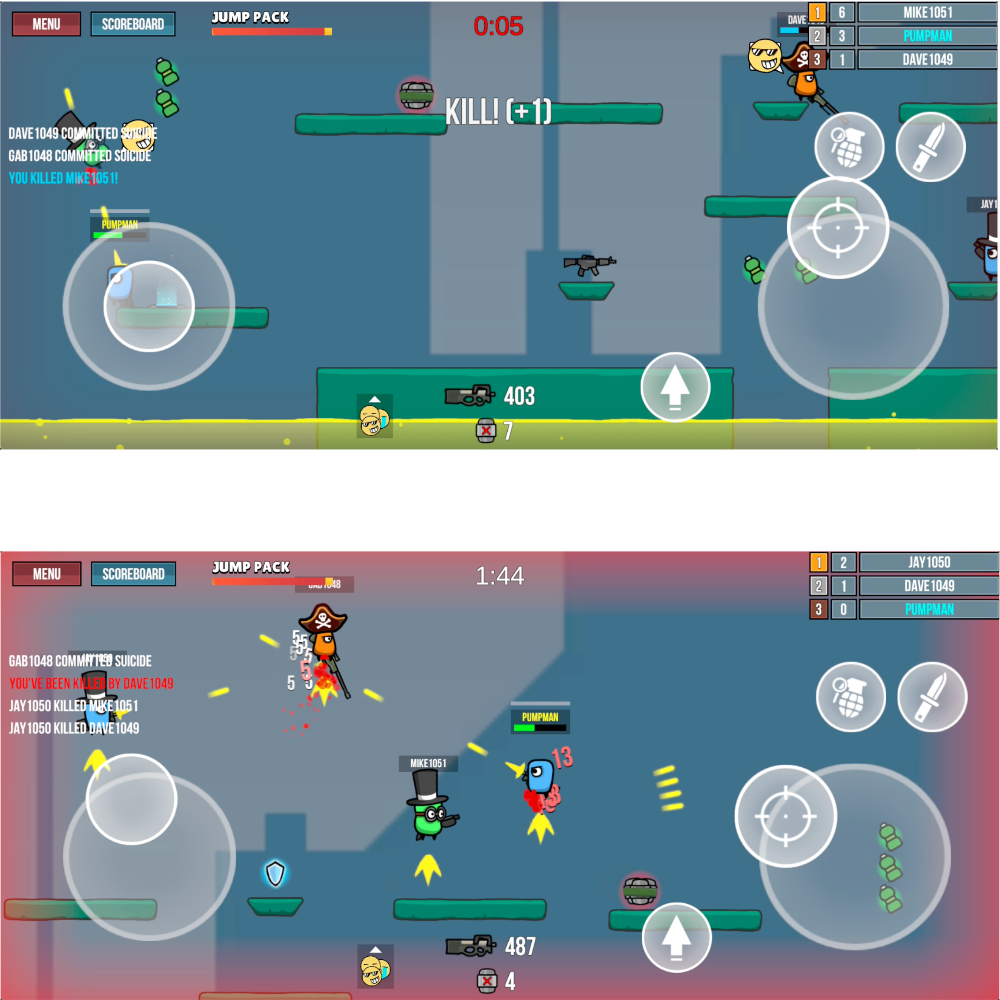
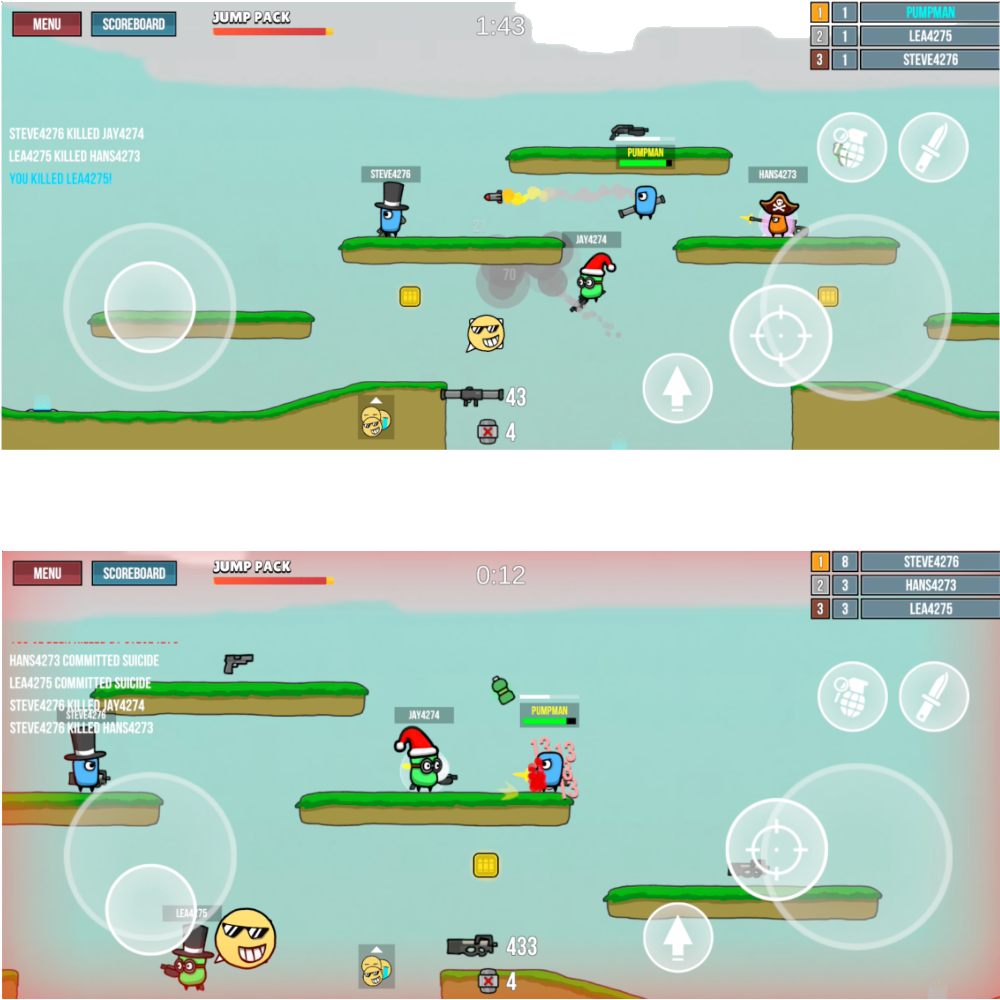
Pump Militia is a Action game developed by PixelDat, and LDPlayer is the best platform for playing Pump Militia on PC, offering powerful features to immerse you in the game.
When playing Pump Militia on computer, you can adjust frame rate settings for smooth gameplay and stunning visuals.
LDPlayer also provides pre-configured keyboard mapping for convenient control of the entire game. Continuous optimization of keyboard mapping enhances key sensitivity and skill accuracy. Additionally, LDPlayer offers special buttons like shoot, hide mouse, and continuous key press for an enhanced gaming experience.
If you prefer using a gamepad, the automatic gamepad detection allows you to customize controls with just a few clicks, enabling you to freely maneuver your hero. Start downloading and playing Pump Militia on your computer now!
Jump into the action with Pump Militia, a fast-paced real-time PvP game designed for mobile play. Engage in quick, intense battles lasting 2.5 minutes as you compete against players globally in an arena setting. Pump Militia offers everyone a thrilling multiplayer experience where survival and strategy are key.AN ONLINE PVP MULTIPLAYER EXPERIENCE
Skip the waiting and complicated menus—just play, shoot, defeat and repeat! Dive into top-down mini battle royale matches, competing online in real-time PvP battles. Show off your true survival skills and strategic positioning against opponents. It’s where MOBA meets Battle Royale—expect the unexpected!
BATTLE TO THE TOP IN PVP COMBAT
Fight through the bullet league and Mini Pump Militia Games Tournaments to face off against top players worldwide. Become a legend by choosing exciting weapons, honing your shooting skills, and emerging as the ultimate royale hero. Strive for PvP triumph and prizes in the battlelands!
Are you prepared for these top third person shooter MOBA battle royale games? Emerge as the Last Man Standing! Get ready to loot and shoot in Pump Militia.
Dive into exciting online Pump Militia games within a PM community eager for intense multiplayer PvP shooting and continuous MOBA excitement. Explore distinct characters and enhance your arsenal to wreak havoc on the battlegrounds. Whether you're a casual player, Pump Militia provides a top-down TPS multiplayer shooting adventure that's not to be missed.