QuackQuack is a Casual game developed by Dev_Joshu. LDPlayer is the best platform for playing QuackQuack on Windows PC, offering powerful features to enhance your immersive experience in QuackQuack.
When playing QuackQuack on your computer, if you find repetitive actions or tasks tedious and time-consuming, fret not! Macro can alleviate your concerns. Simply record your actions with a click of the screen recording feature and let macros take care of the rest. Macros automate your operations, allowing you to effortlessly conquer the game with minimal effort! Start downloading and playing QuackQuack on your computer now!
Ducks, Ducks and yes you guessed it... MORE DUCKS!QuackQuack is a new hyper-casual game from MainSoftworks, a cute, intuitive and generally amazing (credit of the ducks) clicker in which you build a massive collection of ducks!
This new duck phenomenon includes many features, these include:
- 100's of cute ducks to collect: This game has a great cast of everyone's favourite animal, DUCKS! Each duck has its own design, quack and personality to it, just waiting for you to discover!
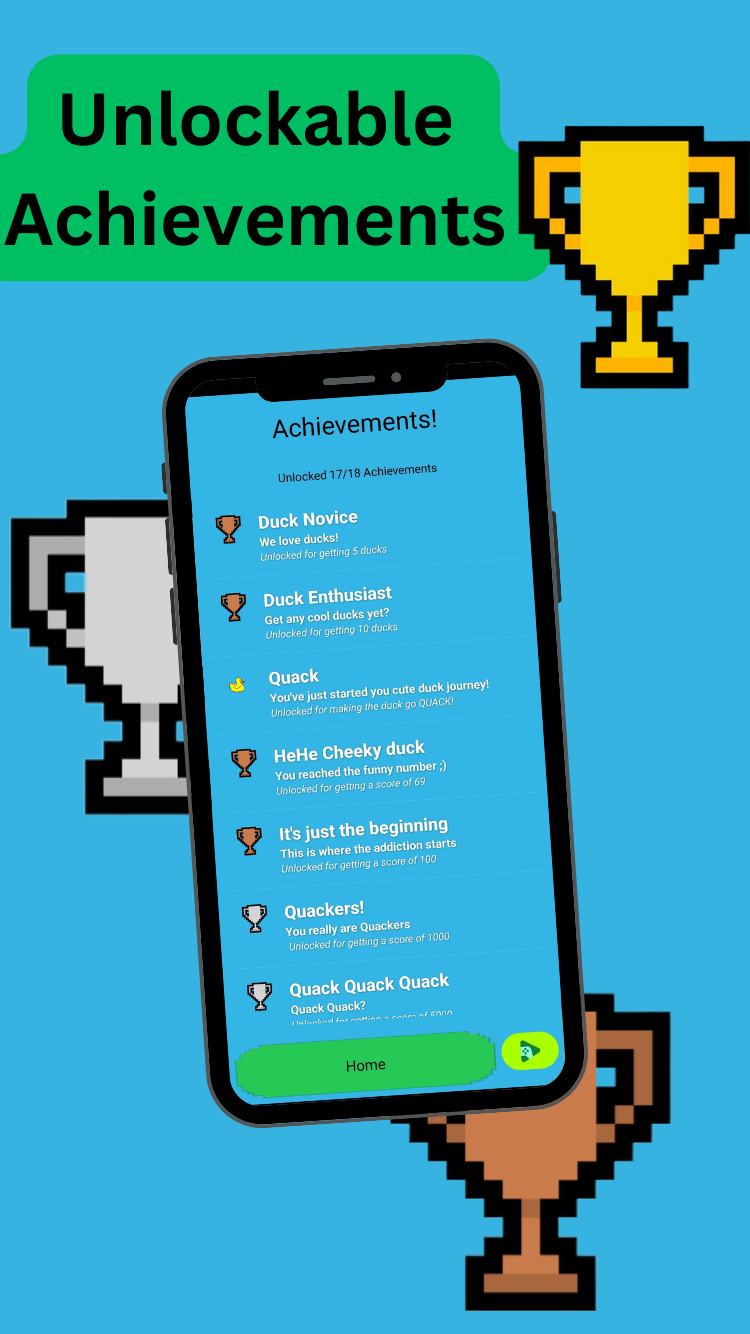
- Achievements: The game has a vast number of cool achievements to unlock and work towards
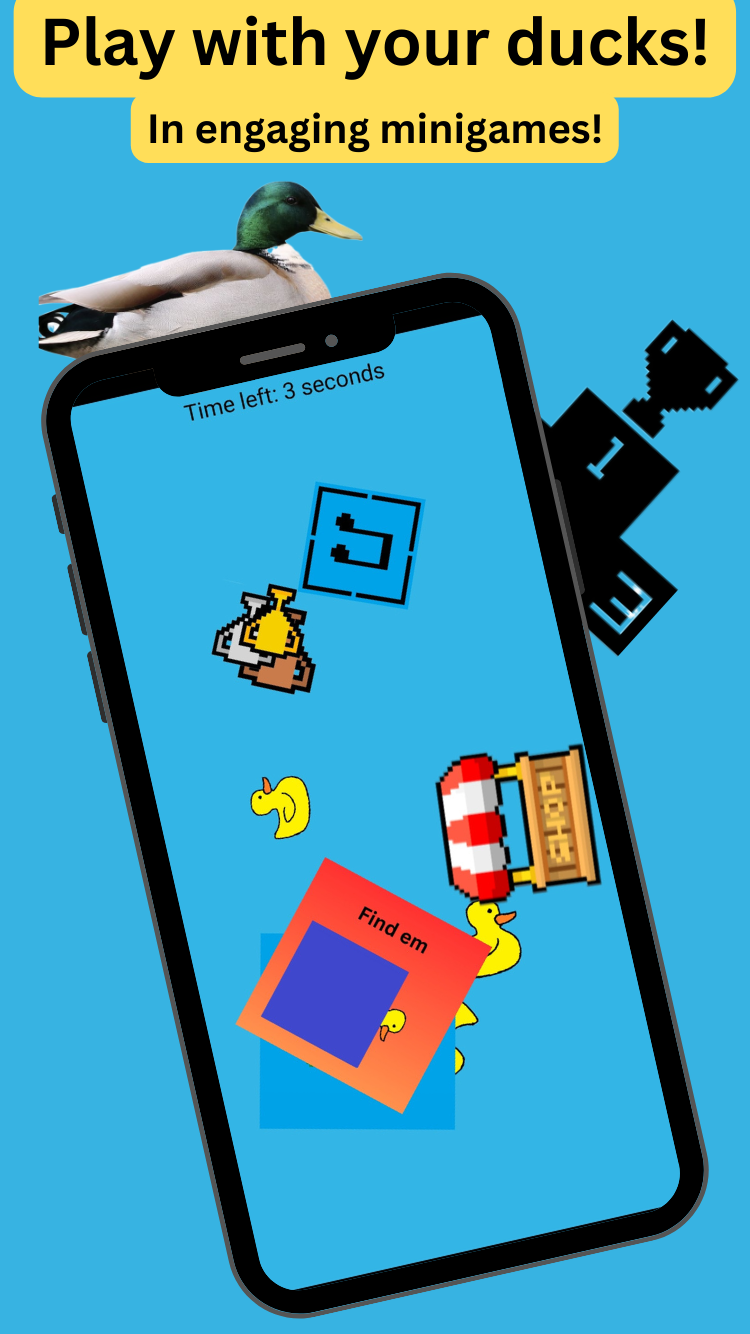
- Minigames: Play with your ducks in a wide variety of minigames! These include a mix of 1 and 2 player games for you to enjoy!
- Leaderboards: Compete with your friends and people from around the world to be the best Quacker alive! With a variety of leaderboards for the minigames, and game overall you will be constantly engaged in friendly competitivity!
- Upgrades and collectables: The game has a number of well designed collectables for you to unlock with your ducks! Not only this but there are a number of upgrades in the game that can be used to power up and add a bit of spice to your gameplay!
- A killer soundtrack: Made by 2 guys with a DAW and speakers at 2AM, the QuackQuack Soundtrack includes a variety of fire songs covering a wide range of genres. From Lofi to Phonk, or how about Jazz to Soundscape? You bet its included in this game!
Plus... Ducks! What more do I need to say?
Kickback, relax and Quack, that's the motto for all Quackers here, so what are you waiting for? Download the app now and enjoy the world of QuackQuack!