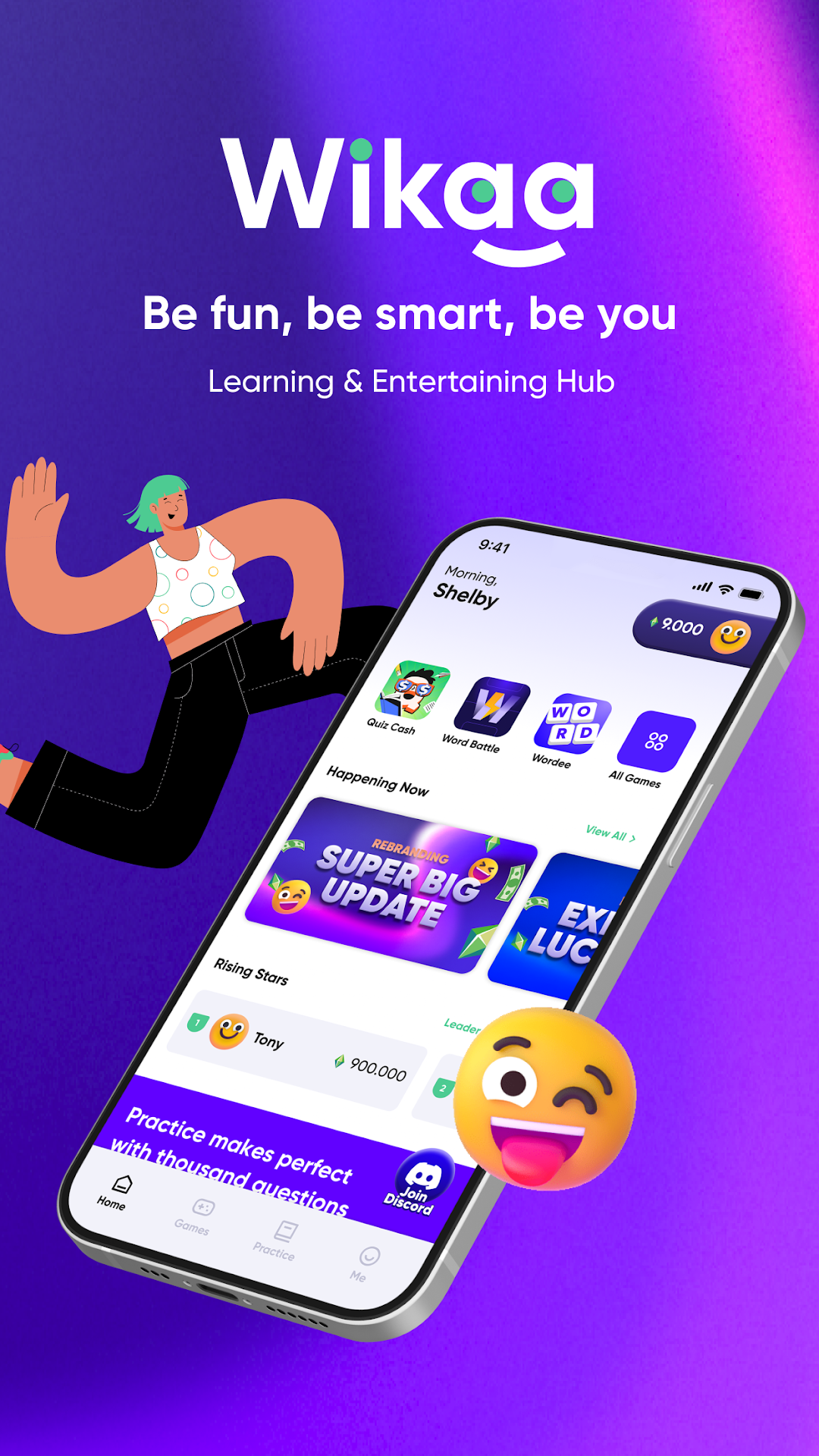
Wikaa is a Puzzle application developed by 1M Studio, but with the best Android emulator-LDPlayer, you can download and play Wikaa on your computer.
Running Wikaa on your computer allows you to browse clearly on a large screen, and controlling the application with a mouse and keyboard is much faster than using touchscreen, all while never having to worry about device battery issues.
With multi-instance and synchronization features, you can even run multiple applications and accounts on your PC.
And file sharing makes sharing images, videos, and files incredibly easy.
Download Wikaa and run it on your PC. Enjoy the large screen and high-definition quality on your PC!
Wikaa is a frictionless learning and entertaining hub for both web2 & web3 users with a bunch of funny games, lucrative rewards, wide-ranging content, and events.Wikaa has compelling competitive advantages compared with other casual games:
- Numerous entertaining and funny games
- Learn about blockchain via easy quizzes
- 100% free to play
- Suitable for everyone even those who have no knowledge of web3
- Diverse social features: referral program, PvP mode, friend making worldwide
What’s awaiting you to discover?
Interesting games, fun quizzes and questions, finding the friends of your life to play together. These are innovative features that you can experience in one app – Wikaa.
- It’s too easy not to try! Millions of Wikaa users are spending more than 2 hours on average diving in the games everyday.
- Hmm simple? Not yet! The intellectual challenge has just begun. Join the quiz camp, get 100% correct answers to grab numerous big gifts!
- Want to play together? Spread Quiz Cash, invite your friends to play with you through our referral program and PvP mode.
How to EXPERIENCE?
1. Entertaining games
Play a bunch of interesting casual games and gamified loop with Web3 on-ramp education!
2. Learning hub
Web3 mass adoption by answering fun quizzes and witty questions simultaneously.
3. Lucrative rewards
Get massive incentives right after finishing a game or a quiz, or even share them with your friends.
4. Social connecting
Invite your friends to play and learn together and find friends of your life.
Find us here
- Website: https://wikaa.io
- Twitter: https://twitter.com/wikaa_io
- Blog: https://wikaa.substack.com/
- Whitepaper: whitepaper.wikaa.io
- Discord:https://discord.gg/qEv5QbG5B5
- Telegram: https://t.me/wikaa_ann
- Youtube: https://www.youtube.com/@quizcash
Install Wikaa, try the game freely and have relaxing moments to the fullest!
Category: Free game, Casual Game, Education Game, Free to play