Racing Bus Simulator Pro is a Racing game developed by Zego Global Publishing. LDPlayer is the best platform for playing Racing Bus Simulator Pro on Windows PC, providing robust features to help you achieve an immersive experience in Racing Bus Simulator Pro.
When playing Racing Bus Simulator Pro on your computer, if you prefer using your own gamepad to control the game, LDPlayer's automatic gamepad detection can assist you in customizing controls with just a few simple clicks, allowing you to enjoy more realistic racing scenes and challenges.
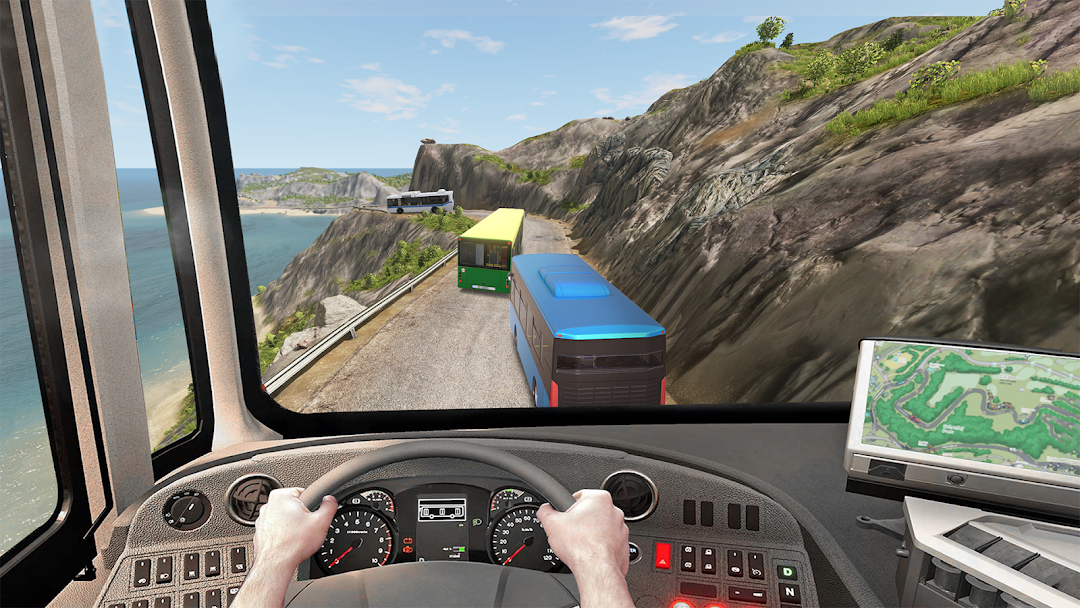
With support for high frame rates, the game's diverse track designs and rich terrain and environmental changes become even more lifelike and detailed.
Additionally, the video recording feature makes it easy for you to capture all the exciting and amusing races and game content, making it convenient to share with friends or create videos. Start downloading and playing Racing Bus Simulator Pro on your computer now!
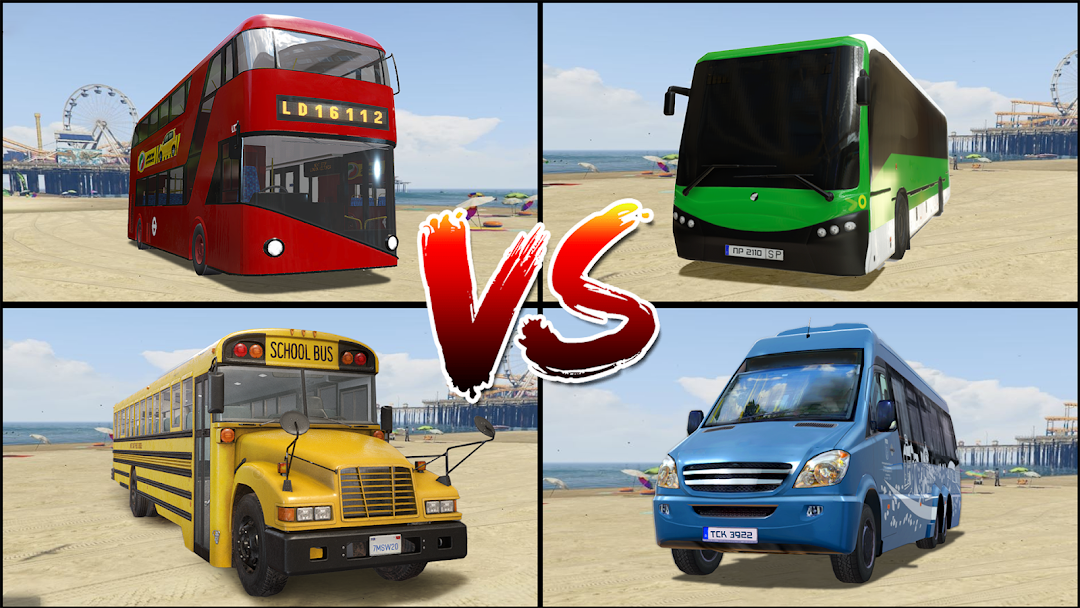
Start your racing as an experienced bus driver. Master your driving skills while driving through cities and roads in this comprehensive bus simulator game. Build and expand your transporting empire by unlocking new bus simulator games and lines and exploring new racing roads.Free 3D bus simulator games bring you the best in class racing experience. City driving is difficult but racing a large coach bus is much more challenging. Realistic maps, incredible vehicles, and wonderful interiors will make you feel like driving a real racing bus! It's time to get on racing and drive the bus to complete all the routes! Next-gen graphics including people animations, articulated, double and school bus (es) will make bus simulator games the best on the market! Push your endurance, skills and speed to the limit and become the best bus simulator driver.
BUS SIMULATOR GAMES - BUS GAME FEATURES:
- 10+ bus(es) to unlock
- Detailed and unique bus cockpits
- Over 50 different lines to master
- Driving by night
- Highly detailed maps of cities to explore
- Realistic car & human traffic
- Ticket sales by the driver
- Unique bus features including a wheelchair ramp and kneeling bus
- Highway Toll roads
- Realistic racing and traffic system
- Realistic weather > Rain, snow and many more.
- Realistic Bus sound effects
- Realistic host service.
- Easy controls (Tilt, Buttons or steering wheel)
- 32 amazing racing bus
- Used Bus(es) Market
Completely realistic Racing Bus Simulator Pro - Bus game
Are you ready to become an expert racing bus driver? Play Racing Bus Simulator PRO - Bus game!