Raft Wars: Attack is a Action game developed by Valkiew, and LDPlayer is the best platform for playing Raft Wars: Attack on PC, offering powerful features to immerse you in the game.
When playing Raft Wars: Attack on computer, you can adjust frame rate settings for smooth gameplay and stunning visuals.
LDPlayer also provides pre-configured keyboard mapping for convenient control of the entire game. Continuous optimization of keyboard mapping enhances key sensitivity and skill accuracy. Additionally, LDPlayer offers special buttons like shoot, hide mouse, and continuous key press for an enhanced gaming experience.
If you prefer using a gamepad, the automatic gamepad detection allows you to customize controls with just a few clicks, enabling you to freely maneuver your hero. Start downloading and playing Raft Wars: Attack on your computer now!
Do you remember playing Raft Wars ten years ago? The old version of Raft Wars is better developed and now on mobile!Simon, playing in the sand at the beach one day, you find gold and diamonds worth just over ten million dollars. Now that you're a rich baby,
Everyone wants a piece of the pie and is ready to take it from you at any cost.
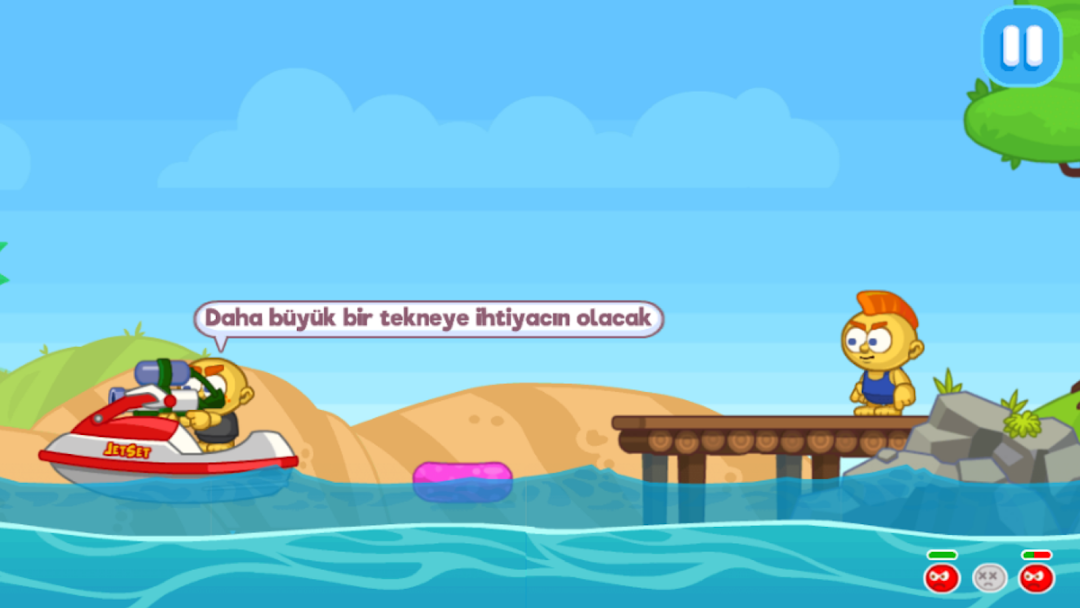
Air your raft, grab a bazooka and defend your treasure
To help you fend off pirates,
gangsters and even your neighbors join you, fully equipped with your brother Superman pajamas, wavy cape and everything. All types,
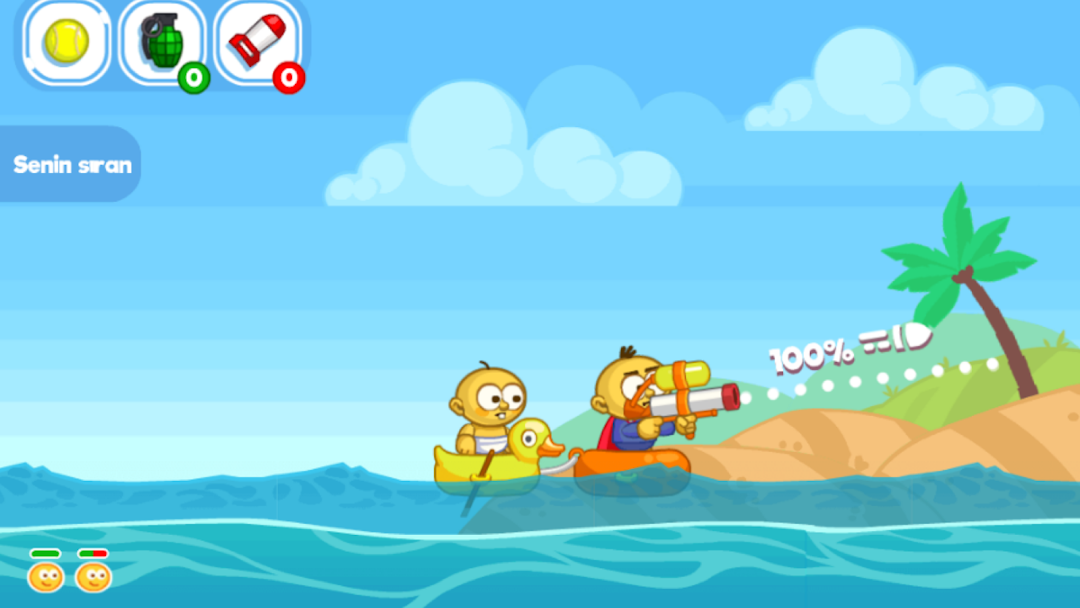
it's played like a Battleship game where you take turns taking a single shot.
As with the board game, the first attacks are pretty much a shot and a miss.
You can't see the whole level on the screen, and although you have trajectory and firepower indicators, it won't do you any good at first when setting up a shot.
Equip Simon with more weapons to deal extra damage
Your enemies can be eliminated in various ways.
They have a limited amount of health and two or three direct shots will kill them, but you can also fire a single shot that throws them into the ocean if you're lucky. One shot, one death.
As you progress through Raft Wars,
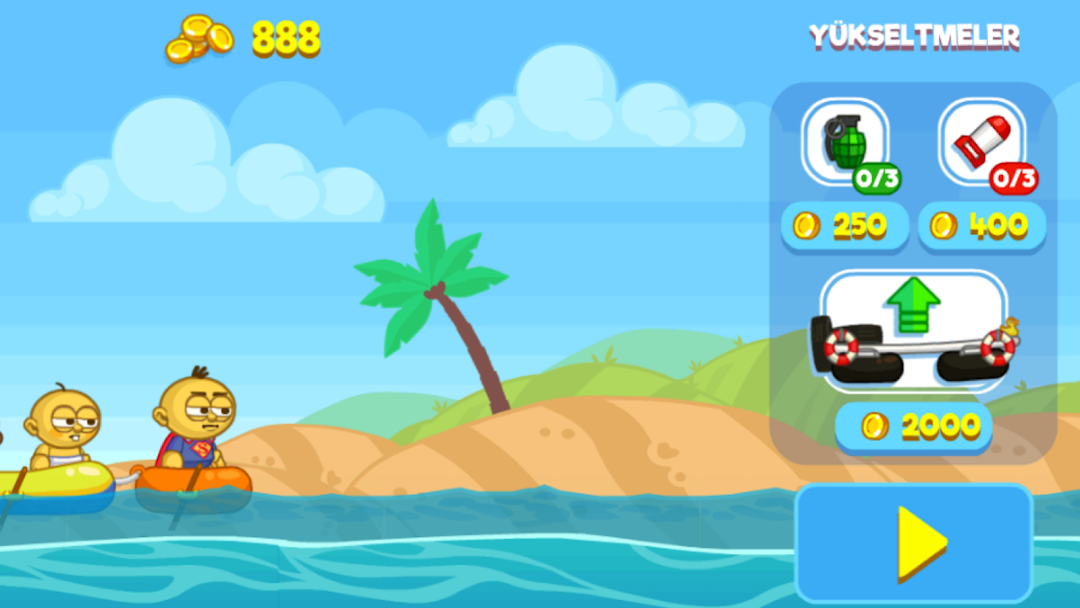
your enemies look better at aiming and therefore the game allows you to buy a more solid raft, grenades or even a rocket for additional firepower and area of effect bonus.
simple and fun
On a closing note, Raft Wars will not offer an exciting experience.
More,
A game you play on a Sunday when you have nothing better to do than shoot bullets at greedy people who will steal both candy and diamonds from a baby.
You can have a nice and enjoyable time. Throw your opponents overboard with your sniping skills.
It is very important that you choose your shooting point well.
Improve your bot with the gold you earn by leveling up!
You can get bombs and rockets
.
Shoot by moving your hand.
The simple daily fun game Raft Wars: Victory is now live!