

Ragdoll Fighting is a Action game developed by Yahaha Studio, and LDPlayer is the best platform for playing Ragdoll Fighting on PC, offering powerful features to immerse you in the game.
When playing Ragdoll Fighting on computer, you can adjust frame rate settings for smooth gameplay and stunning visuals.
LDPlayer also provides pre-configured keyboard mapping for convenient control of the entire game. Continuous optimization of keyboard mapping enhances key sensitivity and skill accuracy. Additionally, LDPlayer offers special buttons like shoot, hide mouse, and continuous key press for an enhanced gaming experience.
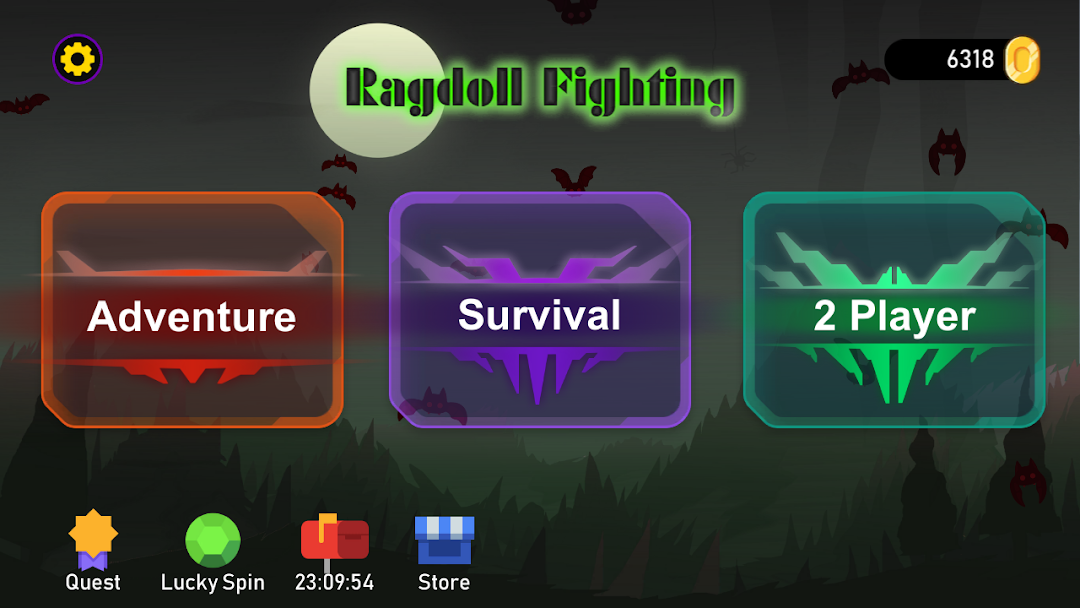
If you prefer using a gamepad, the automatic gamepad detection allows you to customize controls with just a few clicks, enabling you to freely maneuver your hero. Start downloading and playing Ragdoll Fighting on your computer now!
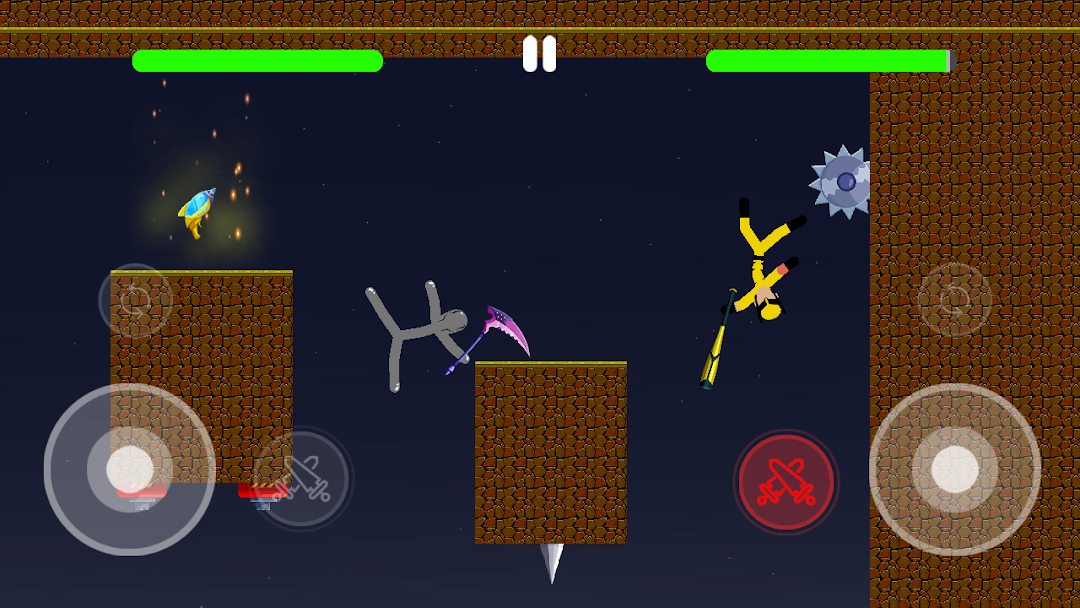
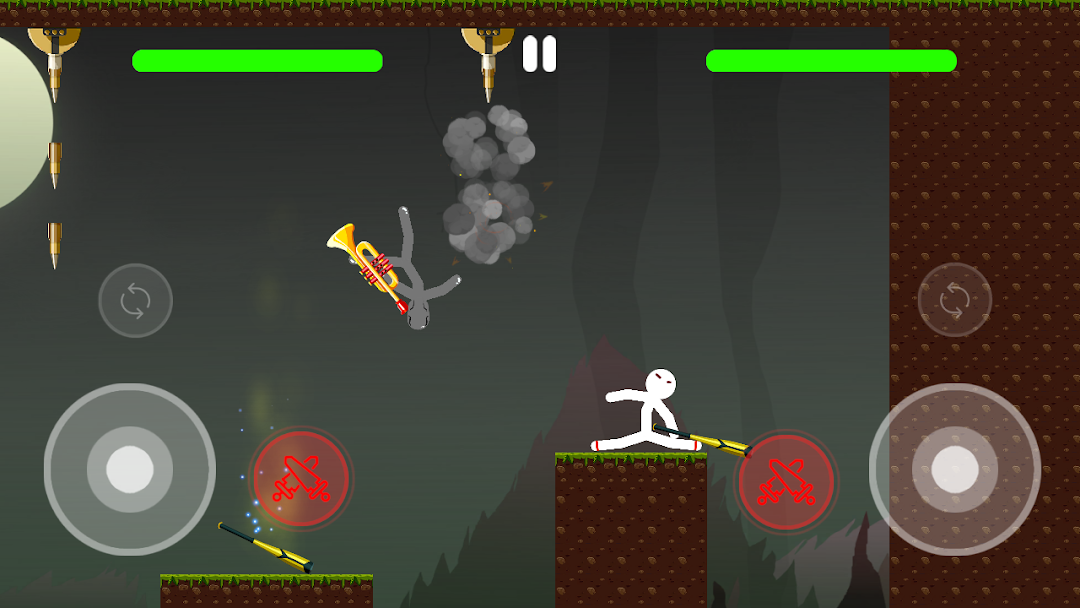
Ragdoll Fighting is a physics-based action game where hilarious chaos meets competitive gameplay. Take control of a stickman-style ragdoll character and enter fast-paced arenas filled with dangerous traps, crazy weapons, and unpredictable action.Compete against smart AI or challenge a friend in local two-player mode. Move freely in four directions, switch between dozens of weapons, customize your character, and use strategic power-ups to gain the upper hand. Whether you’re surviving waves of enemies or battling head-to-head, every moment is packed with excitement and laughter.
Game Features:
- Realistic ragdoll physics:
Every movement, hit, and fall is driven by a dynamic physics system, creating surprising and often hilarious outcomes. No two battles ever feel the same.
- 53 unique weapons:
Equip your fighter with anything from classic melee tools to wild and creative weapons. Each weapon has its own impact style and tactical use.
- 53 unlockable characters:
Collect and play as dozens of unique ragdoll fighters, each with distinct appearances and animations. Personalize your playstyle with a wide selection of skins.
- 3 game modes:
Campaign mode offers challenging levels and AI opponents. Survival mode puts your endurance to the test. Two-player mode lets you face off against a friend on the same device.
- 7 dynamic maps:
Battle across a range of themed arenas, each with its own layout, style, and deadly traps to avoid or exploit.
- 4 tactical power-ups:
Use items to heal, boost damage, protect yourself, or gain a temporary advantage when the action heats up.
- Simple controls, deep gameplay:
Easy to learn and fun to master. The intuitive control scheme makes it accessible to new players, while the gameplay offers depth for seasoned fighters.
- Optimized performance:
Smooth graphics and stable performance across most mobile devices, ensuring an enjoyable experience with quick load times and efficient battery usage.
- Designed for solo and shared play:
Play alone for a challenging experience or invite a friend for chaotic local multiplayer battles. The game is built for fun, laughter, and replayability.
Get ready for wild fights, unpredictable moments, and nonstop action. Whether you're in it to win or just to laugh, Ragdoll Fighting delivers an unforgettable mobile fighting experience.
Download now and join the ragdoll arena. Let the funniest fight begin.