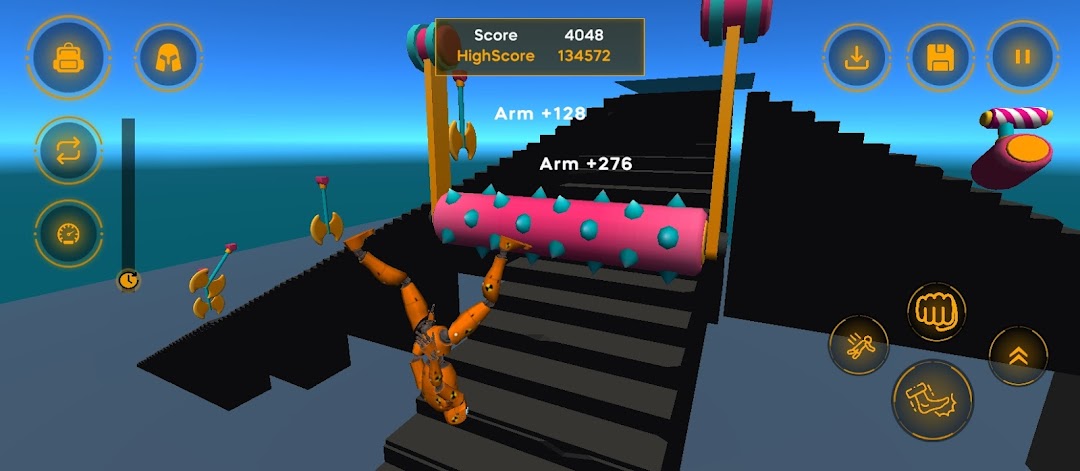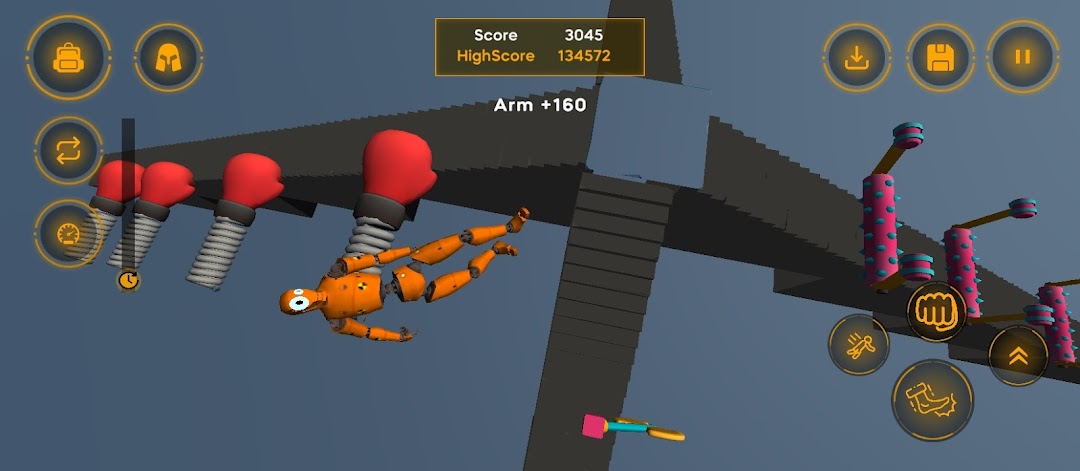


Ragdoll Simulator 3D is a Simulation application developed by DAKI, OOO, but with the best Android emulator-LDPlayer, you can download and play Ragdoll Simulator 3D on your computer.
Running Ragdoll Simulator 3D on your computer allows you to browse clearly on a large screen, and controlling the application with a mouse and keyboard is much faster than using touchscreen, all while never having to worry about device battery issues.
With multi-instance and synchronization features, you can even run multiple applications and accounts on your PC.
And file sharing makes sharing images, videos, and files incredibly easy.
Download Ragdoll Simulator 3D and run it on your PC. Enjoy the large screen and high-definition quality on your PC!
Ragdoll Simulator 3D is a vibrant sandbox game that lets players dive into the world of physics-based chaos and creativity. With its advanced physics engine, the game brings ragdoll characters to life, making them react realistically to their surroundings as they tumble, collide, and interact in unpredictable ways. Whether it’s a simple fall or an elaborate chain reaction, the physics always deliver something unexpected and fun.The game offers a wide variety of environments and props for players to experiment with. From building intricate obstacle courses to launching ragdolls into the air, the possibilities are nearly endless. Each object and setting introduces new ways to test the boundaries of what’s possible, creating a space where imagination thrives.
Ragdoll Simulator 3D also encourages user-generated content, allowing players to design their own levels and scenarios. The intuitive controls make it easy to create and modify scenes, giving everyone the tools they need to explore their creativity and craft unique challenges or simply have fun with the unpredictable outcomes.