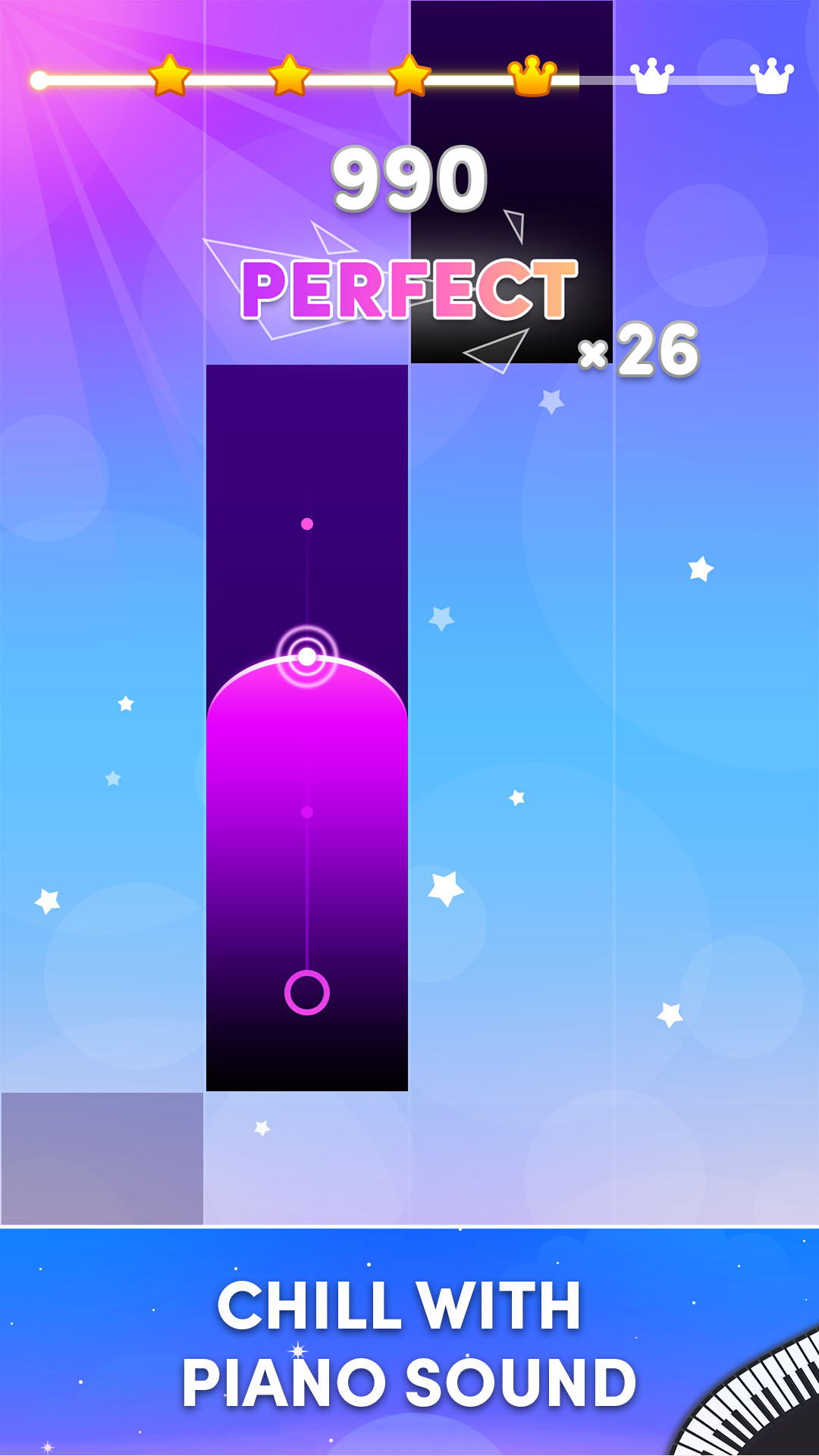
Rainbow Piano 2 Tap Music Game is a Music application developed by FM studio, but with the best Android emulator-LDPlayer, you can download and play Rainbow Piano 2 Tap Music Game on your computer.
Running Rainbow Piano 2 Tap Music Game on your computer allows you to browse clearly on a large screen, and controlling the application with a mouse and keyboard is much faster than using touchscreen, all while never having to worry about device battery issues.
With multi-instance and synchronization features, you can even run multiple applications and accounts on your PC.
And file sharing makes sharing images, videos, and files incredibly easy.
Download Rainbow Piano 2 Tap Music Game and run it on your PC. Enjoy the large screen and high-definition quality on your PC!
Love creepy melodies and a heart-pounding rhythm challenge? Prepare to be spooked by the return of the Rainbow Friends in Piano Rhythm Rainbow Friends 2! This thrilling sequel takes you on a musical adventure filled with catchy tunes, spooky surprises, and intense piano battles.Key Features:
Hauntingly Beautiful Music: Immerse yourself in a unique collection of piano melodies inspired by the Rainbow Friends universe. Every note will send shivers down your spine and test your musical reflexes.
Spooktacular Challenge: Master challenging rhythms and dazzling tile patterns as you race against time and the Rainbow Friends.
Unlock the Fun: Progress through creepy levels to unlock new songs, spooky characters, and exciting power-ups.
Rainbow Friends Galore: Encounter your favorite (or least favorite!) Rainbow Friends throughout the game. Will you befriend them with your musical mastery, or will they haunt your every tap?
Challenge Your Friends: Connect with your friends and see who reigns supreme in epic online piano battles. Share your scores and show off your musical prowess!
Endless Fun: With a constant stream of new songs and challenges, Piano Rhythm Rainbow Friends 2 offers endless spooky thrills to keep you entertained for hours on end.
Feeling brave enough to face the music? Download Piano Rhythm Rainbow Friends 2 today and experience the chilling fusion of creepy melodies, intense piano battles, and spooky fun!
Still not convinced? Here's more to love:
Intuitive and easy-to-learn gameplay: Perfect for players of all skill levels.
Stunning visuals: Experience the Rainbow Friends universe in a vibrant and eye-catching way.
Regular updates: New songs, challenges, and surprises are added frequently to keep the game fresh and exciting.
Completely free to play: Enjoy all the spooky fun without breaking the bank!
Join the musical mayhem and download Piano Rhythm Rainbow Friends 2 now!
We love to hear from our players! If you have any questions or feedback, feel free to reach out to our friendly support team.