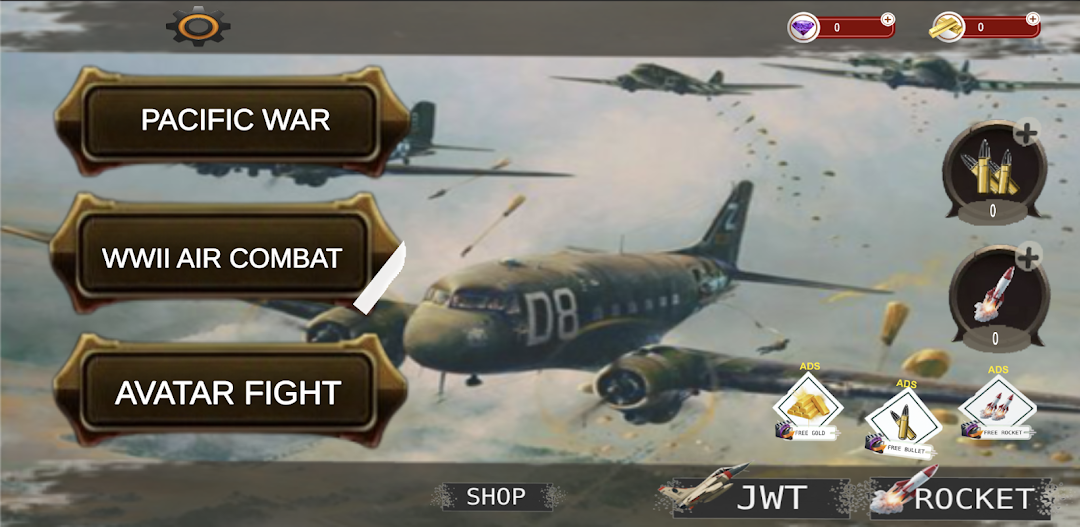


RC-AirSim is a Casual game developed by ta'bbata sharran. LDPlayer is the best platform for playing RC-AirSim on Windows PC, offering powerful features to enhance your immersive experience in RC-AirSim.
When playing RC-AirSim on your computer, if you find repetitive actions or tasks tedious and time-consuming, fret not! Macro can alleviate your concerns. Simply record your actions with a click of the screen recording feature and let macros take care of the rest. Macros automate your operations, allowing you to effortlessly conquer the game with minimal effort! Start downloading and playing RC-AirSim on your computer now!
RC-AirSim is a simulation game that allows players to experience the thrill of flying radio-controlled (RC) airplanes in various environments. Here's a description:RC-AirSim offers an immersive experience where players can pilot a variety of RC airplanes, ranging from small electric models to large gas-powered planes. The game features realistic physics and controls, allowing players to perform stunts, loops, rolls, and other aerial maneuvers just like they would with a real RC plane.
Players can choose from different locations to fly in, including open fields, parks, and even indoor arenas, each with its own unique challenges and obstacles. Weather conditions such as wind and rain add an extra layer of realism and complexity to the flying experience.
RC-AirSim also includes a variety of game modes, including free flight, time trials, and challenges where players must navigate through obstacles or perform specific tasks within a time limit. The game offers customization options for both the airplanes and the environment, allowing players to personalize their flying experience to suit their preferences.
With its realistic physics, diverse selection of planes, and engaging gameplay modes, RC-AirSim provides an enjoyable and authentic RC flying experience for enthusiasts and newcomers alike. Whether you're a seasoned RC pilot or a novice looking to learn the ropes, RC-AirSim offers something for everyone to enjoy