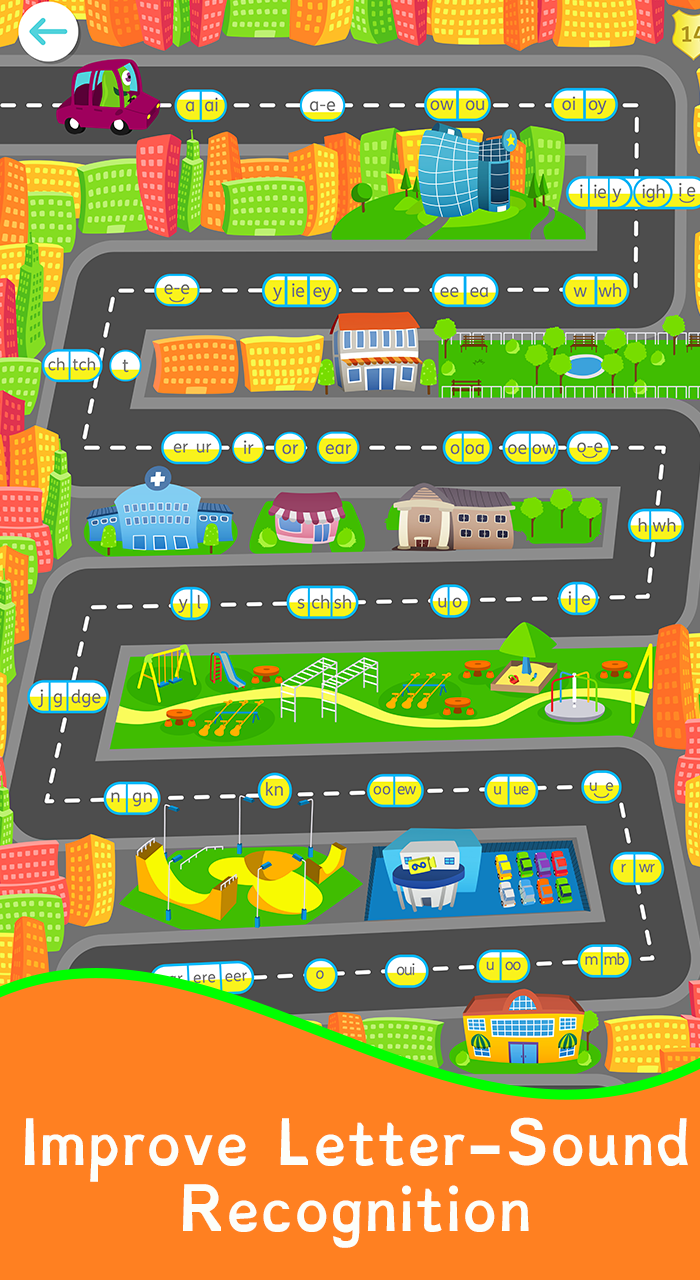
Read with Phonics - Games is a Educational application developed by Way We Learn LTD, but with the best Android emulator-LDPlayer, you can download and play Read with Phonics - Games on your computer.
Running Read with Phonics - Games on your computer allows you to browse clearly on a large screen, and controlling the application with a mouse and keyboard is much faster than using touchscreen, all while never having to worry about device battery issues.
With multi-instance and synchronization features, you can even run multiple applications and accounts on your PC.
And file sharing makes sharing images, videos, and files incredibly easy.
Download Read with Phonics - Games and run it on your PC. Enjoy the large screen and high-definition quality on your PC!
The #1 Learn to Read Kids appRead with Phonics games are a colourful and interactive way for your child to learn their phonics sounds through fun games! Our phonics games improve letter and sound recognition and is a great stepping stone to help your little ones on their reading journey!
Features:
- NO ADS!
- The only educational kids app with positive scoring!
- Over 1,200+ words and pictures
- Colourful graphics and great animations
- Sounding and blending of each word
- Play anytime, anywhere!
- Over 100+ phonics games
- Clear instructions
- Made by teachers!
- Albee the alien will guide your little ones on their journey
As your child systematically works through the Read with Phonics games, unlocking new phonics sounds to learn as they go, they quickly learn how to break down and read even the most complicated looking words, all by themselves! Start learning to Read with Phonics games today.
Play phonics games, answer questions, score points and improve your level!
Read with Phonics games simplify how children learn to read by breaking the English language down into it's 44 phonics sounds. No need to memorise 1,000's of words individually, learn your phonics sounds instead! Learn to read 1,200+ words with Read with Phonics games.
AVAILABLE ON ALL PLATFORMS
Learn how to read anytime, anywhere. Whether on the way home from school, or on the sofa at the weekends. Read with Phonics games are available on all the main app stores as well as online via our website ReadwithPhonics.com.
NOTE TO PARENTS:
As parents you can do a lot to help your child learn to read. Our phonics games are designed to be played independently but there is nothing like having parental guidance and support by their side while they play. We also cannot endorse strongly enough the importance of reading real books with your children!
We are a team of just two here at Read with Phonics games so please help us spread the word about our Read with Phonics games. We offer a completely free Phonics Program for schools, so why not let your school know about us? To keep our website and phonics games free for schools where we can have the biggest impact we rely on the support of parents. Please share this app with friends, family, daycares, non profit orgaizations, or simply post about it on Facebook, Twitter or Instagram. Sharing the word of Read with Phonics Games can help keep us stay free for schools and make such a huge difference to children all around the world!
READING MADE EASY
Read with Phonics games teach non readers their very first words and takes them all the way to being able to read their first book. Read with Phonics makes learning to read more efficient by breaking the English language into just 44 sounds, using the method of synthetic phonics .
Don't memorise 1,000's of words individually, learn to read with Read with Phonics. Learning to read has never been so easy!
LEARNING TO READ HAS NEVER BEEN SO MUCH FUN!
By turning lessons into phonics games, children learn their phonics sounds without even realising. Making learning to read fun with phonics games!
At Read with Phonics games every student starts on 0 and gains points for every correct answer. Points add up to increase their level which is always shown visually to them within the games. This creates a desire to succeed instead of a fear of failure, which is hugely important when discovering something new.
UNLOCK YOUR CHILD'S EDUCATION
'The ability to read is the foundation of all education, you cannot progress without it. I wanted to make learning to read as easy as possible, to give every child around the world the best possible start in life.' Read with Phonics Games Founder, Sophie Cooper.
support@readwithphonics.com
please leave a review on the app store!
Get in contact with us:
www.facebook.com/readwithphonics
www.twitter.com/ReadWPhonics
www.readwithphonics.com
*TO GAIN ACCESS TO THE FULL APP YOU WILL NEED TO MAKE AN IN APP PURCHASE*