

Real Star Golf Master 3D is a Sports game developed by Primo Apps and Games. LDPlayer is the best platform for playing Real Star Golf Master 3D on Windows PC, offering powerful features to enhance your immersive experience in Real Star Golf Master 3D.
When playing Real Star Golf Master 3D on your computer, the larger screen and more powerful graphics performance enable you to enjoy clearer and smoother game visuals, enhancing the visual experience of the game.
The operation of peripherals such as gamepads is emulated to better mimic the feel of real sports, providing more precise control and richer operation options.
Furthermore, if you wish to execute a series of continuous key combinations, the one-click macro feature will be the functionality you've been dreaming of, allowing you to effortlessly stay one step ahead with one-touch operation. Start downloading and playing Real Star Golf Master 3D on your computer now!
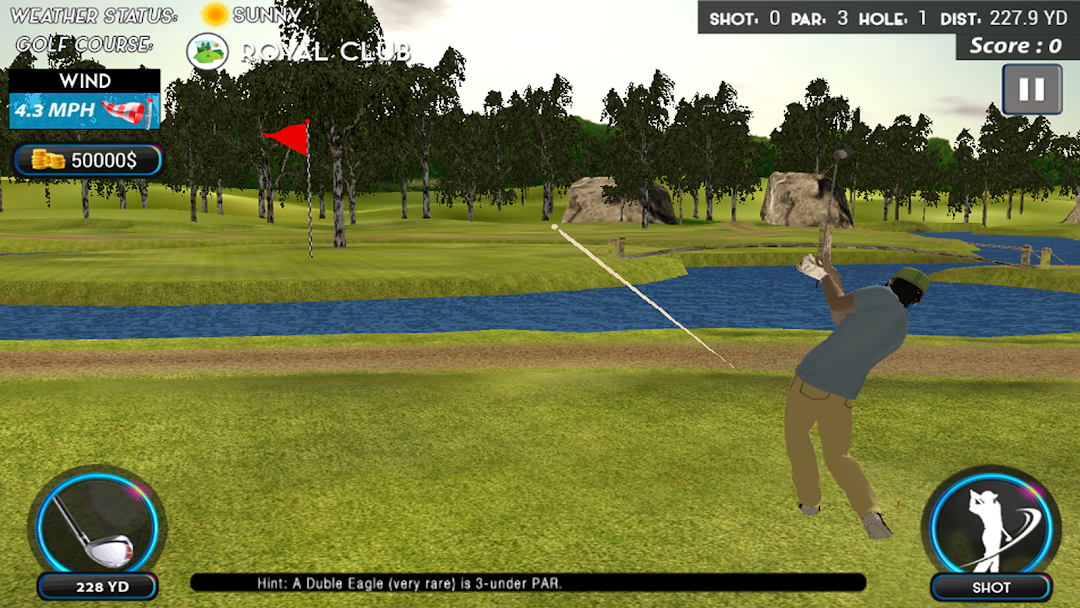
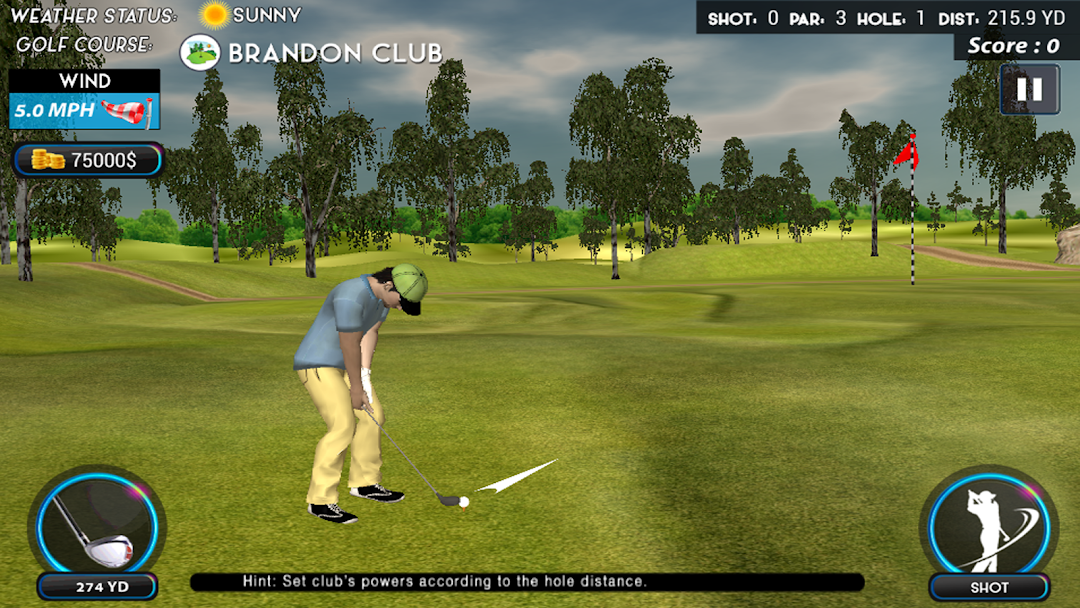
Do you want to experience the most exciting and adventurous real golf championship then Primo Games Studio presents the offline Real Star Pro Golf 3D Master for you which is the most fun golfing game with HD graphics, animations, golfing techniques, multiple amazing 3D golf courses, kits, players, weathers, scenes, and real game physics.In this offline Professional Real Star mini Golf Master 3D you can feel the excitement of every golf hit by pressing the shot button and set the direction of the shot by swiping on the screen, you can also choose different sticks according to the remaining distance. Now show your master skills by playing this genius offline gold star golf master 3D & new idea 3D game and make a hole. Play all holes with international real PAR scoring system. Offline pro real star golf master 3D, Pro golf genius king master game course keeps your passion for mini golf alive anywhere, anytime in real star golf genius. Offline arcade golf mini simulator offers a unique golfing experience on your android mobile devices.
Features:
-Multiple 3D environments
-Different weathers
-Multiple player selection
-Player customization
-Attractive 3D graphics
-Multiple golf courses
-Best game play physics
-Multiple golf kits
-Real time weather effects
-International real par scoring system
-User friendly game play with amazing 3D visual effects
So let's start to play this exciting Offline Real Star Golf Master 3D game and become an extreme master of pro gold Golf king genius Master 3D game and learn real golf tournament.