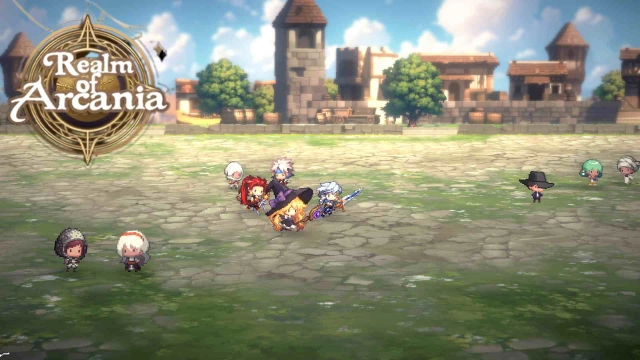
Realm of Arcania is a Simulation application developed by Xirong games, but with the best Android emulator-LDPlayer, you can download and play Realm of Arcania on your computer.
Running Realm of Arcania on your computer allows you to browse clearly on a large screen, and controlling the application with a mouse and keyboard is much faster than using touchscreen, all while never having to worry about device battery issues.
With multi-instance and synchronization features, you can even run multiple applications and accounts on your PC.
And file sharing makes sharing images, videos, and files incredibly easy.
Download Realm of Arcania and run it on your PC. Enjoy the large screen and high-definition quality on your PC!
Realm of Arcania combines real-time strategy battles with a kingdom-building simulation. Manage your realm and strengthen your army to conquer the world.Key Features:
Grow Your Heroes and Troops:
- Train and upgrade your heroes and troops.
- Enhance their abilities to take over enemy territories.
- Strive to become the ultimate ruler of the world!
Build Your Own Kingdom:
- As the leader, build and expand your castle.
- Manage resources efficiently to grow your kingdom.
- Develop a strong and prosperous empire.
Real-Time Battles:
- Engage in real-time combat with enemies.
- Make quick judgments and strategic decisions to win.
- Form alliances to expand your territory through a dynamic combat system.
Multiple Scenarios and Campaigns:
- Immerse yourself in a gripping story.
- Play through multiple campaigns with various challenges and adventures.
Multiplayer Mode:
- Compete against players from around the world.
- Form alliances and interact with enemies.
- Invade or defend other players' kingdoms in thrilling multiplayer battles.
- Prove your strategic prowess and become the ultimate strategist.
Spectacular Battles and Addictive Gameplay:
- Experience spectacular battles between warriors and wizards.
- Enjoy addictive gameplay that keeps you engaged for hours.
Download Realm of Arcania now and embark on your journey to glory!