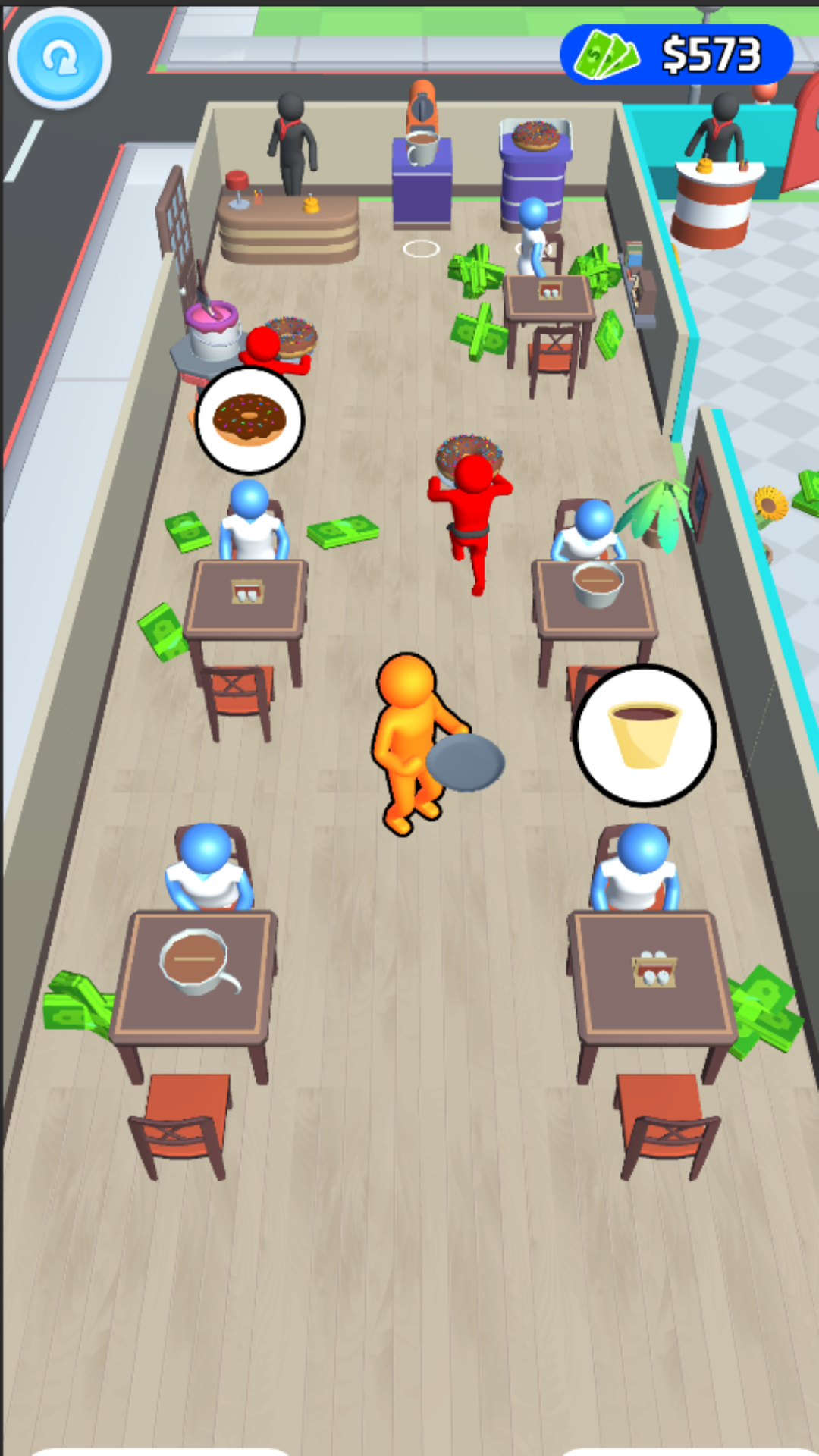
Restaurant Tycoon: Crazy Chef is a Role Playing game developed by Game Boom Studio, and LDPlayer is the best platform for playing Restaurant Tycoon: Crazy Chef on Windows PC, offering powerful features for an immersive experience.
When playing Restaurant Tycoon: Crazy Chef on PC, as a new player looking to start with a fresh account, the multi-instance and sync features are extremely useful for rerolls. You can use them to run multiple instances and begin the synchronization process. Bind your account until you draw the desired heroes.
In addition, operation recorder is great for games that require you to level up and complete tasks! Run the sync and record your actions, then repeat the main instance's actions in real-time. By doing so, you can run 2 or more accounts simultaneously. You can always get the heroes you want before others by faster rerolls and more efficient summoning! Start downloading and playing Restaurant Tycoon: Crazy Chef on your computer now!
Have you ever fantasised about owning the world's largest cafe restaurants and becoming the best cooking chef in the world by playing a restaurant chef game? Then check out Restaurant Master: Kitchen Chef Cooking Game, one of the greatest new free cooking simulator games on the Play Store. Restaurant Master: Kitchen Chef Cooking Game is a new addictive time management restaurant fever cooking game with limitless gameplay in which you play as a master chef by offering delectable food and delectable cuisine in cooking games. Cook a variety of delectable cuisines and provide quality food and prompt service to visitors to your entertaining restaurant chef games.Dash from restaurant to restaurant to spread the frenzied kitchen chef cooking games frenzy, something that a restaurant game would allow you to do in food games. Restaurant Master: Kitchen Chef Cooking Game is a lovely kitchen chef cooking game that puts your cooking, time management, and serving skills to the test in order to satisfy hungry guests.
Cafe Master: Kitchen Master Cooking Game teaches you how to prepare delectable dishes, run your own restaurant, and become a true master chef in the world of kitchen cooking! Begin your chef games craziness adventure in the kitchen, where you'll use a variety of ingredients to prepare delicious delicacies. In kitchen games, you can cook food for numerous customers at once to develop your cooking and time management abilities. As a result, the kitchen chef takes command of the cooking games and demonstrates master chef mania.