

RING OF RADIANCE is a Puzzle application developed by Mock GameLab, but with the best Android emulator-LDPlayer, you can download and play RING OF RADIANCE on your computer.
Running RING OF RADIANCE on your computer allows you to browse clearly on a large screen, and controlling the application with a mouse and keyboard is much faster than using touchscreen, all while never having to worry about device battery issues.
With multi-instance and synchronization features, you can even run multiple applications and accounts on your PC.
And file sharing makes sharing images, videos, and files incredibly easy.
Download RING OF RADIANCE and run it on your PC. Enjoy the large screen and high-definition quality on your PC!
✨ A Pixel-Art Puzzle Sandbox About Light, Forging, and Stories ✨In RING OF RADIANCE, you are the blacksmith of a mysterious magic forge hidden deep within the mountains. Your task is to craft powerful Rings of Radiance for wandering heroes — each with their own secrets and quests.
🔵 Forge Rings by Designing Furnaces
You don't control magic directly; instead, you design furnaces!
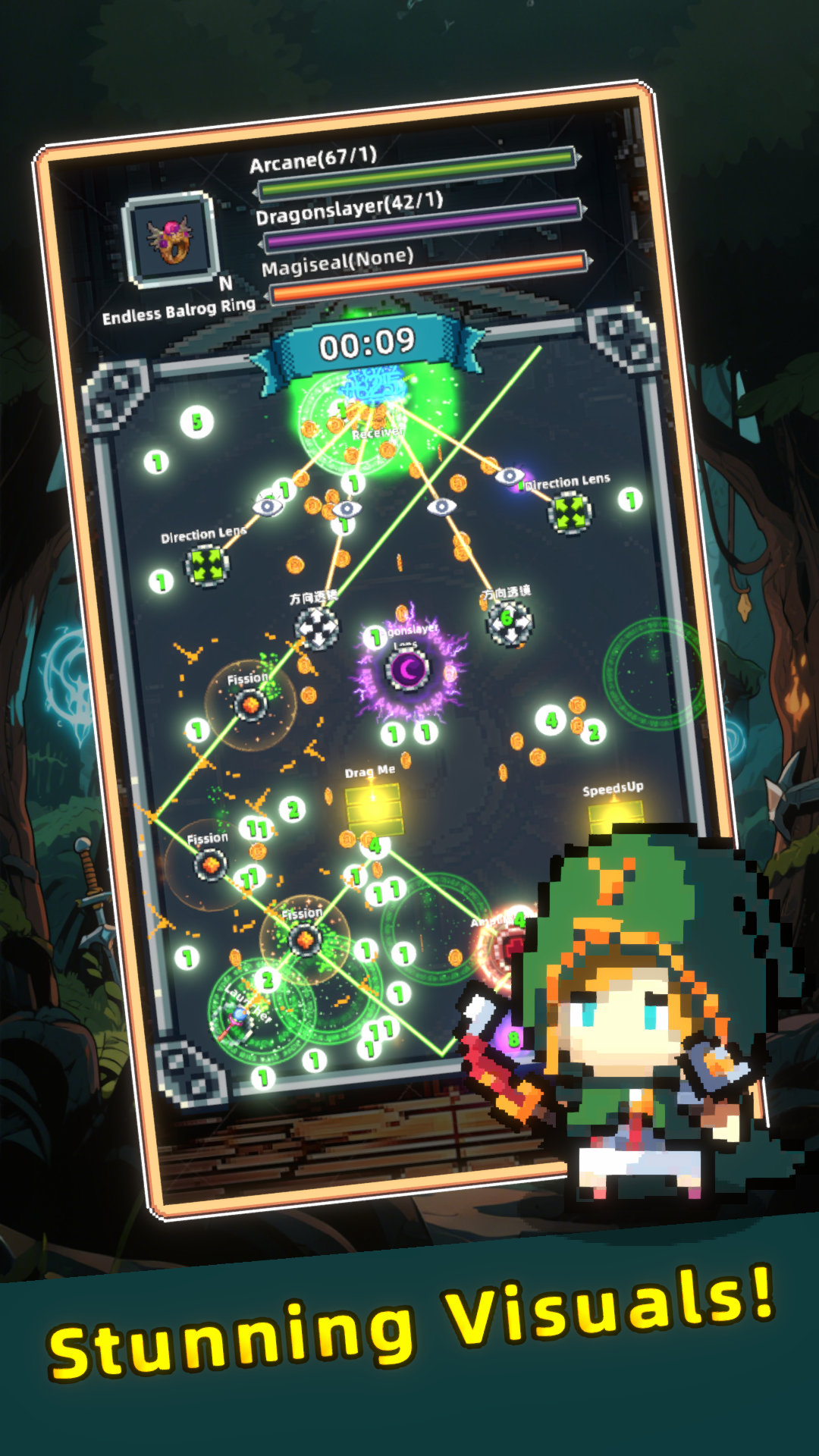
Combine and arrange various magic blocks to bend, reflect, and guide the radiant beams.
Each hero brings unique requests and subtle hints based on their personality. For example:
"Ah-nin hates being seen."
Perhaps this means the receiver is hidden, requiring you to rethink your furnace design.
🟣 A Story Behind Every Hero
Heroes are more than customers — each one carries a story.
As you complete their ring commissions, you'll gradually piece together fragments of their lives.
What seem like small, stand-alone tales will soon intertwine, revealing a larger and touching narrative.
🟡 Features
Unique puzzle mechanic: solve radiant light challenges by designing furnaces
Story-driven sandbox: uncover interconnected micro-stories
Dynamic forge: the environment changes depending on the hero
Retro pixel-art with charming lighting effects
Will you become the guiding light in the hearts of these heroes?
Download RING OF RADIANCE and begin your journey as the legendary Forgemaster!