Role World Adventure is a Adventure application developed by Appbrok, but with the best Android emulator-LDPlayer, you can download and play Role World Adventure on your computer.
Running Role World Adventure on your computer allows you to browse clearly on a large screen, and controlling the application with a mouse and keyboard is much faster than using touchscreen, all while never having to worry about device battery issues.
With multi-instance and synchronization features, you can even run multiple applications and accounts on your PC.
And file sharing makes sharing images, videos, and files incredibly easy.
Download Role World Adventure and run it on your PC. Enjoy the large screen and high-definition quality on your PC!
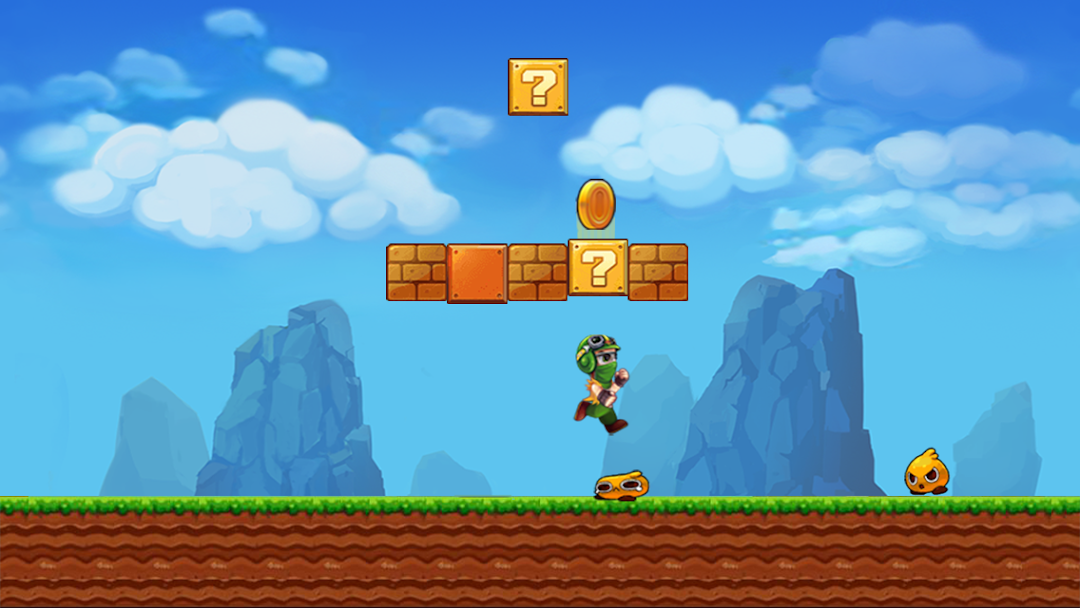
Super role world adventure is a super adventure of jungle world, super boy want to become a treasure hunter.Super jungle adventure jump is a classic platform game. You can get exciting experience of jumping & running .
It combines the old school play and new arcade elements.
This is the most challenging adventure!
Take you back to your childhood with the legendary mission:
princess rescue.Your task is to help Role World run through the mysterious jungle to save the beautiful Princess at the final destination.
One day, Jungle boy found an ancient map in the warehouse of his grandfather, it leads to the super jungle world.
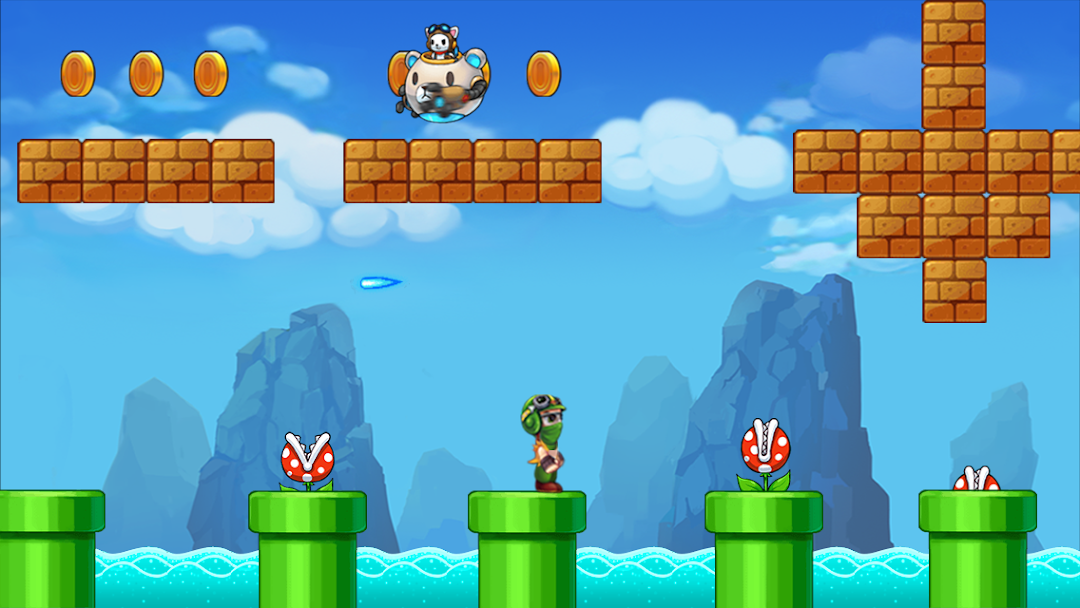
super jungle adventure is the best classic, best adventure platform game In this role world super adventure, must shoot, fight and smash enemies, find items to pass stages .There are powerful types of items hidden in bricks too You can use the coins you collect when playing.
Role World runs and jumps across platforms and stops enemies and antagonists during the levels.
in this fun packed jungle lava world adventure must avoid many obstacle and monster enemies and Make sure super boy collects all the power up and mushrooms to grow to be strong and win the challenge.
🍄 Features:
• So much scenes: jungle, frozen, cave
• Tricky monsters: snails, spiders, scorpion, carnivorous flower and so many other enemies...destroy them !
• Addictive game play
• Amazing graphics
• Music and sound effects
• Challenging level design
• Fun for all ages
• Smooth Running and Jumping
• Free to Play
• 80 well made levels
• 4 worlds
• 8 boss fights.
• Run and Jump with style to rescue
• 8 scenarios with magnificent graphics
• 24 different monsters from the former versions
• Cave Adventures can transform his size
🍄 How To Play
• Tap Left / Right to move.
• Eat mushroom and flower to become stronger and defeat all monsters.
• Eat flower to shoot enemy.
• Jump to crash the enemy.
• Collect all coins and bonus items to run further
🍄 We hope you enjoy our awesome game from the best of classic arcade games and please let us know your thoughts and opinions on how to improve our game.