

Royal Triple Match 3D is a Puzzle application developed by Fireholder Game .Corp, but with the best Android emulator-LDPlayer, you can download and play Royal Triple Match 3D on your computer.
Running Royal Triple Match 3D on your computer allows you to browse clearly on a large screen, and controlling the application with a mouse and keyboard is much faster than using touchscreen, all while never having to worry about device battery issues.
With multi-instance and synchronization features, you can even run multiple applications and accounts on your PC.
And file sharing makes sharing images, videos, and files incredibly easy.
Download Royal Triple Match 3D and run it on your PC. Enjoy the large screen and high-definition quality on your PC!
Puzzle game - Find hidden objects and win.Matching fun items and cute objects - search and discover them all.
Relax and enjoy this addictive game as you look for 3D items and complete various missions!
Train your perceptiveness!
Find hidden beautiful and shiny 3D objects!
Train your brain, match cute items, solve puzzles and win amazing prizes!
The game is designed to help you relax, get rid of everyday stress, and strengthen your memory. It's super fun and entertaining!
✨How to Play✨
- Touch three same 3D items to collect them
- Find selected 3D objects hidden in the clutter
- Complete missions and win great prizes
- NOTE! Each level has a timer so you have to act fast to reach the goal!
- Pay attention to the collecting bar; do not fill it up, or you'll fail the game.
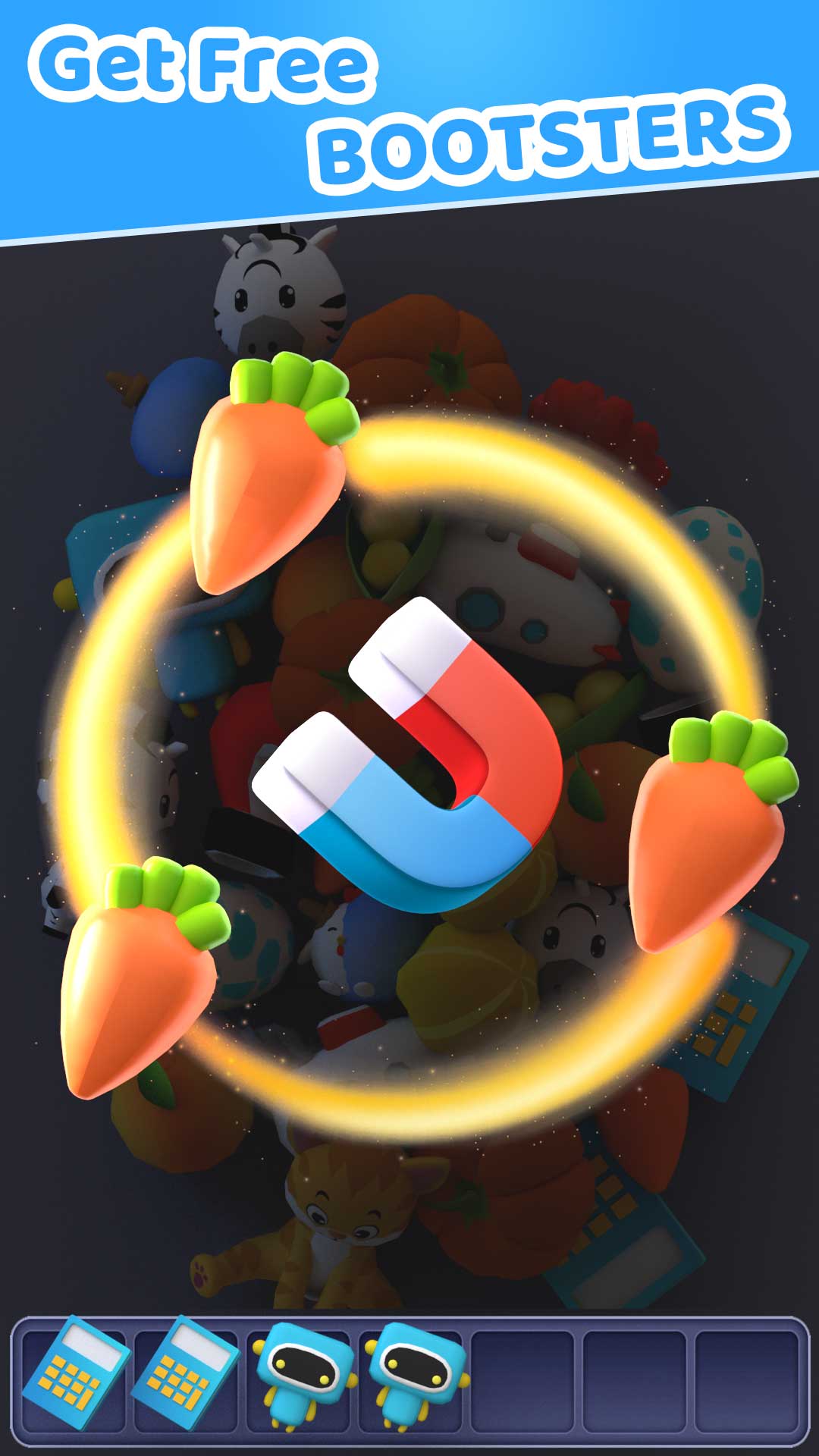
- Use boosters like a magnet, lightning bolt or magnifier to help you pass difficult levels
- Use the mixer option to rearrange items on the board
💥Features:
- Free to play
- Exciting visuals and 3D objects!
- Beautifully designed levels
- Easy and relaxing time-killer game!
- Awesome boosts, hints to help you along the way
- Free to play online or offline, no Wi-Fi or internet connection is required!
- Huge amount of various 3D objects (candy 🍬, cute animals 🐃, cool toys 🤖, appetising food 🦑, delicious fruit🍓, etc.) discover them all.
- Well-designed levels, brain training 😛. Challenge yourself!
Try out this fun matching game and start playing NOW!