Rumble Quest: Epic Idle RPG is a Adventure application developed by Lotus Play Games Studio, but with the best Android emulator-LDPlayer, you can download and play Rumble Quest: Epic Idle RPG on your computer.
Running Rumble Quest: Epic Idle RPG on your computer allows you to browse clearly on a large screen, and controlling the application with a mouse and keyboard is much faster than using touchscreen, all while never having to worry about device battery issues.
With multi-instance and synchronization features, you can even run multiple applications and accounts on your PC.
And file sharing makes sharing images, videos, and files incredibly easy.
Download Rumble Quest: Epic Idle RPG and run it on your PC. Enjoy the large screen and high-definition quality on your PC!
Welcome to Rumble Quest: Epic Idle RPG - the ultimate epic RPG adventure where you'll engage in thrilling battles, uncover ancient mysteries, and immerse yourself in a world where the heroic pet is your secret weapon in the war!In the mystical realm of Rumble Quest, heroes rumble through various chapters, battling powerful bosses and demons. But here's the twist - their epic adventures are not what they seem.
Little do they know, their epic adventures are actually vivid delusions, as they are patients trapped in a mental hospital. Joined by the player, they must face these challenges head-on, seeking the truth behind their confinement and rumbling towards freedom.
Let's explore the exciting features of this initial release:
⚡️ Epic Heroic War:
- Experience the thrill of progress even when you're not actively playing! The core loop battle system allows your hero to continue advancing and earning resources in your absence.
- Enhance your hero's abilities by equipping unique gears.
- Embark on an exciting journey with our first list of Heroes. From cute and adorable to fierce and mighty, these heroes will captivate your imagination.
⚡️ Heroic Pet Companions:
- Introducing the highly anticipated Pet system!
- Each pet has unique abilities and provides bonuses to your hero's stats.
- Obtain pets through summoning, special events, or purchase packages.
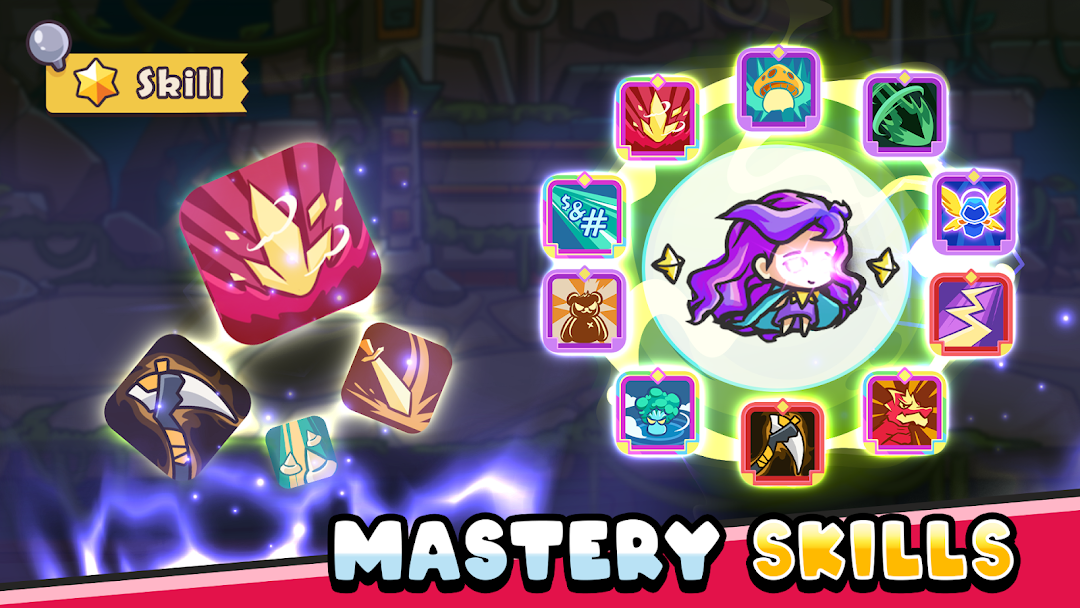
⚡️ Mastery of Skills:
- Unlock and upgrade a wide range of skills.
- Each skill offers unique bonuses and abilities to enhance your progress and strategy.
⚡️ Kingdom Quest:
- Engage in captivating Kingdom Quests to gather precious resources and unlock new avenues for enhancing your hero's abilities.
⚡️ Castle Dominion:
- Enjoy Dungeon and Academy to power up your ability
- Log in regularly to maximize your progress and engagement.
...and many more.
Game Features:
⚡️ A thrilling, single-player adventure full of mystery
⚡️ Idle Auto-Battle
⚡️ Endless Battle
⚡️ RPG Progression & Strategy
⚡️ RPG adventure Battles
We value your feedback and look forward to enhancing your gaming experience. Stay connected for future updates and exciting announcements ❤️