Saladin: Conquest of Jerusalem is a Action game developed by Ladik Apps & Games, and LDPlayer is the best platform for playing Saladin: Conquest of Jerusalem on PC, offering powerful features to immerse you in the game.
When playing Saladin: Conquest of Jerusalem on computer, you can adjust frame rate settings for smooth gameplay and stunning visuals.
LDPlayer also provides pre-configured keyboard mapping for convenient control of the entire game. Continuous optimization of keyboard mapping enhances key sensitivity and skill accuracy. Additionally, LDPlayer offers special buttons like shoot, hide mouse, and continuous key press for an enhanced gaming experience.
If you prefer using a gamepad, the automatic gamepad detection allows you to customize controls with just a few clicks, enabling you to freely maneuver your hero. Start downloading and playing Saladin: Conquest of Jerusalem on your computer now!
Salah al-din: Conquest of JerusalemJoin the war for holy lands and lead your army to the conquest.
Defeat crusader armies and capture holy Jerusalem city.
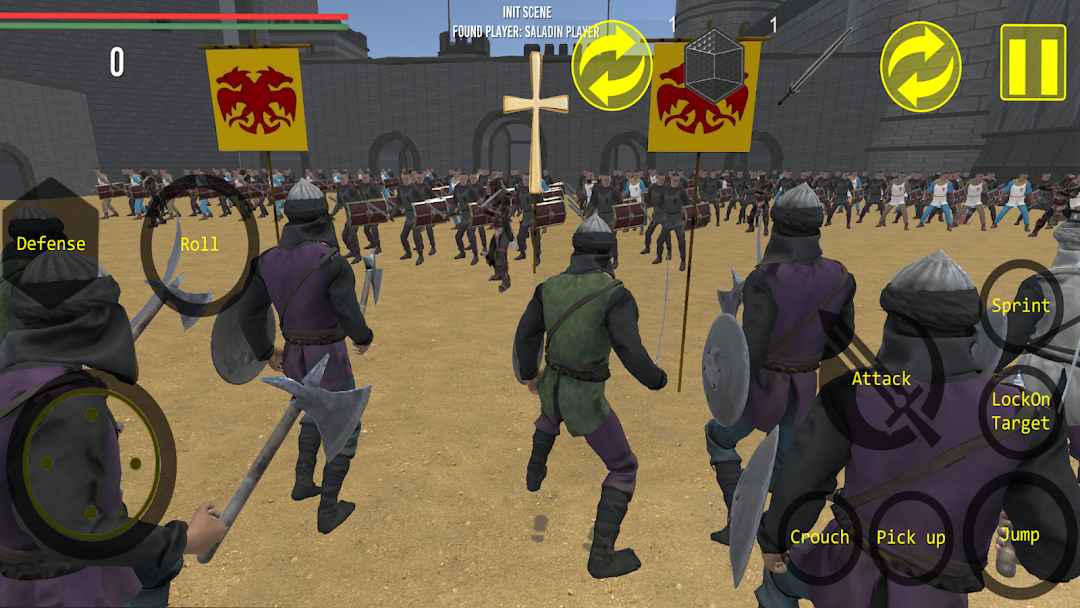
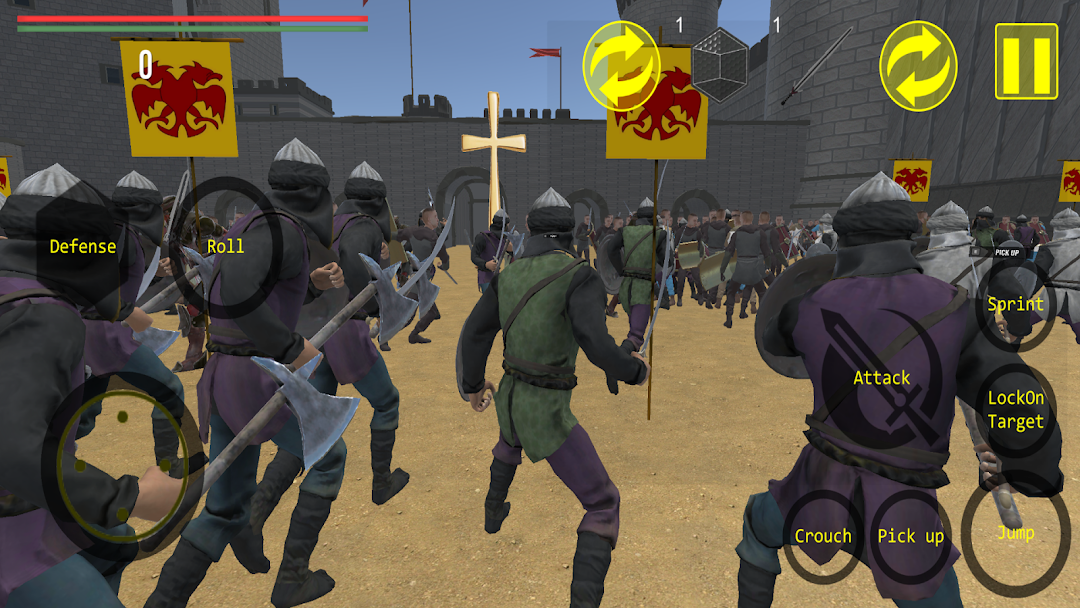
Saladin (Salah Al-din or Salahuddin) is the Sultan or Emperor of many muslim lands like Egypt, Syria, Iraq, Jordan, Arabia and Yemen; declared war to the crusade Kingdom of Jerusalem. His holy war was for the saving the holy Jerusalem city of all abrahamic religions. He made so many battles with crusades and templars and captured many castles from them. You will play as Salah al-din in this game and rule his holy warriors in all battles. You need to eliminate all enemy power, kill all soldiers and capture all castles. You will go to battle with your soldiers where they are your companions. They will follow you and skirmish against crusaders. Collect them and lead your army compliant with war strategy. It is mostly up to you to defeat enemy army because they are strong too. It is not very easy to capture all these castles, fortresses churches and temples.
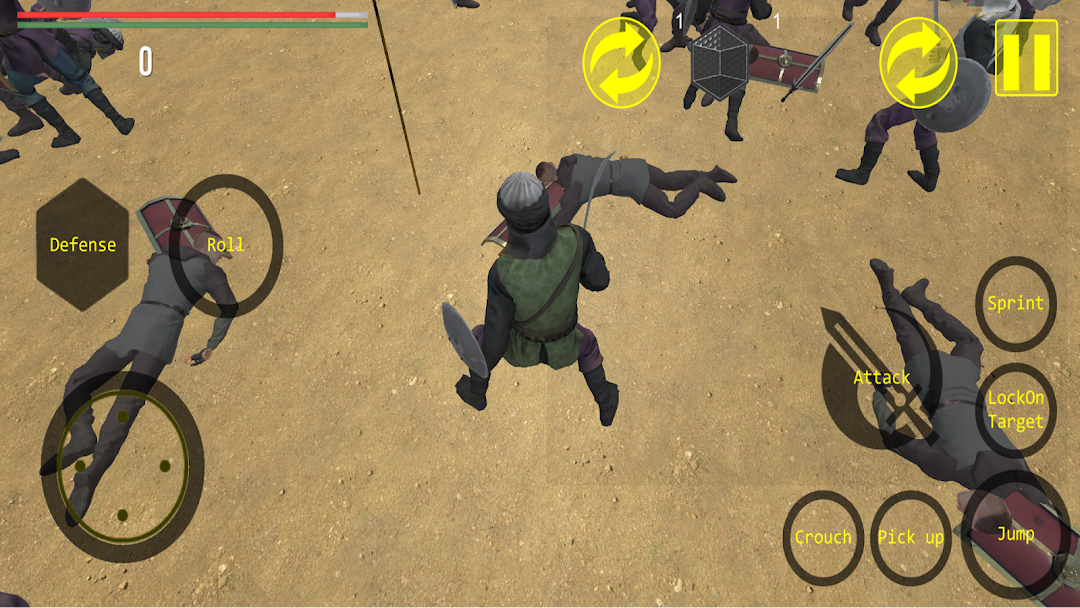
There are many missions in this game. You can exchange your sword with axe, spear or other weapons. You have some abilities to defend or attack. They are as following: jump, roll, follow the target soldier, pick up new items, health up, sprint, defence and attack. you can rotate camera and change your game view.
Features:
- Melee Combat Behavior & Animation
- Use different MoveSets, Attacks, Defenses
- Inventory, Collect, Drop and Destroy items
- Holder Manager
- Different types of Potions to recovery health or increase health/stamina
- Lock-On Target System
- Advanced Third Person Camera System
- Sprint, Jump, Crouch, and Roll
- Generic Action system to trigger simple animations
- Ragdoll System
- FootStep System
Good luck to you in your holy journey.
Ladik Apps and Games Team